

Amp Student Discount 2026: Get 50% Off Megawatt
Student & teacher offer • Verified October 19, 2026
Students and teachers can get Amp Megawatt for $10 per month. Here’s how to claim the education price, what the plan includes, and which usage costs to check before subscribing.
Get the Amp Education Discount →Quick answer: The Amp student discount gives students and teachers 50% off Megawatt: $10 per month instead of $20. Sign in through the official education page and complete its discount form. The offer applies to Megawatt only.
What Is Amp?
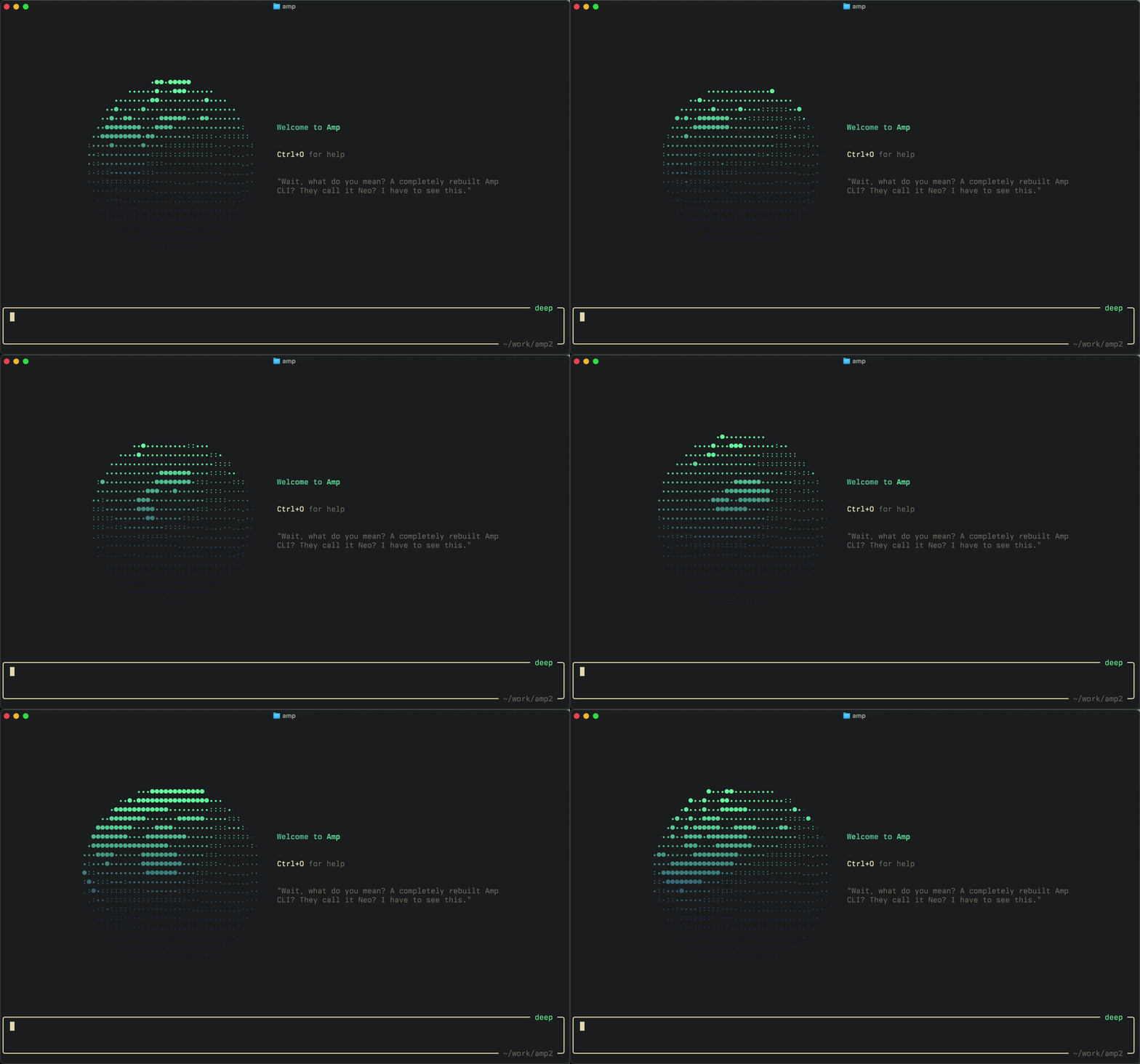
Amp is an AI coding agent for working on software projects. Its orb workflow runs agents in remote environments with your repository and development tools. For a student, that could mean investigating a bug, improving a portfolio app, or working through a project change while keeping the resulting code available for review.
What Is the Amp Student Discount in 2026?
The Amp education offer reduces the advertised monthly Megawatt price from $20 to $10 for students and teachers. It is a discounted subscription rather than a free student plan. Check your total budget alongside the model access you intend to use.
Open Amp’s education page and complete the discount form after signing in.
Check the Official Amp Student Offer →Amp Student Pricing vs Hobby vs Megawatt
| Plan | Monthly price | Compute arrangement | Student angle |
|---|---|---|---|
| Hobby | Free plan | Pay-as-you-go orbs or your own runners | Check first for occasional work |
| Megawatt | $20 | 45,000 orb minutes listed | Regular individual price |
| Megawatt education | $10 | Megawatt education offer | Students and teachers; confirm account terms |
Model access and any additional usage costs need separate consideration. The free Hobby price does not mean every compute or model option costs nothing.
Who Is Eligible for the Amp Education Discount?
Amp names students and teachers as the intended audience. Its public education page does not spell out a complete list of accepted institutions, countries, or verification documents. Check the signed-in form for the requirements that apply to you. Do not assume that having—or lacking—a .edu address settles eligibility.
How to Claim the Amp Student Discount
- Open Amp for Students & Teachers.
- Sign in or create the account you intend to use.
- Complete the education-discount form and provide any requested eligibility information.
- Confirm the Megawatt education price and payment terms in your account before subscribing.
- Check your model-access arrangement and any separate usage charges before starting a larger task.
For an existing subscription, Amp says the discount starts at the next renewal, with no retroactive refunds. It also reserves the right to change or discontinue the offer and qualification criteria.
Use the account you intend to keep and check when the discounted rate takes effect.
Check the Official Amp Student Offer →What Does Amp Megawatt Include?
The current pricing page lists 45,000 minutes of orb time for Megawatt, unlimited public and private repositories, and support for using external subscriptions or your own API keys. Orb time is computing time; it should not be treated as an unlimited model-token allowance.
Amp describes orbs as remote machines where agents work on your repository. A thread can have its own environment with the project and development tools available. For a student, that suggests a useful way to explore a separate bug fix or project change without doing all the setup locally.
Does the Student Price Include All AI Usage?
Not necessarily. Amp’s August education announcement describes linking a separate AI subscription and includes $10 in monthly credits for other model usage. Its education-page notes still describe those credits as incidental usage alongside a paid subscription.
However, the current main pricing cards emphasize bringing subscriptions or API keys and do not display that credit allowance. Confirm the allowance and billing arrangement inside your account. Budget for the Amp subscription plus any separate model subscription, API usage, or additional compute you choose.
What Can Students Use Amp For?
A sensible first evaluation is a small personal project with a reproducible bug, a missing test, or one clearly defined feature. Ask for an explanation and a focused change, then inspect the files and run the project yourself.
Use a small personal project with a reproducible bug—for example, a reading-list app that fails when a book title is empty. This is a suggested evaluation, not a test we have run.
Investigate why an empty book title breaks this app. Explain the cause before editing. Make the smallest appropriate fix, add a regression test, and show the commands and results used to verify it. Summarize every changed file.
Compare the result with fixing the bug yourself. Did the explanation help you understand the failure? Can you explain the patch? Did the test fail before the change and pass afterward? A useful coding assistant should leave you able to maintain the result.
Amp Handoff: An Earlier Approach to Long-Context Drift
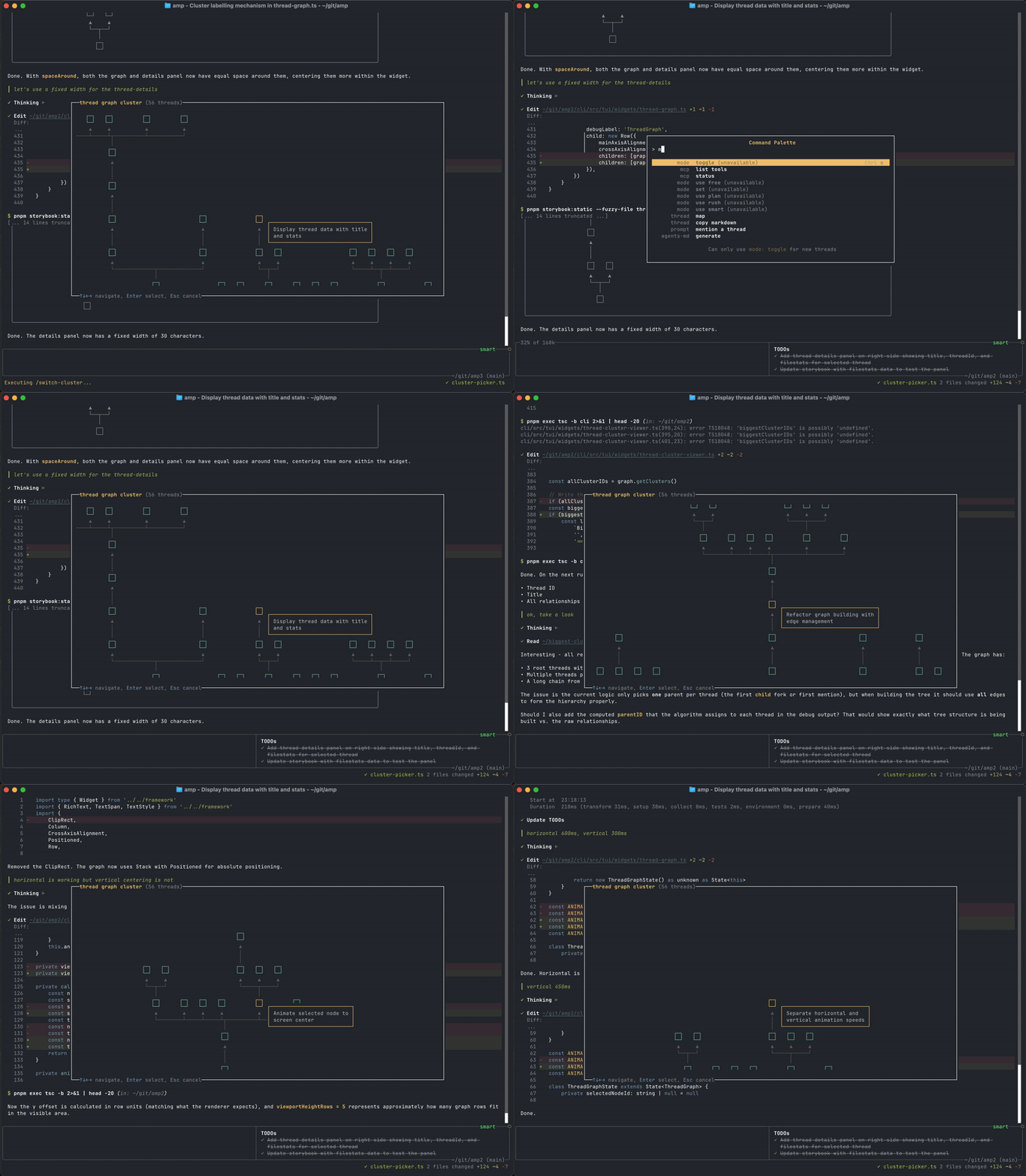
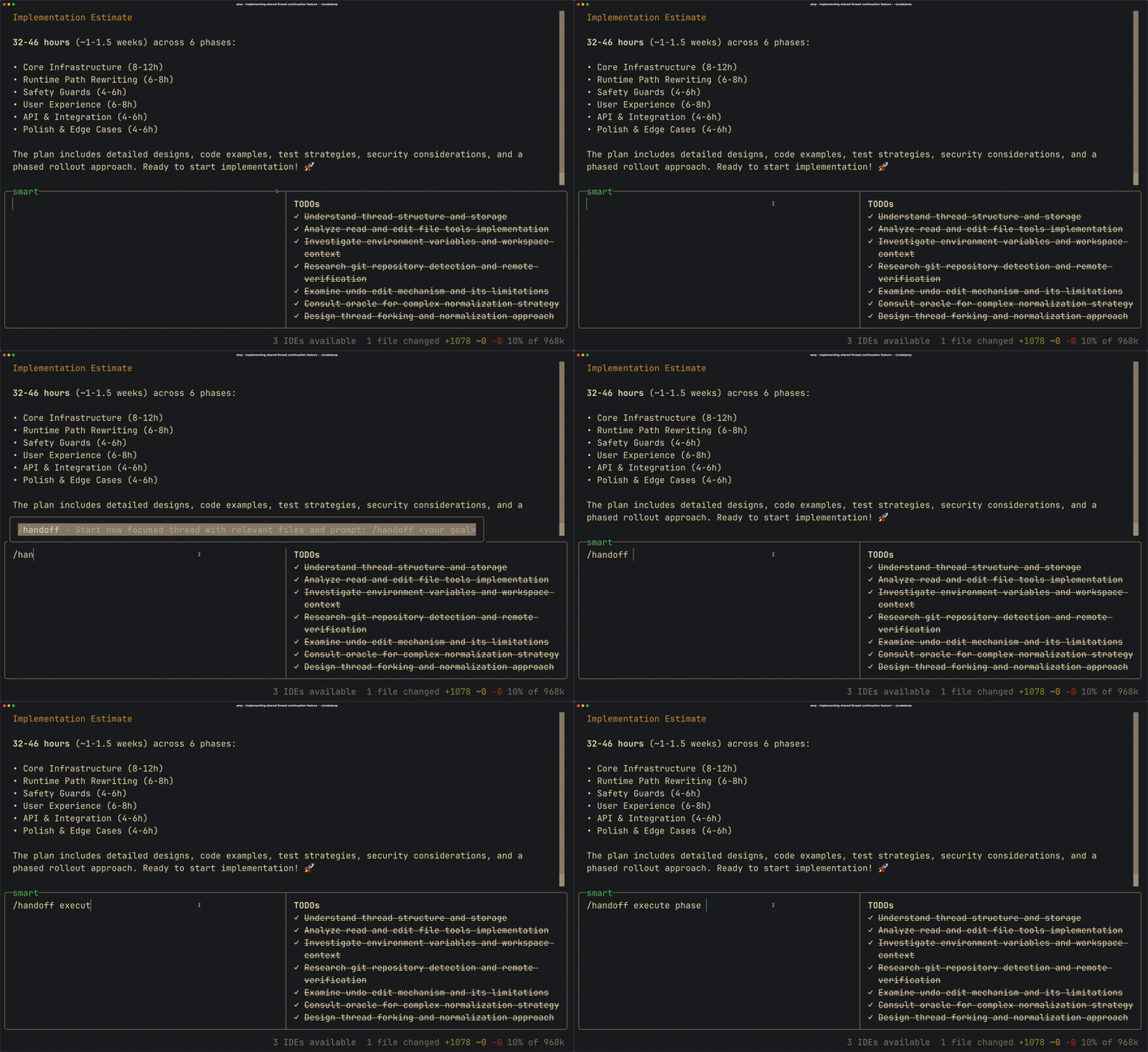
This earlier demonstration shows Amp’s handoff approach to carrying work into a new context. It provides background on how the product has evolved; it should not be read as confirmation that today’s interface or context-management behavior is identical.
Is Amp Worth It for Computer Science Students?
It is worth considering if you regularly work across a repository, want to delegate bounded development tasks, and can keep the combined cost within your budget. Stay with a free setup when you mainly need short explanations or occasional help with small exercises.
For coursework, follow your course policy and review generated changes. Use a personal project for your first evaluation so you can experiment freely and judge whether the workflow helps you learn.
Amp vs Other AI Coding Tools for Students
Use our AI coding tools comparison to compare workflows, then check the individual offers. The GitHub Student Developer Pack is worth investigating for broader developer benefits. Our Kiro student guide covers another education program, while our Cursor student guide explains that editor’s student-access options.
For more education offers, compare the Codex student credit offer and the Zed Student Plan. Each has its own eligibility and usage terms. Choose around the work: editor-based assistance, remote project tasks, or a wider developer toolkit. Compare eligibility, model costs, usage limits, and how easily you can review changes. A discount alone does not make a tool the best fit.
Check the live education terms and choose the plan that fits a real project.
Check the Official Amp Student Offer →Frequently Asked Questions About the Amp Student Discount
Is Amp free for students?
The education offer is a paid Megawatt discount. Amp also lists a free Hobby plan, with compute and model costs depending on how you use it.
How much is the Amp student discount?
The advertised education rate is $10 per month, compared with $20 for regular Megawatt.
Can teachers apply?
Yes. Amp explicitly names students and teachers on its education page.
Does the discount apply to Gigawatt?
No. The education page limits this offer to Megawatt.
Do I need a .edu email?
The public page does not provide full verification requirements. Check the signed-in form rather than assuming a particular email domain guarantees eligibility.
Can an existing subscriber receive a refund?
Amp says the discount takes effect at the next renewal and does not provide retroactive refunds.
How We Verified the Amp Education Offer
We checked Amp’s education page, pricing page, education announcement, and orb documentation on October 19, 2026. We did not complete the signed-in discount form or purchase a subscription. Account-specific eligibility and billing remain to be confirmed at checkout.
For more offers, browse our AI student discounts guide. Our verification methodology explains how we assess education deals.
Last verified: October 19, 2026. Pricing, eligibility, included usage, and education-program terms can change. Confirm the live offer and account billing details before subscribing.



3 Comments