
Figma Student Discount 2026: Get Figma Professional Free With the Education Plan
Get Figma Free as a Student
Eligible students can get Figma’s paid-tier features free through Figma for Education. Higher-education and eligible bootcamp users receive Professional access, while high-school students receive Enterprise access.
If you are searching for a Figma student discount, the offer is better than a normal percentage-off coupon. Figma has an official Figma for Education program that gives eligible students free access to paid Figma features after education verification.
What Is the Figma Education Plan?
Figma for Education is Figma’s official program for verified students and educators. Instead of giving students a small coupon on a regular subscription, Figma provides qualifying education users with a free Education team and access to a paid plan tier.
That makes the program especially useful for design students, computer science students, developers, product-design students, and anyone who needs Figma for UI/UX work, prototypes, collaborative projects, portfolios, or class assignments.
Figma Student Discount at a Glance
| Student type | Education access | Typical verification period |
|---|---|---|
| Higher education student | Professional plan free | One year, then reapply if still eligible |
| Higher education educator | Professional plan free | One year, then reapply if still eligible |
| High-school student or educator | Enterprise plan free | One year, then reapply if still eligible |
| Eligible bootcamp / online-course student | Professional plan free | Six months |
| Bootcamp / online-course teacher | Education access | Two years |
Is Figma Free for College Students?
Yes. Eligible university, college, postgraduate, trade-school, polytechnic, and other higher-education students can apply for Figma for Education and receive Professional access without paying for the normal Professional subscription.
This is why I would describe the offer as a 100% Figma student discount on eligible Education access, rather than looking for a Figma coupon code. There is no code to paste at checkout. You verify your education status instead.
What Do Students Get With Figma for Education?
The exact feature set depends on your education category, but the Education program gives qualifying students access to paid-tier design and collaboration capabilities. Useful student benefits include:
- Paid-tier Figma access without the normal subscription cost
- Collaborative design workflows for class and group projects
- Design systems and shared libraries for structured projects
- Advanced prototyping and design capabilities
- Dev Mode workflows for design-to-development projects
- Figma Slides, FigJam, and other eligible Figma tools based on your Education access
- Education-specific community and classroom resources
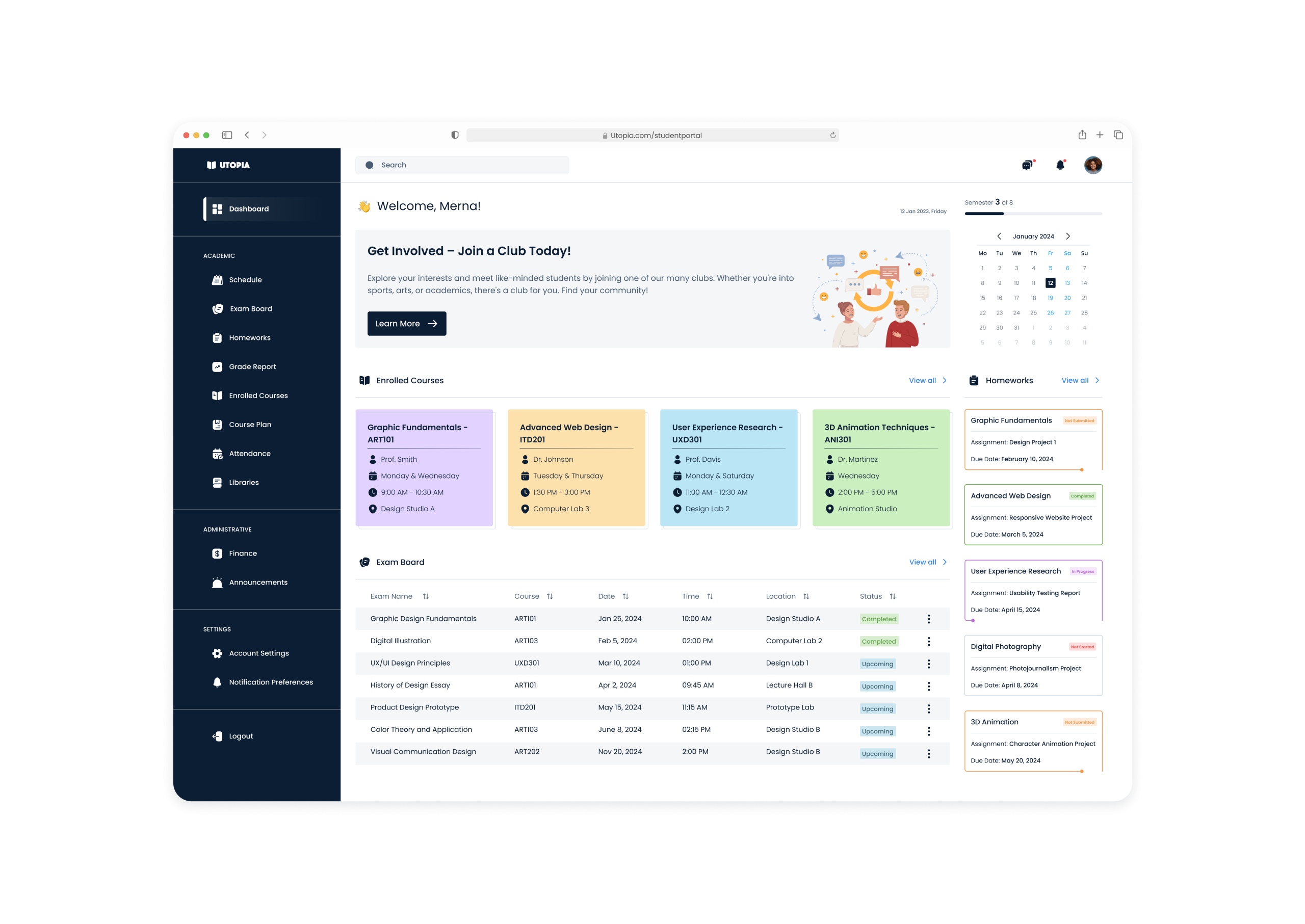
Figma AI for Students: 3,000 AI Credits Per Month
One of the most interesting additions to Figma Education is AI access. Figma currently gives Education users 3,000 AI credits per month. Credits are assigned individually, reset each month, and do not roll over.
There is an important limitation. Figma says AI tools are available to higher-education and bootcamp Education users, while K-12 Education users do not currently get the same AI-tool availability. Some individual AI features can also have separate Education restrictions.
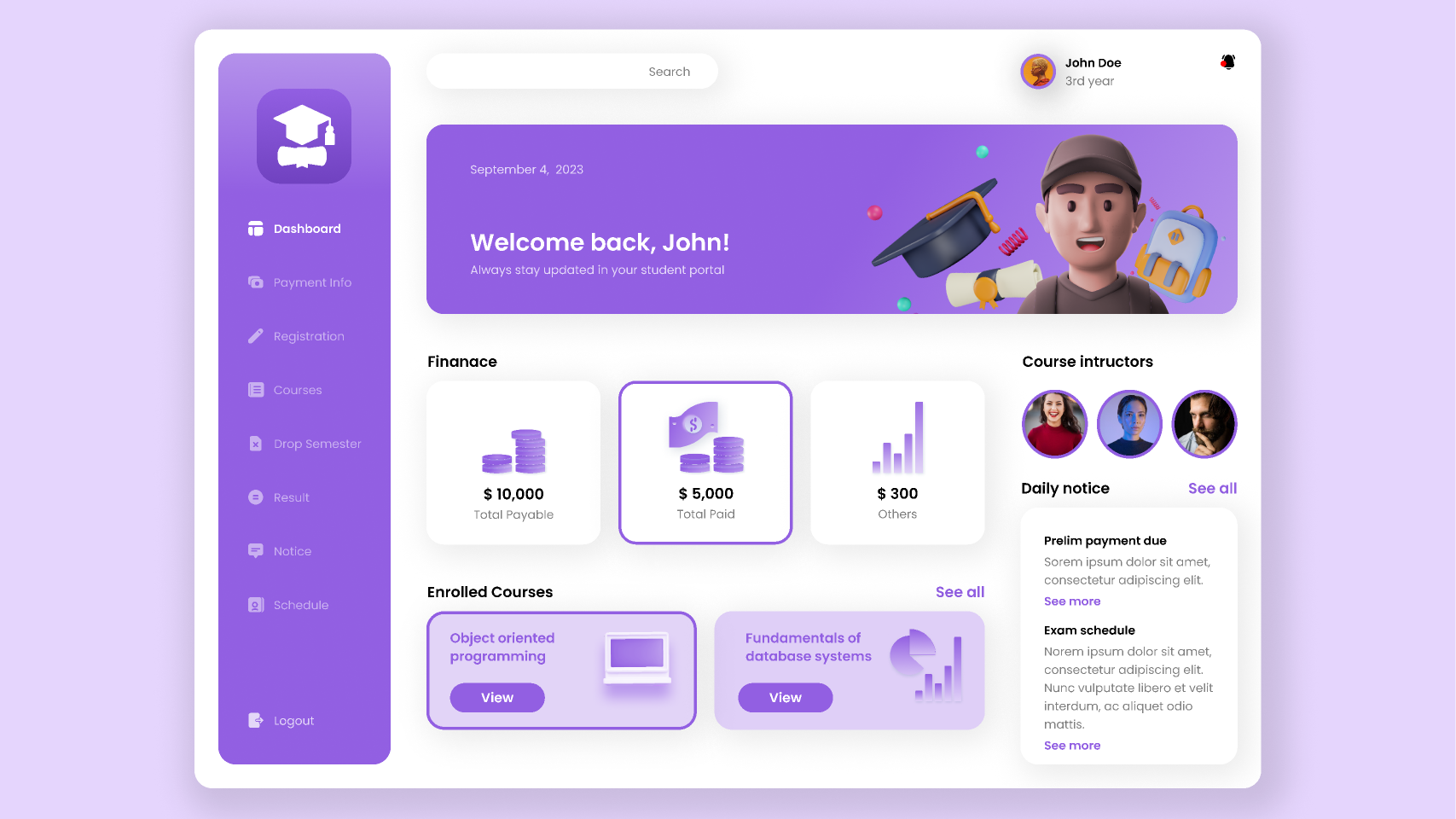
Who Is Eligible for the Figma Student Plan?
Figma says applicants must be current students or educators in a qualifying classroom or structured educational program and must be old enough to consent to using Figma’s services themselves.
- High-school students and educators
- University and college students
- Postgraduate students
- Students at trade schools and polytechnics
- Eligible structured bootcamps and online courses
- Students at qualifying design and coding academies
Self-directed education does not qualify. Figma also says startups, nonprofits, and programs run by organizations whose main purpose is not education are not eligible simply because they provide educational material.
Does Figma Use SheerID for Student Verification?
Yes, for higher-education verification. Figma currently uses SheerID to verify eligible college, university, postgraduate, trade-school, and similar higher-education students applying for Figma for Education. During the application, you select your school and provide the information SheerID requests to confirm your current student status.
Do You Need a School Email for Figma Education?
For normal student applications, plan on using your school-issued email address. Figma ties your verified education status to the email you verify, and changing that email afterward can revoke your Education status.
Higher-education applicants complete verification through SheerID. High-school applicants also need to sign in with a school-issued email, and personal email addresses can be rejected for that verification path.
For eligibility, the key requirement is that you are currently enrolled in a qualifying educational program and can prove that status through the verification route Figma assigns to your institution type. Higher-education students generally use SheerID, while high-school and approved bootcamp applicants may use different verification methods.
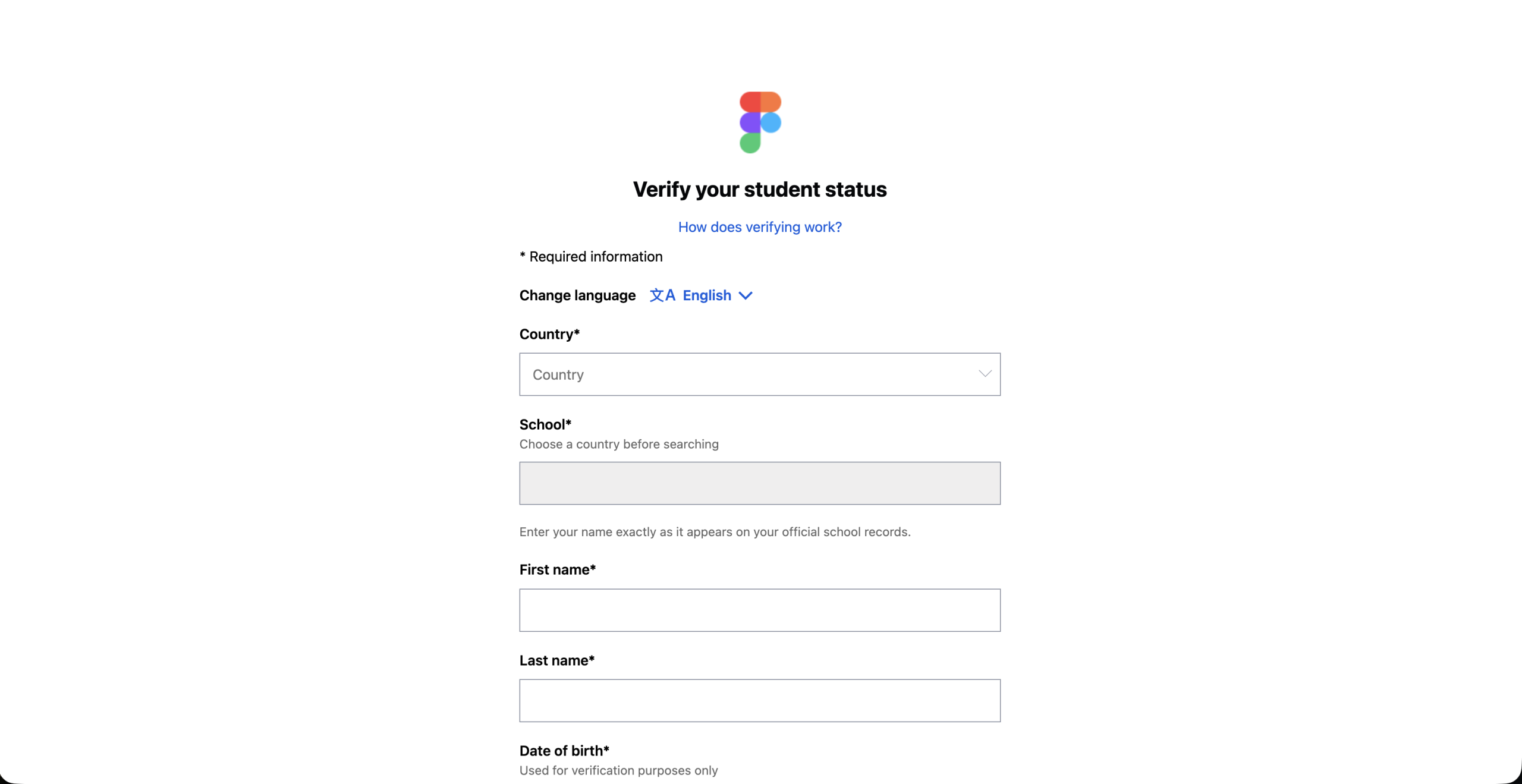
How to Get Figma Professional Free as a Student
- Create a Figma account or sign in to the account you want to use for school.
- If possible, make sure the account uses your school-issued email address before verification.
- Open Figma’s Education application page.
- Select the institution type that matches your school, such as Higher Education or High School.
- Confirm that you are a student or educator and accept the applicable terms.
- Higher-education applicants complete the SheerID verification form with their school and personal details.
- Wait for verification and confirm that Education access has been activated on your Figma account.
How Long Does the Figma Student Discount Last?
Access duration depends on the education program. Figma’s current Education documentation says higher-education students and educators receive one year of verified access and can reapply if they are still eligible. High-school Education access also uses a one-year verification period.
Renewal is not automatic. When your Education verification period ends, you need to reapply and confirm that you still qualify. If your student status is successfully verified again, Figma can restore the appropriate Education access for the next period.
Verified bootcamp and online-course students receive six months of access, while verified bootcamp or online-course teachers can receive two years before reverification is required.
What If Figma Rejects Your Student Verification?
A rejection does not always mean your school is ineligible. Your school domain may not yet be recognized, your account may be using the wrong email address, or SheerID may need additional proof.
- Check that your Figma account is using the correct school-issued email
- Make sure your institution type was selected correctly
- If SheerID cannot verify higher-education status, follow its support process and provide requested enrollment proof
- If a high-school domain is not recognized, use Figma’s school-domain review process
- Bootcamp students should contact their bootcamp because approved bootcamp administrators verify students on their behalf
Figma Education vs Figma Starter
| Feature | Figma Starter | Figma Education |
|---|---|---|
| Price | Free | Free for verified eligible students and educators |
| Who it is for | Individuals and very small teams getting started | Verified students and educators |
| Plan level | Starter | Professional for higher education / eligible bootcamps, Enterprise for high school |
| Education verification | Not required | Required |
| Education resources | Standard Figma resources | Education community and classroom resources |
Is Figma Education Worth Claiming?
If you qualify, yes. The main reason is simple: Figma is not asking eligible students to choose between a small discount and paying full price. The Education program gives qualifying students paid-tier access free.
It is particularly valuable if you study design, computer science, product development, UX/UI, frontend development, marketing, or another subject where visual collaboration and prototyping are useful.
For other verified academic offers, compare our GitHub Student Developer Pack guide, Adobe Creative Cloud student discount guide, best AI student discounts, and student deals.
Claim Figma for Education
Verify your education status and check which free Figma plan your student category receives.
Open the Figma Education Application →Figma Student Discount FAQ
Does Figma use SheerID for student verification?
Yes, for higher-education applications. Figma currently uses SheerID to verify eligible college, university, postgraduate, trade-school, and similar higher-education students. High-school and approved bootcamp verification can use different processes.
Does Figma have a student discount?
Yes. Figma for Education gives verified eligible students free access to a paid plan tier rather than a normal percentage discount.
Is Figma Professional free for students?
Eligible higher-education students, higher-education educators, and qualifying bootcamp participants receive Figma Professional through the Education program at no cost.
Is Figma free for high-school students?
Yes. Figma currently says verified high-school students and educators receive the Enterprise plan through Figma for Education.
How do I verify my Figma student status?
Create or sign in to your Figma account, use your school-issued email, open the Education application, choose the correct institution type, and complete the required verification. Higher-education applications use SheerID.
Does Figma Education include AI?
Figma currently provides 3,000 AI credits per month to Education users. AI tools are available to higher-education and bootcamp Education users, while K-12 Education users have additional restrictions.
Can bootcamp students get Figma Professional free?
Yes, students in qualifying approved bootcamps and online courses can receive Professional access. Their administrator handles verification, and student access is currently verified for six months.
How long does Figma Education last?
Higher-education and high-school verification currently lasts one year before eligible users need to reapply. Bootcamp and online-course student access is six months, while bootcamp teachers can receive two years.
What happens when my Education access expires?
If you are still eligible, you can reapply for education status. If you are no longer eligible, you can continue with Figma’s available free Starter option or choose a paid plan.
Last verified: August 21, 2026. Figma can change Education eligibility, verification, plan features, AI credits, and access periods. Confirm the current offer on Figma’s official Education pages before relying on a benefit.

2 Comments