
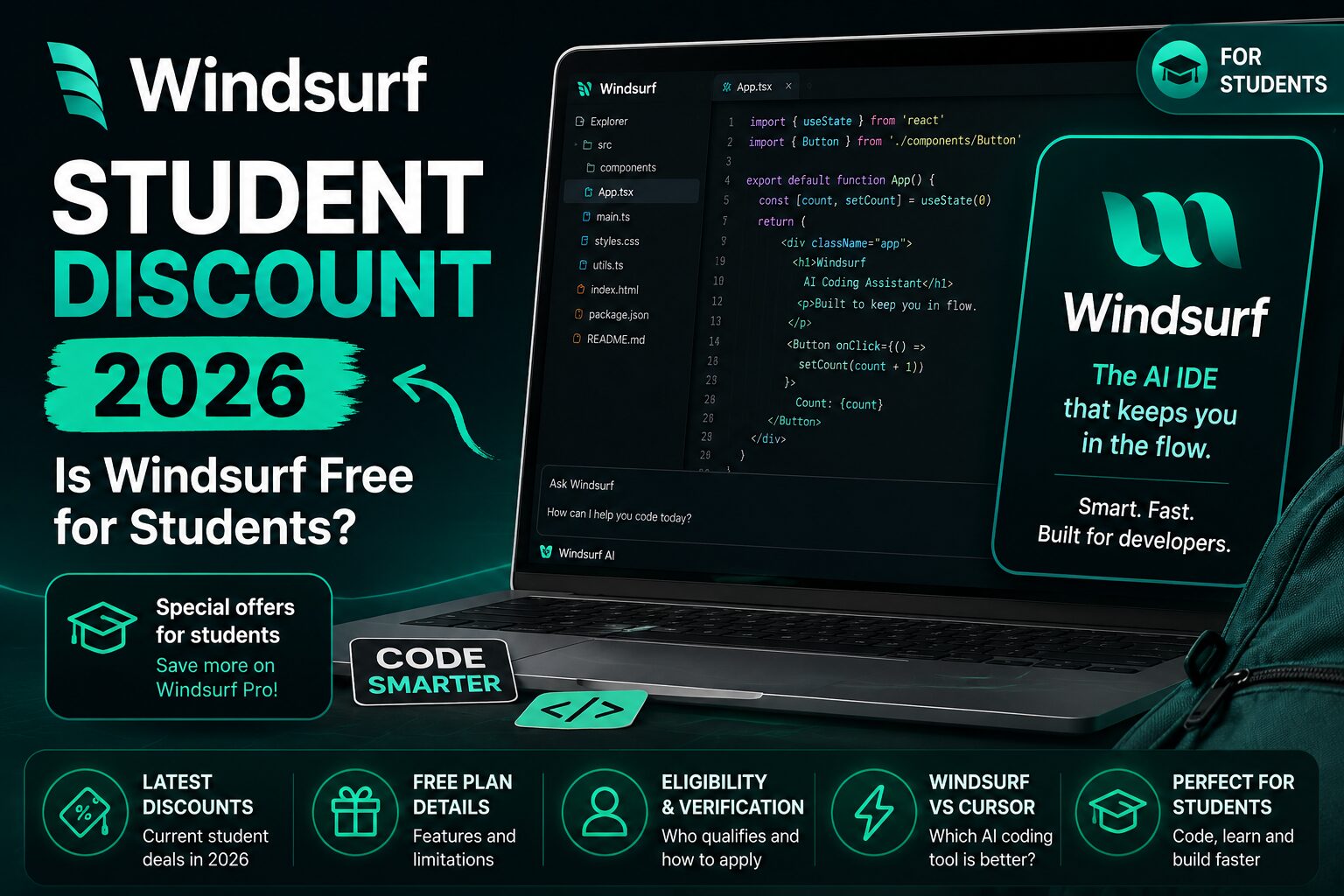
Windsurf Student Discount 2026: Free Plan, Student Plan & Pricing
Quick answer: If you searched for a Windsurf student discount, Windsurf student plan, or whether Windsurf is free for students, here is the current status: Windsurf does not publicly advertise a dedicated student-only discount on its official pricing page. Students can still use the standard $0 Free plan, and Windsurf Pro currently costs $20 per month.
Does Windsurf Have a Student Discount in 2026?
No dedicated Windsurf student plan is currently listed on the official public pricing page. The available individual options are the Free plan and paid Pro plan, with the same public pricing shown to students and non-students. If you are comparing other education offers too, browse our AI student discounts and promo codes guide.
That means the current answer is: there is no verified public student-only price to claim right now. Older screenshots, forum comments, and coupon pages may describe expired promotions. Use Windsurf’s official pricing and account pages as the source of truth.
Is Windsurf Free for Students?
Yes, students can use Windsurf for free-but this is the standard Free plan available to everyone, not a separate education plan. The official pricing page currently lists a $0 plan with a light quota for coding agents, limited model availability, unlimited inline edits, and unlimited Tab completions.
For many students, the free plan is enough to test the editor, complete smaller exercises, and decide whether the paid features are worth it.
Current Windsurf and Devin Pricing
The current official pricing page lists the following individual options:
| Plan | Price | Best for |
|---|---|---|
| Free | $0 | Trying the editor and light student use |
| Pro | $20/month | Students coding regularly with premium models |
| Max | $200/month | Heavy professional or power-user workloads |
The Free plan includes unlimited inline edits and Tab completions, while paid plans add larger quotas and broader access to premium models. Pricing and included usage can change, so check the official pricing page before subscribing.
Could Windsurf Add a Student Offer?
Windsurf could introduce a university promotion in the future, but no public student application or education checkout is currently listed. A legitimate offer should appear on an official Windsurf page or inside your account-not only on a coupon site.
- Use your current university email address when possible.
- Make sure your name matches your enrollment documents.
- Check whether the offer is available in your country.
- Read the renewal terms before entering payment information.
- Re-verify your student status when requested.
How to Check for a Future Windsurf Student Offer
- Open the official Windsurf or Devin website rather than a coupon site.
- Sign in with the account you plan to keep using.
- Look for student, education, or verification options in billing and account settings.
- Complete the official verification process.
- Confirm the final price, billing cycle, renewal date, and cancellation terms before subscribing.
A student offer should appear in the official checkout or account interface. Avoid buying shared accounts or activation codes from resellers, because access can be revoked and your code may be exposed.
What Students Get from Windsurf
Windsurf is designed as an AI-first coding environment rather than a simple autocomplete extension. Its main value is that it can work across a project, suggest edits, explain code, and help with multi-file tasks.
- AI-assisted code completion
- Inline code edits
- Project-aware chat and agent workflows
- Support for multiple model providers on paid plans
- Help with debugging, refactoring, and understanding unfamiliar code
These features can save time, but they are most useful when you review every change and understand the code before submitting it.
Is the Free Plan Enough for Students?
The free plan is a sensible starting point for introductory programming courses, occasional assignments, and testing the workflow. It may become limiting for larger projects, frequent agent use, or students who depend on premium models every day.
Start free and upgrade only after you can clearly identify what is limiting you. A student discount is valuable only when the paid features solve a real problem.
Windsurf vs Cursor for Students
| Feature | Windsurf | Cursor |
|---|---|---|
| Free plan | Yes | Yes |
| Student offer | No dedicated public student discount currently advertised | No permanent public offer clearly advertised; promotions may appear |
| Best fit | Agent-focused project workflows | Polished AI editor experience and broad adoption |
| Paid entry plan | $20/month | Check current Cursor pricing |
For a direct editor comparison, read our Windsurf vs Cursor guide for students. You can also explore our guide to the best AI coding tools for students and our detailed Cursor student discount guide.
Windsurf vs GitHub Copilot for Students
GitHub Copilot Student is usually the stronger value when you qualify through GitHub Education because verified students can access Copilot benefits without paying the normal individual price. Windsurf may be more attractive when you specifically prefer an AI-first editor and agent-style workflow.
See the full list of benefits in our GitHub Student Developer Pack guide.
Best Windsurf Alternatives for Students
- GitHub Copilot – often the best-value option for verified students.
- Cursor – a strong AI editor with a free tier.
- Gemini CLI – useful for terminal-based, agentic workflows.
- Claude Code – strong for understanding and modifying larger codebases.
- OpenAI Codex – useful for delegated coding tasks and repository work.
The best choice depends on your course, programming language, computer, and whether your school allows AI assistance.
Using Windsurf Responsibly for Coursework
Use AI coding tools as tutors and assistants, not as a substitute for learning. Ask for explanations, compare alternative solutions, test generated code, and document AI use when your course requires it.
- Do not submit code you cannot explain.
- Check your institution’s academic-integrity rules.
- Never paste private credentials, exam materials, or confidential projects into an AI tool.
- Run tests and review security-sensitive changes manually.
- Use AI to understand mistakes instead of hiding them.
Verdict: Is Windsurf Worth It for Students?
Windsurf is worth testing because the free plan removes the need to pay immediately. Eligible students should also check whether a verified student promotion appears in their account.
For most students, the best approach is to start free, compare Windsurf with Cursor and GitHub Copilot, and upgrade only when the additional quota and premium models meaningfully improve coursework or personal projects.
Frequently Asked Questions
Does Windsurf offer a student discount?
No dedicated student discount is currently advertised on Windsurf’s official public pricing page. Students can use the standard Free plan or pay the regular Pro price.
Is Windsurf completely free for students?
Students can use Windsurf’s standard Free plan for $0. It is not a separate student plan, and no public student-only discount is currently listed.
How much is Windsurf Pro?
The current official pricing page lists the Pro individual plan at $20 per month, with a two-week free trial for first-time users.
Can high-school students get the discount?
Student promotions commonly focus on qualifying higher-education institutions. Eligibility depends on the current official terms and verification process.
Is Windsurf better than Cursor?
Neither is universally better. Windsurf may suit students who prefer agent-driven workflows, while Cursor may suit students who want a polished AI editor with a large user community.
Is GitHub Copilot better value for students?
For verified students, GitHub Copilot can be the better financial choice because it is included through GitHub Education. Windsurf may still be preferable based on workflow and editor preference.
Last verified: August 21, 2026. Windsurf currently lists a $0 Free plan, a two-week Pro trial, and Pro at $20 per month. Pricing, quotas, and promotions can change, so verify details on the official Windsurf website before subscribing.
Windsurf and Devin: What Students Should Know
Windsurf is increasingly connected to the broader Devin product experience. Students comparing the current plans, free access, and eligibility should also read our Devin AI student discount and pricing guide before choosing a paid plan.





8 Comments