

Obsidian Student Discount 2026: Get 40% Off Sync and Publish
Obsidian Education Discount
Eligible students and faculty can get 40% off Obsidian Sync and Obsidian Publish. The core Obsidian app remains free for personal use.
View the Official Education Discount →If you are searching for an Obsidian student discount, the most important detail is that Obsidian itself is already free. The education offer applies to its optional paid services: Obsidian Sync and Obsidian Publish.
Obsidian Student Discount at a Glance
| Offer detail | Current information |
|---|---|
| Discount | 40% off |
| Eligible services | Obsidian Sync and Obsidian Publish |
| Core Obsidian app | Free for personal use |
| Who qualifies | Students and faculty at educational institutions |
| Verification | Educational email or alternative proof through support |
| Approval time | Instant in some cases; otherwise up to 3 business days |
| Renewal | Required when the discount expires |
| Can it stack? | No stacking with early-bird pricing |
Obsidian Education Discount: What Students Actually Get
The Obsidian education discount is a 40% reduction on the company’s optional Sync and Publish subscriptions for verified students and faculty. It is not a coupon for the desktop or mobile app, because the core Obsidian app is already free for personal use. In practical terms, a student can build a complete local note-taking system for $0 and only pay if they want Obsidian’s official cross-device Sync or hosted Publish service.
That distinction matters when comparing Obsidian student pricing with other productivity tools: there is no separate paid student app to unlock. The education benefit is specifically designed to make the optional cloud services cheaper.
Does Obsidian Have a Student Plan?
Obsidian does not have a separate student edition of the app. Instead, it offers an education discount on Sync and Publish. Students use the same Obsidian app, plugins, themes, and local Markdown files as everyone else.
This is an important distinction because you do not need to pay just to take notes in Obsidian. You only need a subscription if you want Obsidian’s official encrypted syncing service or its built-in publishing platform.
Is Obsidian Free for Students?
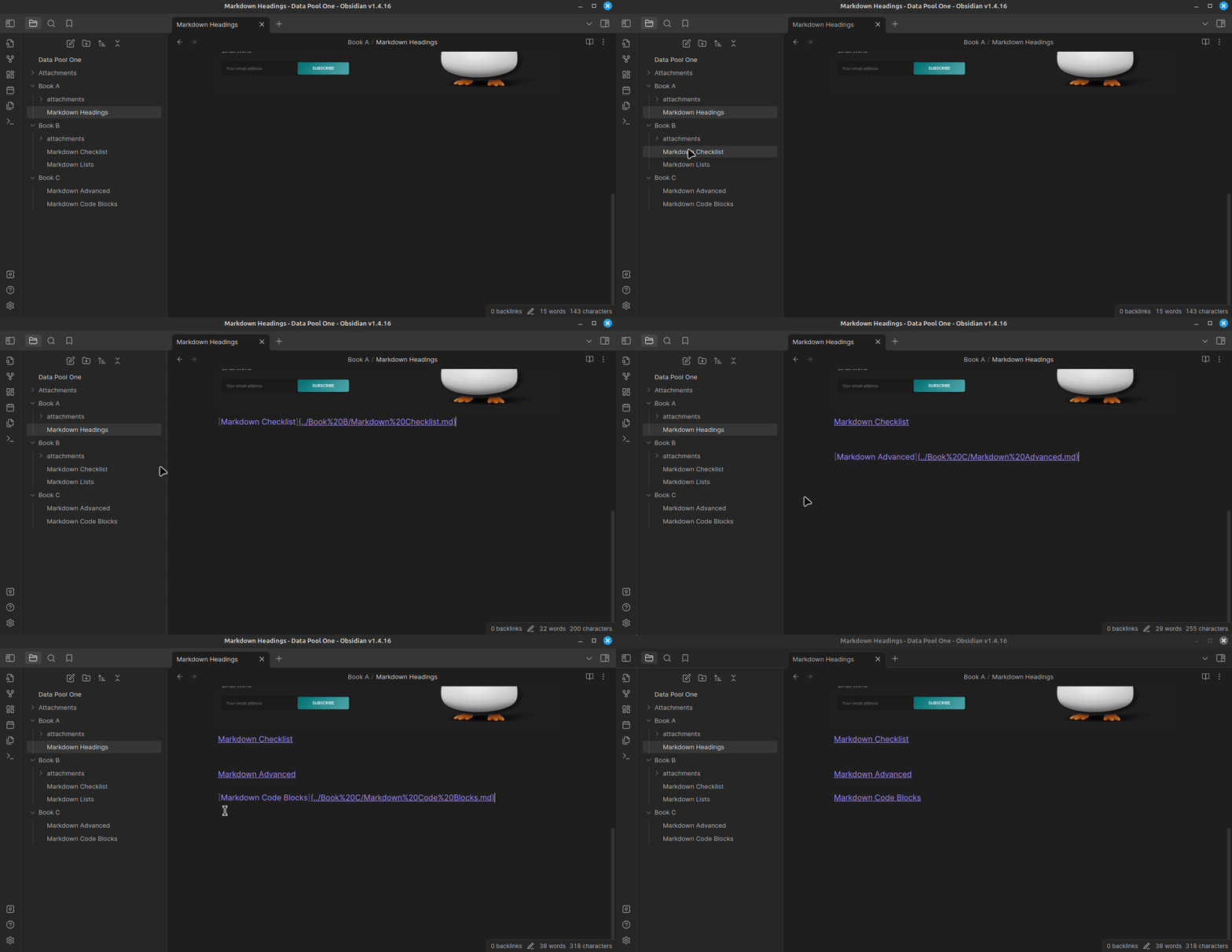
Yes. The main Obsidian application is free for personal use, including student note-taking, study systems, Markdown files, backlinks, graph view, community plugins, and themes.
- Create unlimited local notes and folders
- Use backlinks and linked-note workflows
- Install community plugins and themes
- Store your vault locally on your own device
- Work offline without a subscription
- Build study dashboards, class notes, and personal knowledge bases
The paid services are optional. Many students can use Obsidian without ever purchasing Sync or Publish.
Obsidian Sync Student Discount and Education Pricing
The Obsidian Sync student discount is the main paid benefit most students are looking for. Eligible students and faculty can get 40% off Obsidian Sync, while the core Obsidian app remains free for personal use. The same education discount also applies to Obsidian Publish.
What Does the 40% Education Discount Cover?
Obsidian Sync
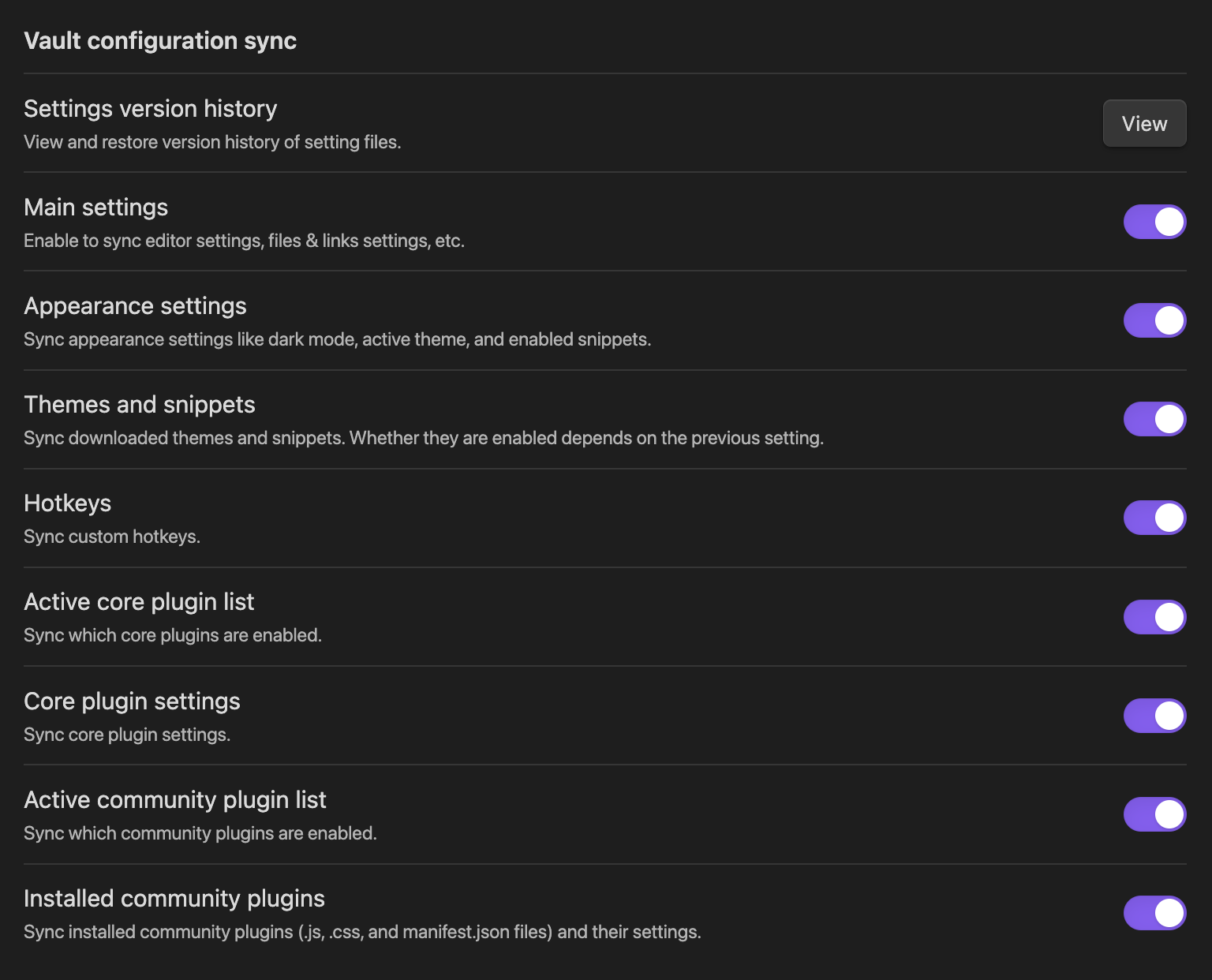
Obsidian Sync keeps your vault updated across computers, phones, and tablets. It includes end-to-end encryption, version history, shared vault support, offline access, and file recovery.
The current standard pricing starts at $4 per user per month when billed annually, or $5 with monthly billing. Sync Plus starts at $8 per month annually or $10 monthly before applying any eligible education discount.
With the 40% Obsidian Sync student discount, those annual-billing reference prices work out to about $2.40/month for Sync Standard and $4.80/month for Sync Plus. That makes Sync the most commercially relevant part of the student offer: you keep the free app, then add official encrypted multi-device syncing at the reduced education rate if you need it.
Sync Standard vs Sync Plus for Students
| Sync feature | Standard | Plus |
|---|---|---|
| Regular annual-billing price | $4/month | $8/month |
| Approx. education price after 40% off | $2.40/month | $4.80/month |
| Synced vaults | 1 | 10 |
| Total storage | 1 GB | 10 GB, upgradeable to 100 GB |
| Maximum file size | 5 MB | 200 MB |
| Version history | 1 month | 12 months |
| Devices | Unlimited | Unlimited |
Standard is enough for most text-first student vaults. Plus becomes more useful if you keep several course vaults, store large PDFs or media files, or want a full year of version history. These limits come from Obsidian’s current Sync plan documentation and make the choice more meaningful than simply comparing the monthly price.
Obsidian Publish
Obsidian Publish turns selected notes into a public website. It can be useful for a digital garden, course notes, a student portfolio, research documentation, or public study resources.
Publish is currently listed at $8 per site per month with annual billing or $10 with monthly billing before the education discount.
| Service | Regular annual-billing rate | Approximate rate after 40% off |
|---|---|---|
| Sync Standard | $4/month | $2.40/month |
| Sync Plus | $8/month | $4.80/month |
| Publish | $8/month | $4.80/month |
The discounted examples above are simple 40% calculations based on the displayed annual-billing rates. Confirm the final price in your Obsidian account before purchasing.
Obsidian Student Pricing: Free App vs Sync vs Publish
If you are comparing the Obsidian student plan by price, think of it as three separate choices. The app itself is free for personal use, Sync is optional for students who want official encrypted synchronization across devices, and Publish is optional for students who want to put selected notes on the web.
| Obsidian product | Regular price | Student / education price | Do students need it? |
|---|---|---|---|
| Obsidian app | $0 for personal use | $0 | Yes — this is the core notes app |
| Sync Standard | From $4/mo annually | Approx. $2.40/mo after 40% off | Optional — useful for multiple devices |
| Sync Plus | From $8/mo annually | Approx. $4.80/mo after 40% off | Optional — for higher Sync limits/features |
| Publish | From $8/mo annually | Approx. $4.80/mo after 40% off | Optional — for public notes/sites |
So, is Obsidian free for students? Yes for normal personal note-taking. A student subscription is only necessary if you choose one of the optional paid services. Prices above use the listed annual-billing rates and a simple 40% calculation; always confirm the checkout price after your education discount is approved.
Who Is Eligible?
- Current university or college students
- High-school students
- Faculty members at qualifying educational institutions
- Students who can verify through an educational email
- Students who can provide alternative enrollment proof when no school email is available
Obsidian says students and faculty members at educational organizations such as universities and high schools generally qualify. Final approval remains subject to Obsidian’s verification process.
Obsidian Student Discount Eligibility
Eligibility is based on current academic status rather than a special student-only app. University students, college students, high-school students, and qualifying faculty can apply. In most cases, verification uses an educational email. If your school does not provide one, Obsidian may accept alternative proof through support.
How to Claim the Obsidian Student Discount
- Create or sign in to your Obsidian account.
- Open the account dashboard and go to Billing.
- Find the Discount section and select Apply.
- Choose the education discount option.
- Enter your educational email address. It does not have to match your Obsidian account email.
- Open the verification email sent to your school inbox and click the confirmation link.
- Wait for approval. It may be instant, or Obsidian may review the request within three business days.
- After approval, purchase Sync or Publish from your account and confirm that the reduced price appears.
What If You Do Not Have a School Email?
Students without an educational email are not automatically excluded. Obsidian says you can contact support and provide other proof, such as a current student ID, transcript, or employee ID for faculty.
How Long Does the Discount Last?
Your account dashboard shows when the active discount will expire. Obsidian sends a reminder approximately one week before expiration, and you can repeat the verification process if you still qualify.
The discount is not necessarily permanent. Graduating students or users who can no longer verify their academic status should expect regular pricing to apply after the approved period ends.
Does the Discount Work With Early-Bird Pricing?
No. Obsidian says the education discount does not stack with early-bird pricing. Existing early-bird users may already have a better rate, so applying the education discount may not reduce that specific subscription further.
Is Obsidian Sync Worth It for Students?
Sync is most valuable for students who regularly move between a laptop, desktop, tablet, and phone and want an official encrypted solution that requires little setup.
- You take notes on multiple devices every day
- You want end-to-end encrypted synchronization
- You value version history and deleted-file recovery
- You collaborate through shared vaults
- You do not want to configure third-party cloud storage
Students who use only one device, or who are comfortable managing another sync method, may not need a paid subscription. The free local-first app remains fully useful without Sync.
Is Obsidian Publish Worth It for Students?
Publish is more specialized. It makes sense when you want to turn your notes into a public site without managing hosting, a static-site generator, or a separate content-management system.
- Create a student portfolio or digital garden
- Publish class notes and tutorials
- Share research documentation
- Build a public knowledge base
- Use a custom domain and customizable theme
For private study notes, Publish is unnecessary. It is mainly useful when public sharing is part of your workflow.
Obsidian vs Notion for Students
| Feature | Obsidian | Notion |
|---|---|---|
| Core storage model | Local Markdown files | Cloud workspace |
| Offline-first use | Strong | More cloud-dependent |
| Backlinks and graph | Core strengths | Available but less central |
| Databases and team workspaces | Possible through plugins and shared vaults | Core strengths |
| Student offer | 40% off Sync and Publish | Eligible students can receive education benefits |
| Best for | Personal knowledge management and linked notes | Dashboards, databases, projects, and collaboration |
Students considering both tools should read our guide to the best Notion alternatives for students and our detailed Notion student discount guide.
Best Ways to Use Obsidian as a Student
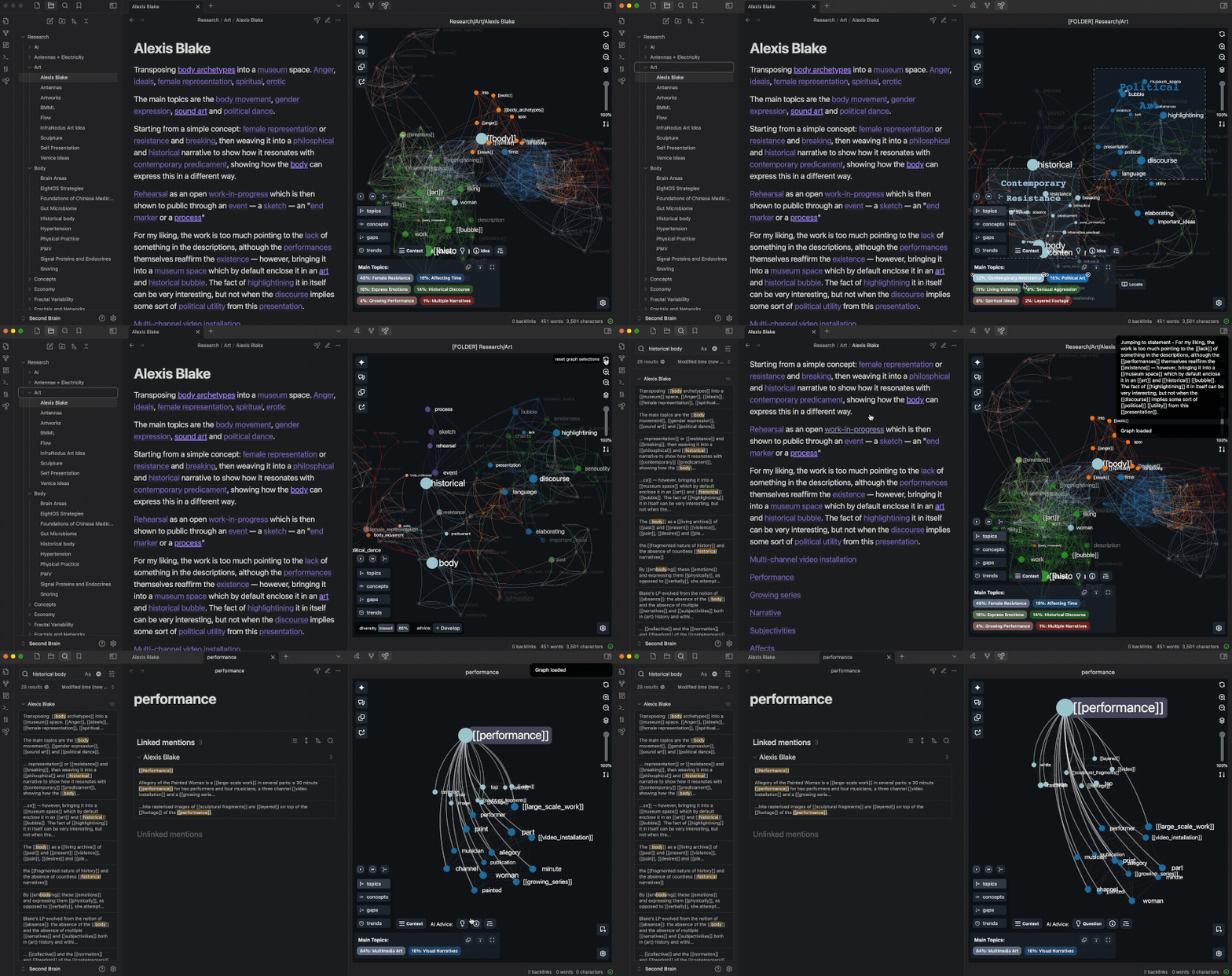
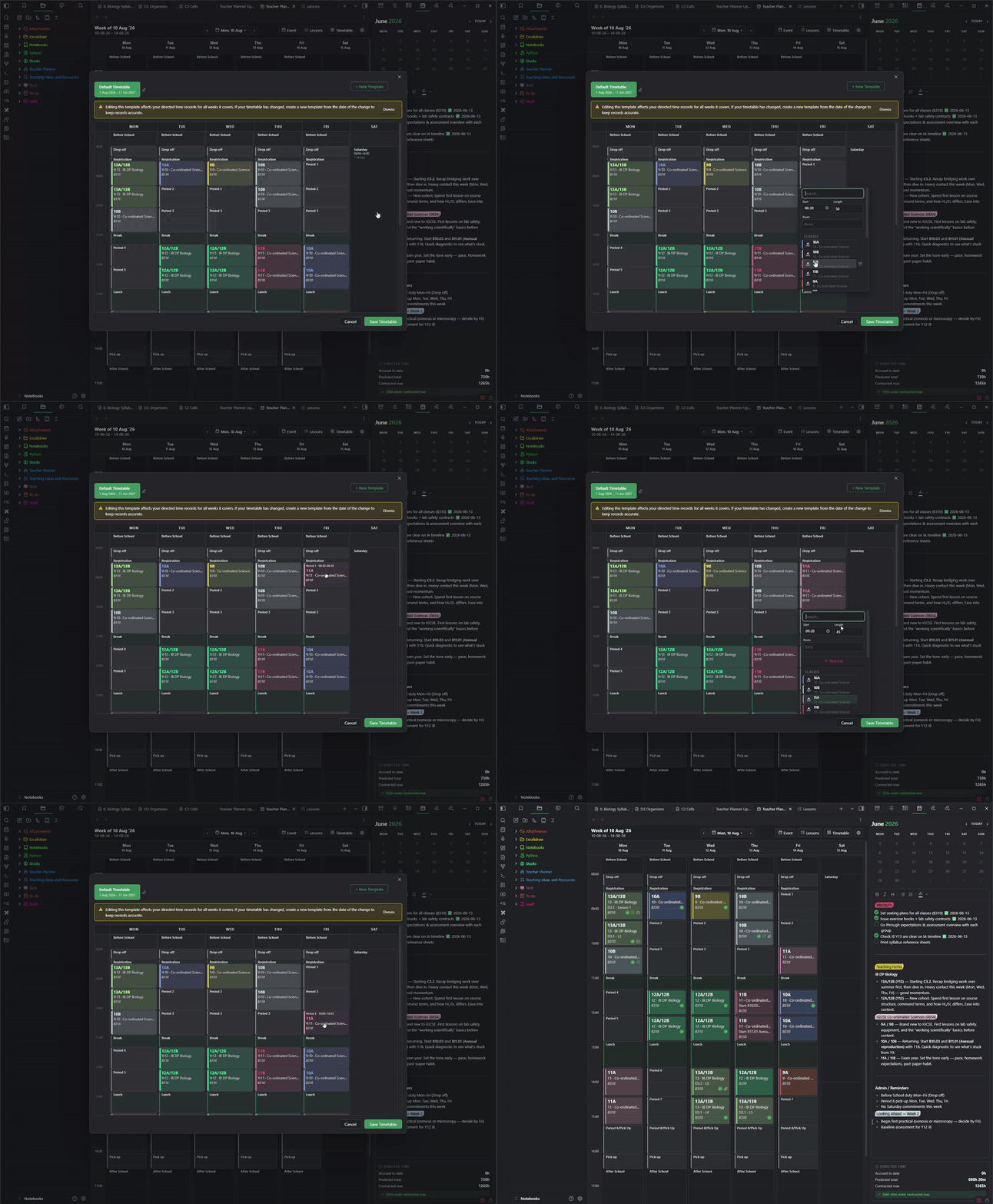

- Create one vault for all courses or separate vaults by subject
- Link lecture notes to concepts, formulas, and definitions
- Use templates for consistent class-note structure
- Build an exam dashboard with review links
- Connect research papers to literature notes
- Use tags for status and backlinks for relationships
- Create flashcards through supported community plugins
- Publish selected notes as a portfolio or study resource
For more options, compare the best AI research tools for students and the best student discounts for AI and productivity tools.
How We Verified the Obsidian Education Discount
We checked Obsidian’s current pricing page, Sync plan documentation, and official education and non-profit discount help page. Those sources currently confirm the 40% education discount on Sync and Publish, the $4/month annual price for Sync Standard, the $8/month annual price for Sync Plus, and the current plan limits shown above.
We also separate official prices from our calculated examples. The $2.40 and $4.80 monthly figures are simple 40% reductions from Obsidian’s displayed annual-billing rates, not separate prices quoted by Obsidian. See our How We Check page for our verification methodology.
Obsidian Student Discount FAQ
How much is the Obsidian student discount?
Eligible students and faculty members can receive 40% off Obsidian Sync and Obsidian Publish.
Is the Obsidian app free for students?
Yes. The core app is free for personal use. The education discount applies only to optional paid services.
Does the discount apply to Sync?
Yes. Both Sync Standard and Sync Plus are eligible for the education discount.
Does the discount apply to Publish?
Yes. Obsidian Publish is included in the 40% education offer.
Can high-school students qualify?
Yes. Obsidian says students and faculty at education organizations such as universities and high schools generally qualify.
Do I need a .edu email?
No specific domain is required, but you normally need an educational email. Students without one can contact support with alternative enrollment proof.
How quickly is the discount approved?
Some applications are approved instantly after email verification. Manual reviews can take up to three business days.
Can I combine the discount with early-bird pricing?
No. Obsidian does not stack the education discount with early-bird pricing.
Does the discount renew automatically?
You may need to verify your eligibility again. Obsidian sends a reminder shortly before the discount expires.
Is Obsidian Sync necessary?
No. The app works locally without Sync. The subscription is optional and mainly adds encrypted cross-device syncing, version history, recovery, and collaboration.
Claim the Obsidian Education Discount
Verify your academic status from the account dashboard, then check the reduced price before purchasing Sync or Publish.
View the Official Application Steps →Last verified: September 14, 2026. We rechecked Obsidian’s current pricing, Sync plan limits, and official education-discount documentation. Obsidian may change prices, eligibility rules, verification, or included services, so confirm the final checkout amount in your account before subscribing.


5 Comments