
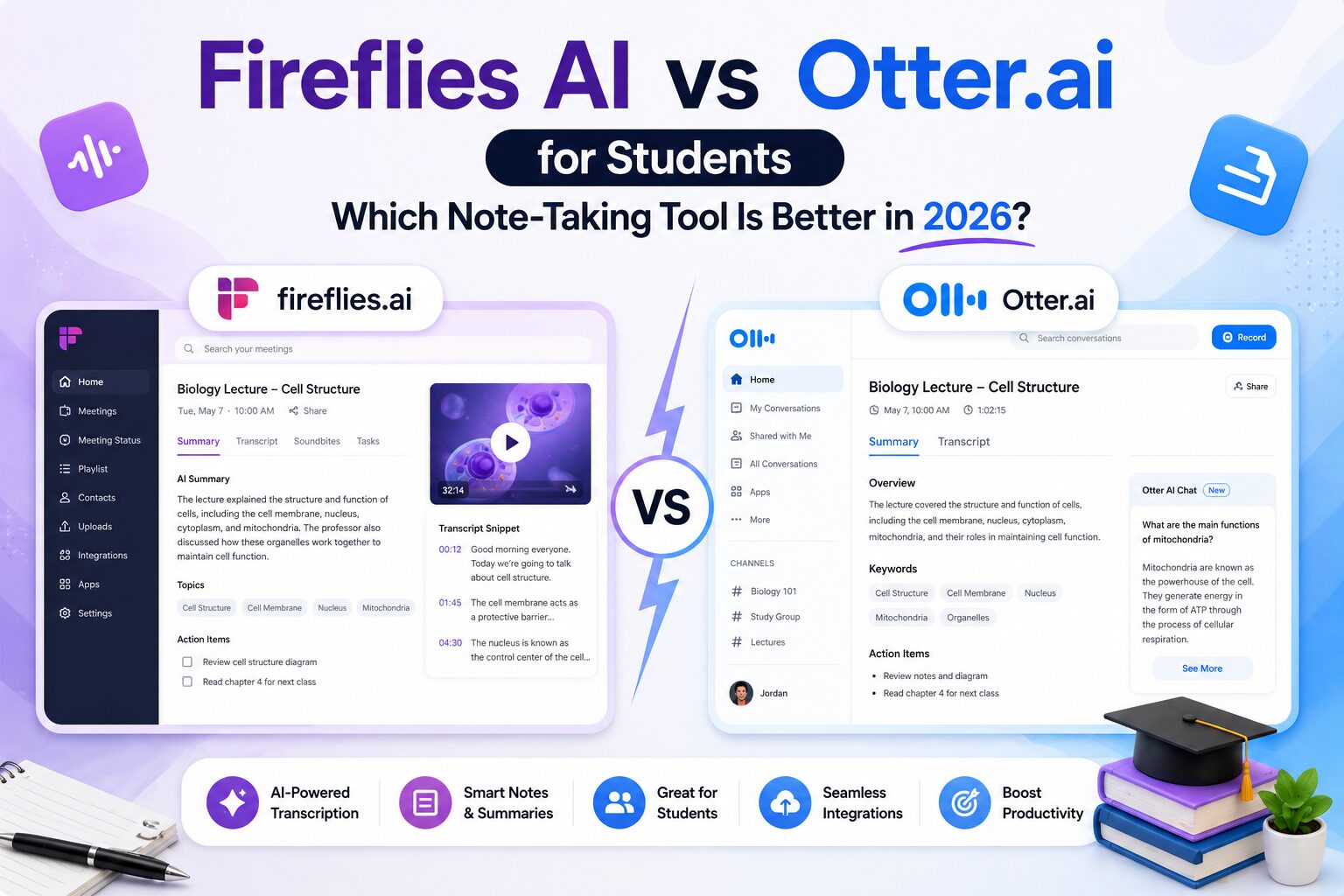
Fireflies AI vs Otter.ai for Students: Which Note-Taking Tool Is Better in 2026?
If you are comparing Fireflies AI vs Otter.ai for students, you are probably tired of the same problem I had.
Trying to listen and take notes at the same time.
During my Computer Science degree, especially in lectures and group projects, I always felt like I had to choose:
- Pay attention and miss details
- Or take notes and miss the explanation
Neither worked.
That is when I started using AI note-taking tools.
I tried both Fireflies AI and Otter.ai, and while they seem similar at first, they actually feel very different once you use them.
The First Time I Used Otter.ai
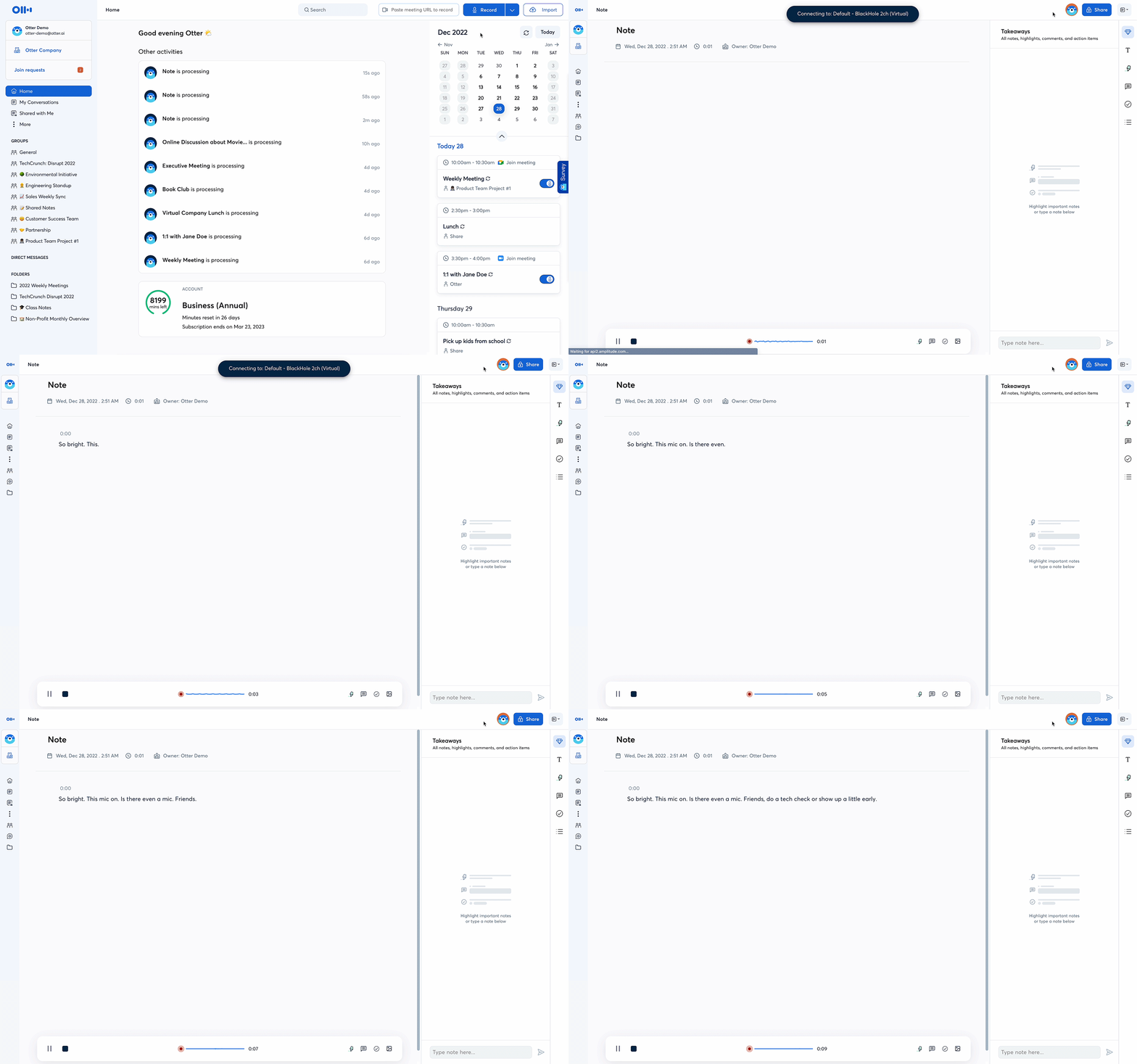
The first tool I tried was Otter.ai.
It was simple.
I recorded a lecture, and it created a transcript almost instantly.
At first, that felt like a huge upgrade. Instead of writing everything myself, I could go back and read what was said.
But after a few lectures, I noticed something.
It was still just a transcript.
If the lecture was long, I still had to scroll through everything and figure out what actually mattered.
The First Time I Used Fireflies.ai
Then I tried Fireflies.ai.
The difference was obvious almost immediately.
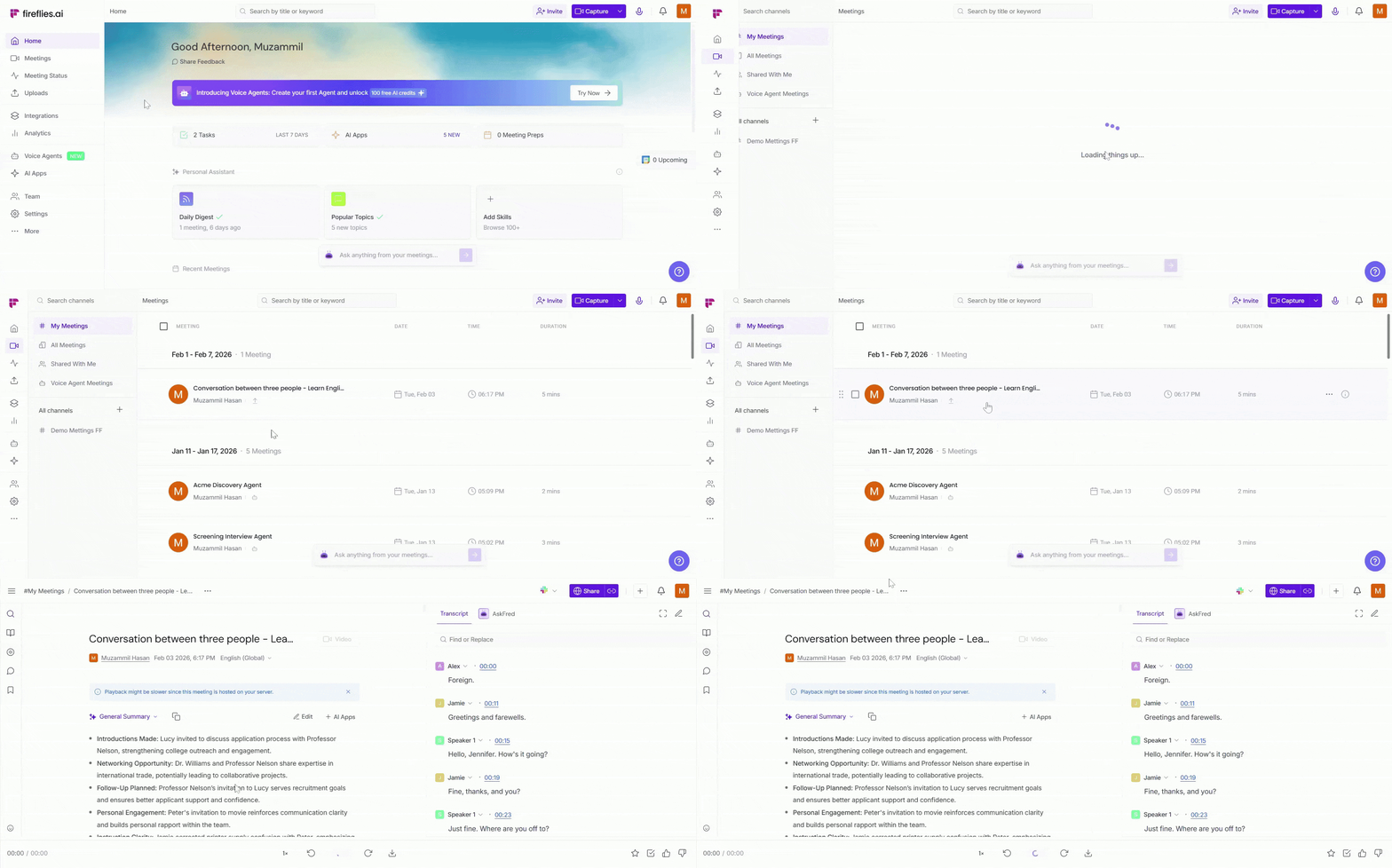
Instead of just giving me a transcript, Fireflies gave me:
- A summary
- Key points
- Action items
- Searchable sections
It felt less like a recording tool and more like a study assistant.
Fireflies AI vs Otter.ai: Quick Comparison
| Feature | Fireflies AI | Otter.ai |
| Best For | Study notes & summaries | Transcription |
| Summaries | Excellent | Basic |
| Ease of Use | Very Easy | Easy |
| Organization | Strong | Medium |
| Search | Very Good | Good |
| Best for Students | ⭐⭐⭐⭐⭐ | ⭐⭐⭐⭐ |
The Biggest Difference
The biggest difference is simple:
Otter records.
Fireflies organizes.
With Otter, you get everything that was said.
With Fireflies, you get what actually matters.
That difference becomes very important before exams.
How I Actually Used Them
When I used Otter.ai, my workflow looked like this:
- Record lecture
- Open transcript
- Scroll
- Try to find key ideas
- Rewrite notes
It saved time, but not as much as I expected.
When I used Fireflies, it looked like this:
- Record lecture
- Open summary
- Review key points
- Search specific topics
That saved a lot more time.
Fireflies AI vs Otter.ai for Students
If you are a student, here is the easiest way to choose:
Use Otter.ai if:
- You just want a transcript
- You prefer raw data
- You want something simple
Use Fireflies.ai if:
- You want summaries and structure
- You want to study faster
- You don’t want to read everything again
- You want better notes without extra work
The Feature That Made the Biggest Difference
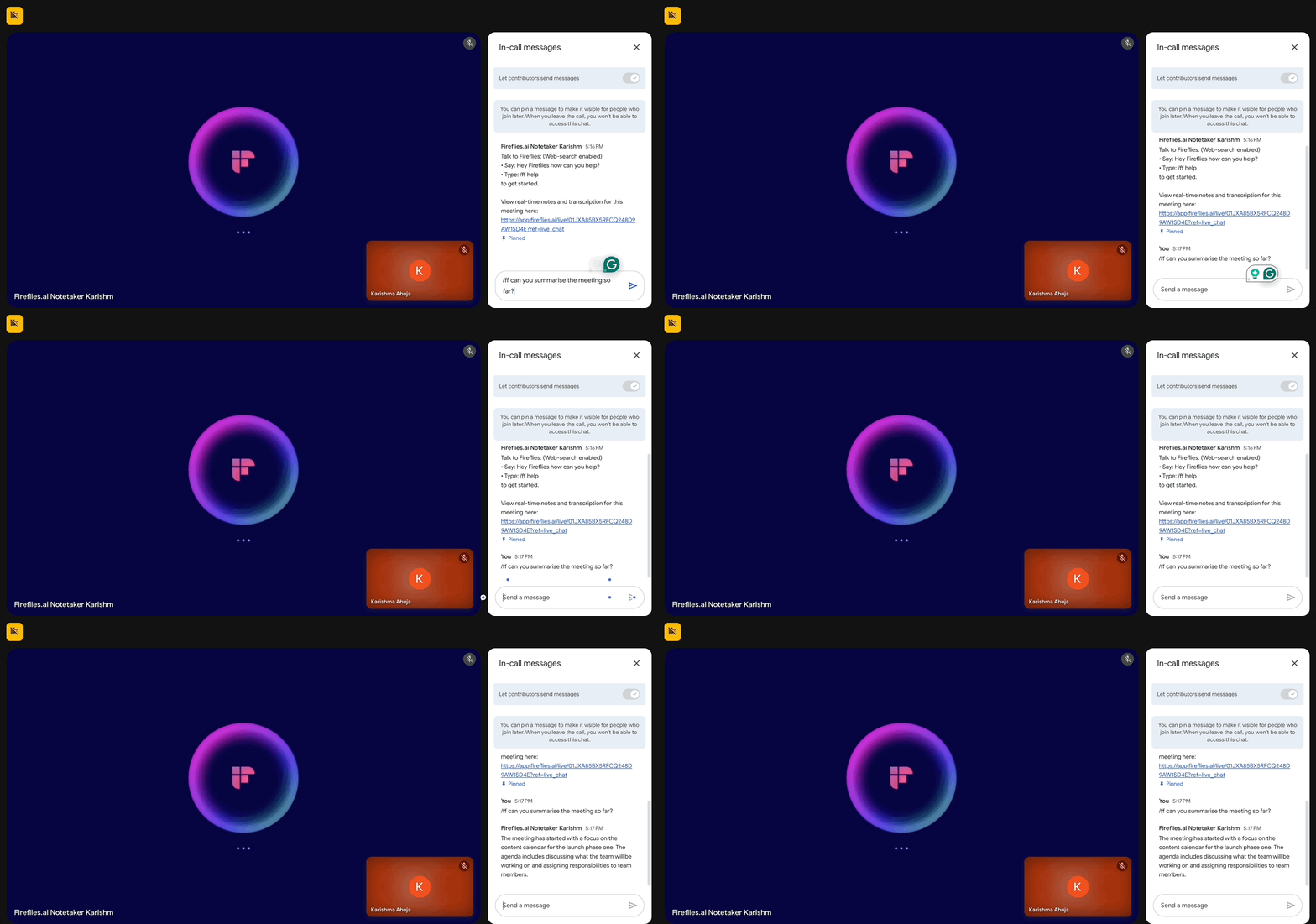
One of the best features in Fireflies is search.
During a group project, I needed to remember who was responsible for a specific task.
Instead of guessing, I searched one keyword and found the exact moment in the meeting.
That saved me from sending messages like:
“Wait, who said they would do this?”
What About Accuracy?
Both tools are good.
But neither is perfect.
If multiple people talk at the same time or the audio is unclear, mistakes can happen.
Still, both are much better than taking notes manually.
Which One Should You Choose?
After using both, here is my honest answer:
- If you want simple transcription → Otter.ai
- If you want better study notes → Fireflies.ai
For most students, Fireflies is the better option. If your challenge is reviewing PDFs and lecture slides instead of recorded sessions, I would also compare it with NotebookLM for students, since the two tools solve different study problems. If you want a local system for organizing and linking notes over several semesters, see the Obsidian student discount and education pricing guide.
Because at the end of the day, you are not trying to record lectures.
You are trying to understand them.
Final Verdict: Fireflies AI vs Otter.ai
Both tools can help.
But they solve different problems.
Otter helps you capture everything.
Fireflies helps you understand what matters.
And if you are studying for exams, that difference is huge.
Related Articles:
Last verified: August 21, 2026.





3 Comments