
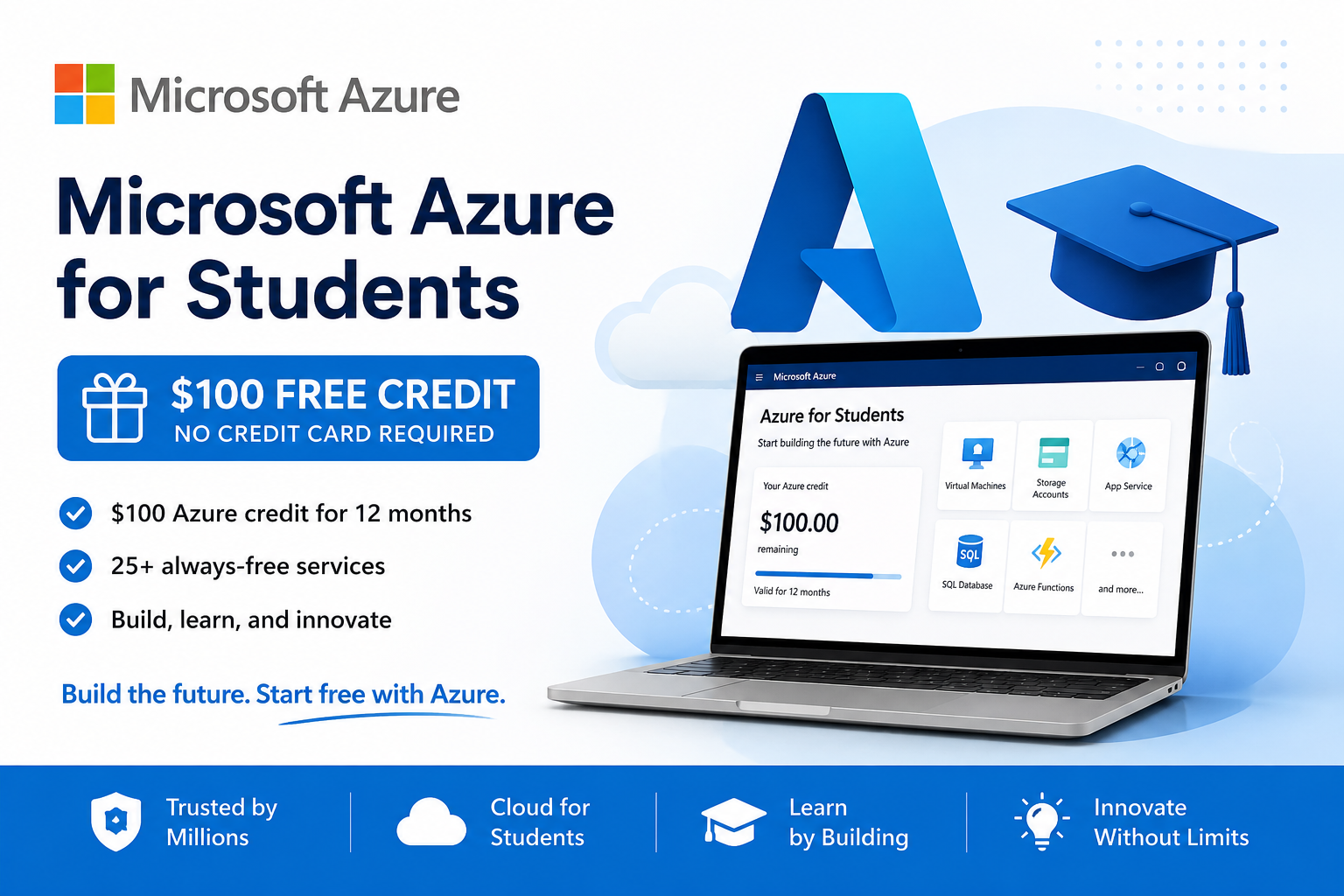
Microsoft Azure for Students 2026: Get $100 Free Azure Credit (No Credit Card)
$100 in Azure Credit, No Credit Card Required
Eligible full-time university students can use Microsoft Azure for free with $100 in cloud credit for 12 months, plus free monthly amounts of popular Azure services.
Check Azure for Students →If you are studying computer science, software engineering, data science, AI, cybersecurity, or another technical subject, Microsoft Azure for Students is one of the more useful student cloud offers available in 2026. Eligible students can receive $100 in Azure credit for 12 months without adding a credit card.
The offer is especially useful for coursework and personal projects that need cloud hosting, databases, virtual machines, storage, AI services, or development infrastructure. Microsoft also lets eligible students renew the offer annually while they remain students.
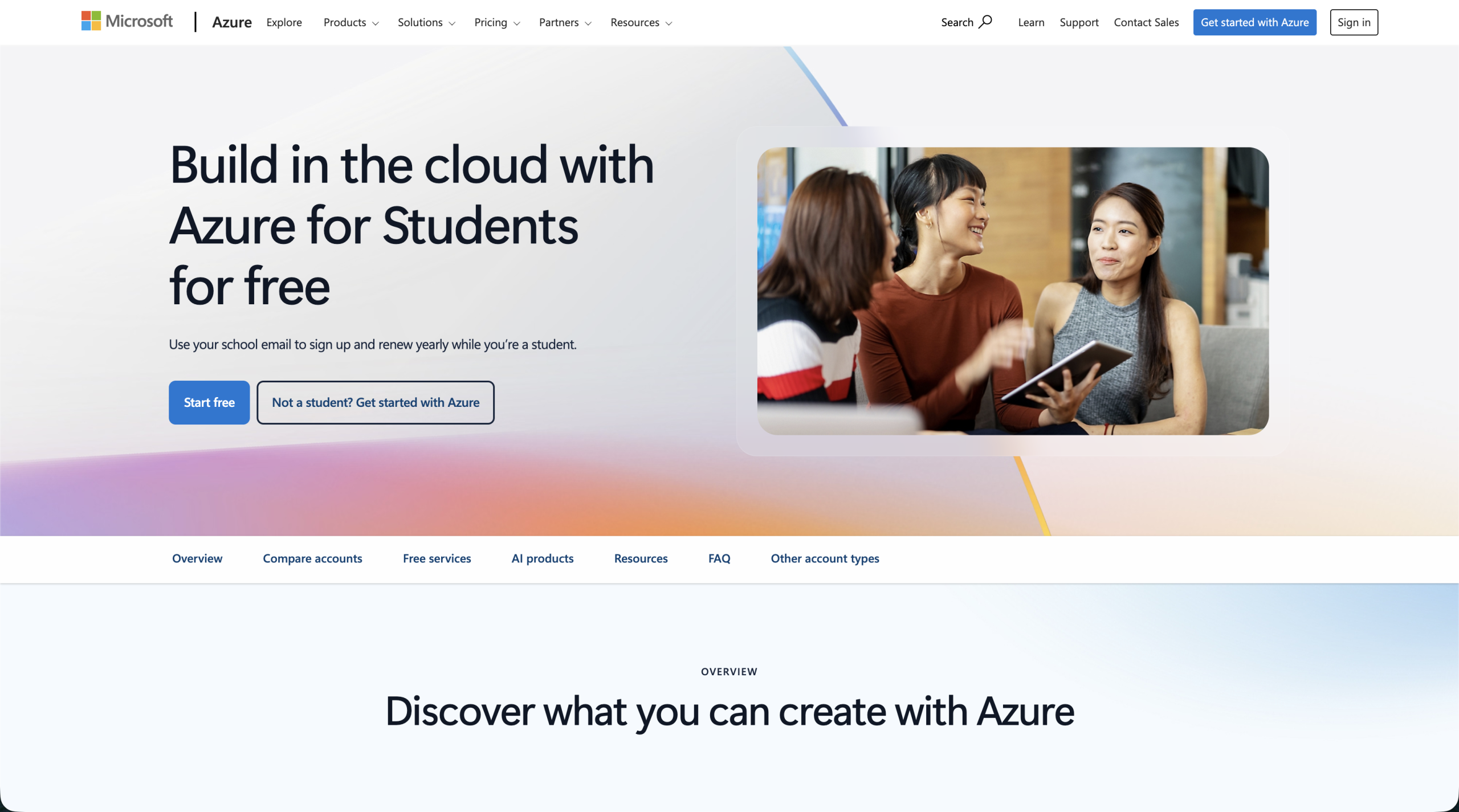
Azure for Students: Quick Summary
| Feature | Azure for Students |
|---|---|
| Price | Free |
| Azure credit | $100 for 12 months |
| Credit card required? | No |
| Eligibility | Eligible full-time higher-education students |
| Renewal | Can be renewed annually while eligible |
| Free services | Free monthly amounts across popular and always-free Azure services |
| Best for | Cloud projects, coding, databases, AI, data science and coursework |
What Is Microsoft Azure for Students?
Azure for Students is Microsoft’s education offer for eligible higher-education students. It gives you access to the Azure cloud platform with $100 in credit that can be used for up to one year. You do not need a credit card to activate the student offer.
Azure is Microsoft’s cloud platform, so this is not simply a discount on one app. The student credit can be used across eligible Azure products for educational projects, development, testing, noncommercial research, and learning.
What Do You Get With Azure for Students?
- $100 Azure credit valid for 12 months.
- No credit card required to activate the student account.
- Access to the Azure catalog up to your available credit and applicable free limits.
- Free monthly amounts of popular Azure services, including services for compute, storage, networking, and databases.
- Access to developer tools through the Azure Education Hub while your subscription is active.
- Access to Microsoft Learn resources for learning Azure and cloud technologies.
- Annual renewal while you continue to meet Microsoft’s student eligibility requirements.
Is Microsoft Azure Free for Students?
Yes. Azure for Students is free to activate, requires no credit card, and includes $100 in Azure credit for 12 months. The important distinction is that Azure itself is usage-based. Your eligible usage is deducted from the $100 credit unless it falls within a free service allowance.
That means students should still monitor their cloud usage. The $100 can last a long time for small learning projects, but larger virtual machines, databases, or continuously running resources can consume it much faster.
Who Is Eligible for Azure for Students?
Microsoft states that Azure for Students is intended for students who are 18 or older and are full-time students at an accredited, degree-granting two-year or four-year educational institution. You also need to verify your academic status.
- You are at least 18 years old.
- You attend an eligible accredited higher-education institution.
- You are a full-time student.
- You can verify your academic status, typically using your institution details or academic email.
- You have not already used another Azure for Students account beyond Microsoft’s account limits.
How to Get the $100 Azure Student Credit
- Open the official Azure for Students offer page.
- Select the option to start free and sign in with your Microsoft account.
- Complete Microsoft’s student eligibility and academic verification process.
- Review and accept the Azure for Students offer terms.
- Once approved, open the Azure portal and confirm that your student subscription and $100 credit are active.
- Use the Education Hub and Azure Cost Management to monitor your remaining credit as you build projects.
You should not be asked to enter a credit card to activate the standard Azure for Students offer. If you later choose to upgrade to pay as you go, billing details may then be required.
Can You Get Azure for Students Through the GitHub Student Developer Pack?
Yes. Microsoft Azure is also included in the GitHub Student Developer Pack. GitHub currently lists the Azure benefit as free access to 25+ Azure cloud services plus $100 in Azure credit for students aged 18+, with no credit card required.
If you already have a verified GitHub Education account, this can be a convenient route to the Azure student benefit. Microsoft has also documented how students can link a personal Microsoft account with a GitHub-validated student account when redeeming Azure for Students.
You do not need to treat these as two separate $100 Azure offers. The GitHub Student Developer Pack provides a route to the Azure for Students benefit, so the important part is activating the eligible Azure student subscription rather than expecting the credits to stack.
What Can Students Build With $100 in Azure Credit?
- Host a web app or API for a university project.
- Run a small virtual machine to learn Linux, networking, or server administration.
- Create cloud databases for software engineering assignments.
- Experiment with AI and machine learning using Azure’s cloud ecosystem.
- Store files and datasets with Azure Storage.
- Practice DevOps and cloud deployment for portfolio projects.
- Explore data science workflows without needing to maintain your own server infrastructure.
Azure for Students vs a Regular Azure Account
| Feature | Azure for Students | Regular Azure account |
|---|---|---|
| Student-only | Yes | No |
| Initial student credit | $100 | Depends on current Azure offer |
| Credit card | Not required for activation | May be required depending on offer/account |
| Duration of credit | 12 months | Varies |
| Annual student renewal | Yes, while eligible | No student renewal benefit |
Can You Renew Azure for Students?
Yes. Microsoft says eligible students can renew Azure for Students after one year. If you are still an active student and successfully reverify your eligibility, you can receive another $100 in Azure credit for the next student subscription period.
If you use the entire $100 before the 12-month period ends, Microsoft gives you the option to move to a pay-as-you-go subscription if you want to keep your resources running. Otherwise, the student subscription and deployed products can be disabled until you are eligible to renew or choose another subscription.
What Happens When the $100 Credit Runs Out?
Azure does not automatically turn your no-card student account into an unlimited paid account. If you use your available credit, Microsoft lets you decide whether to upgrade to pay as you go. If you do not upgrade, the subscription and deployed resources are disabled.
This spending protection is one reason Azure for Students is useful for learning cloud computing: you can experiment without starting with a credit card attached to the account. You should still back up important project data and keep an eye on the subscription expiration date.
Is Azure for Students Worth Claiming?
For eligible technical students, yes. You are getting real cloud infrastructure credit rather than a small percentage discount. The offer is particularly valuable if a class requires cloud hosting, you want to deploy portfolio projects, or you want hands-on experience with infrastructure, databases, AI, and cloud development.
The main limitation is that $100 is still a finite cloud budget. If you leave expensive resources running continuously, it can disappear quickly. For small student projects and deliberate experimentation, however, the combination of the credit and free service allowances can be very useful.
Azure for Students FAQ
How much free Azure credit do students get?
Eligible students receive $100 in Azure credit that can be used for up to 12 months.
Do I need a credit card for Azure for Students?
No. Microsoft states that the Azure for Students offer does not require a credit card to activate.
Is Azure free for college students?
Eligible full-time higher-education students can activate Azure for Students for free and receive the $100 credit plus applicable free service allowances.
Can I renew the $100 Azure student credit?
Yes. If you are still an eligible student after one year, Microsoft allows you to renew the student offer and receive another $100 credit after reverifying your student status.
What happens if I use all $100 before the year ends?
You can choose to upgrade to pay as you go. If you do not upgrade, your subscription and deployed products can be disabled.
Can I use the student credit for Azure Marketplace purchases?
No. Microsoft says the $100 Azure for Students credit cannot be applied to Azure Marketplace offers.
Can I get Azure for Students through the GitHub Student Developer Pack?
Yes. GitHub currently includes Microsoft Azure in the Student Developer Pack, with $100 in Azure credit plus access to 25+ cloud services for eligible students aged 18+. If you already have verified GitHub Education status, check the GitHub Student Developer Pack route as well.
Can I use Azure for Students for commercial production projects?
The student offer is intended for education, teaching, noncommercial research, and designing, developing, testing, or demonstrating applications for those purposes. Check Microsoft’s current offer terms before using it outside those contexts.
Bottom Line
Microsoft Azure for Students gives eligible university students one of the better cloud-learning offers available: $100 in Azure credit for 12 months, no credit card required, free service allowances, and the ability to renew annually while you remain eligible.
If you have a cloud computing class, need infrastructure for a programming project, or simply want practical Azure experience for your portfolio, it is worth checking your eligibility before paying for cloud resources yourself.
Last verified: August 21, 2026.



Interessante.
Good read!
Aprendí mucho.