
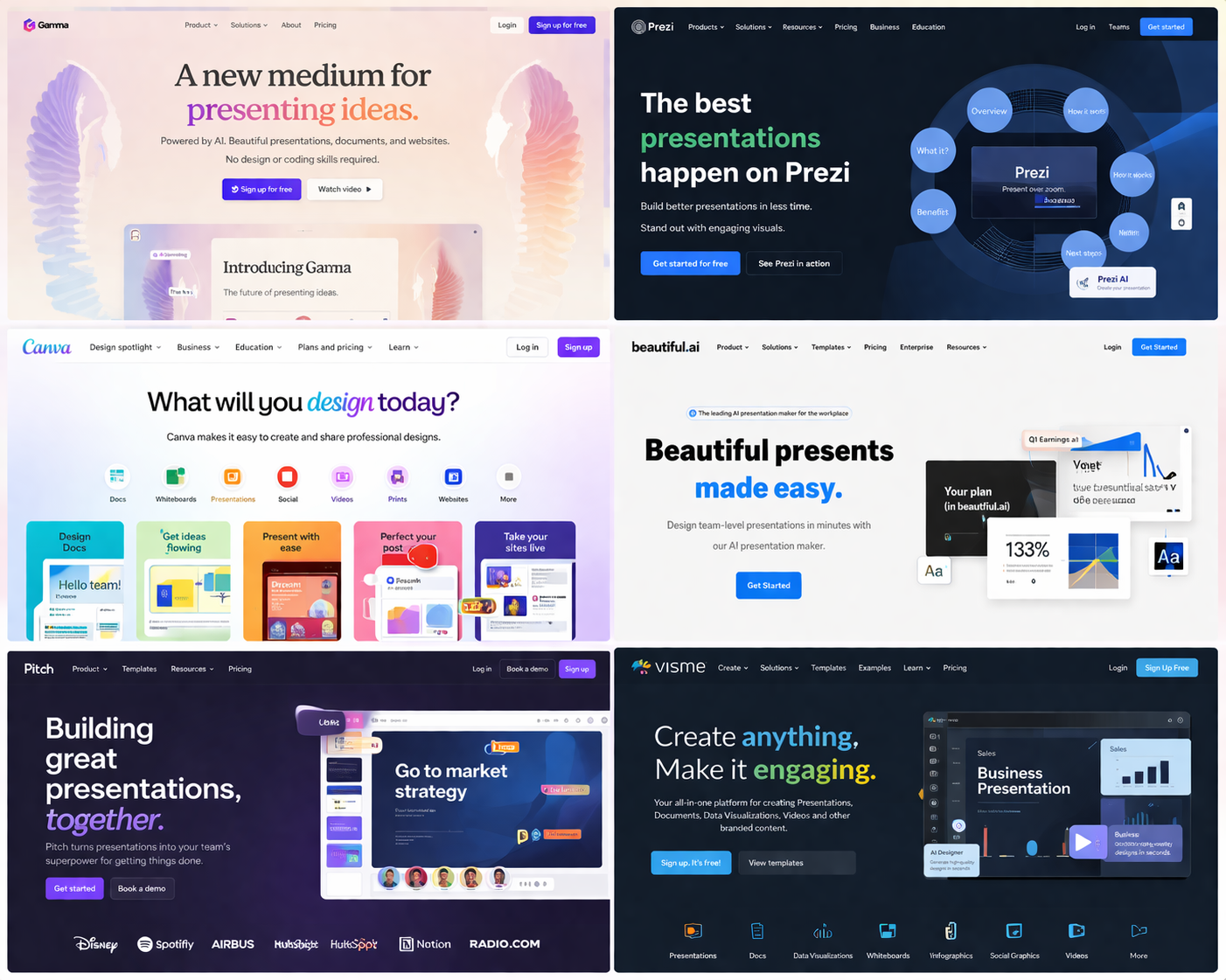
Best AI Presentation Tools for Students in 2026
Quick answer: What is the best AI presentation tool for students?
For most students, my top pick is Gamma AI because it can turn a prompt into a polished presentation quickly. Canva is better for design control, Prezi for interactive presentations, and Pitch for group projects.
The comparison below covers the best AI presentation tools for students in 2026 and which one I would choose for each type of assignment.
If you are looking for the best AI presentation tools for students in 2026, you are probably tired of spending hours trying to make your slides look good.
I know I was.
During my Computer Science degree, I spent more time fixing slide layouts, moving text boxes, and choosing colors than actually working on the content. That changed when I started using AI presentation tools.
The best AI presentation tools for students can take a simple idea and turn it into a polished presentation in minutes. Some are better for university assignments, some are better for interactive class presentations, and some are perfect if you hate design and just want something that looks professional.
After trying the most popular AI presentation makers for students, these are the six tools I would compare first in 2026.
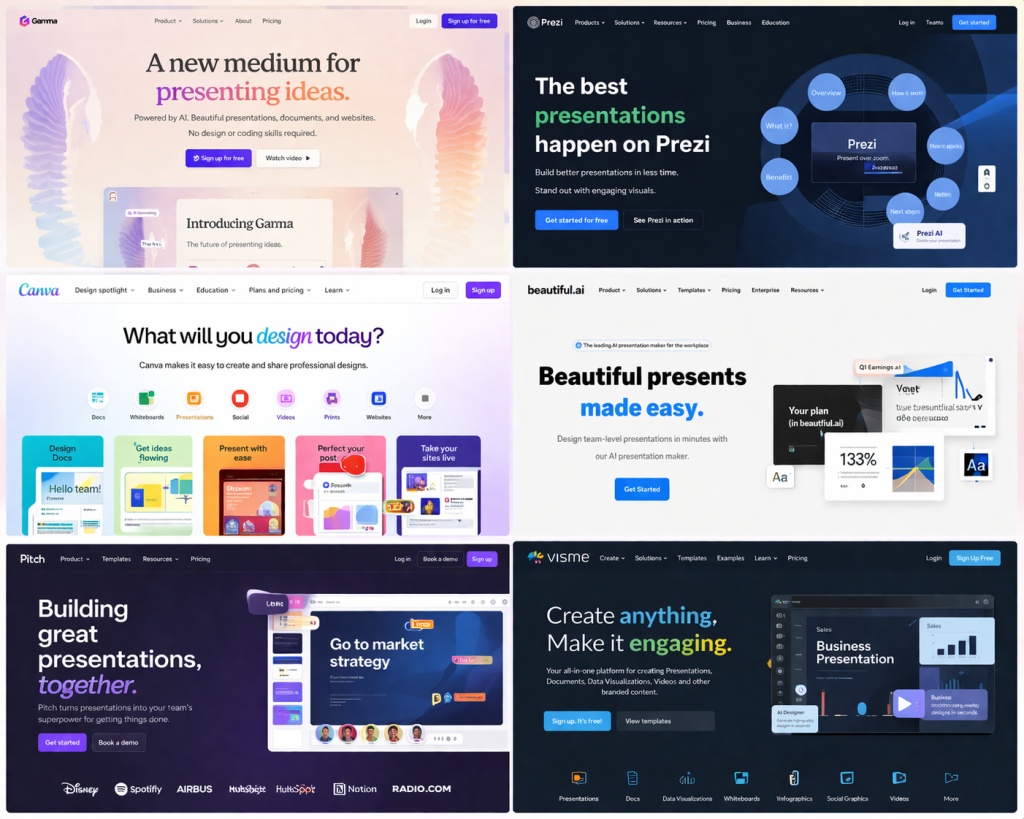
Quick Comparison: Best AI Presentation Tools for Students
Gamma AI |
Prezi |
Visme |
Pitch |
Beautiful.ai |
Canva |
|
|---|---|---|---|---|---|---|
| Best For | Fast school presentations | Interactive presentations | Presentations, infographics, and reports | Group projects and teamwork | Professional-looking slides | Beautiful templates and design |
| Free Plan | Trial | Limited | ||||
| Best Feature | Creates a full presentation from one prompt | Zooming and animated style | More customization and flexibility | Best collaboration tools | Automatically fixes slide layouts | Huge template library |
| Ease of Use | Very Easy | Medium | Medium | Easy | Easy | Hard |
| AI Generation Quality |
Excellent For Text, Basic For Images |
Good | Good | Very Good | Very Good | Good but pricey |
| Starting Price | $10/month for Plus, $20/month for Pro | $7/month Standard, $19/month Plus | $12 month for Pro | Free for small teams, Pro starts around $20/month | $12/month for Pro | $15/month for Canva Pro |
1. Gamma AI: The Best AI Presentation Tool for Students
If I had to choose one AI presentation tool for students, I would choose Gamma AI.
Gamma is the tool I used during my algorithms seminar in university, and it honestly changed the way I make presentations.
Instead of opening a blank PowerPoint, I typed a short description of what I wanted. Gamma created a title slide, sections, explanations, images, and a modern design in just a few minutes.
That is why Gamma AI is perfect for:
- School projects
- University presentations
- Last-minute assignments
- Students who do not enjoy design
- Anyone who wants a presentation quickly
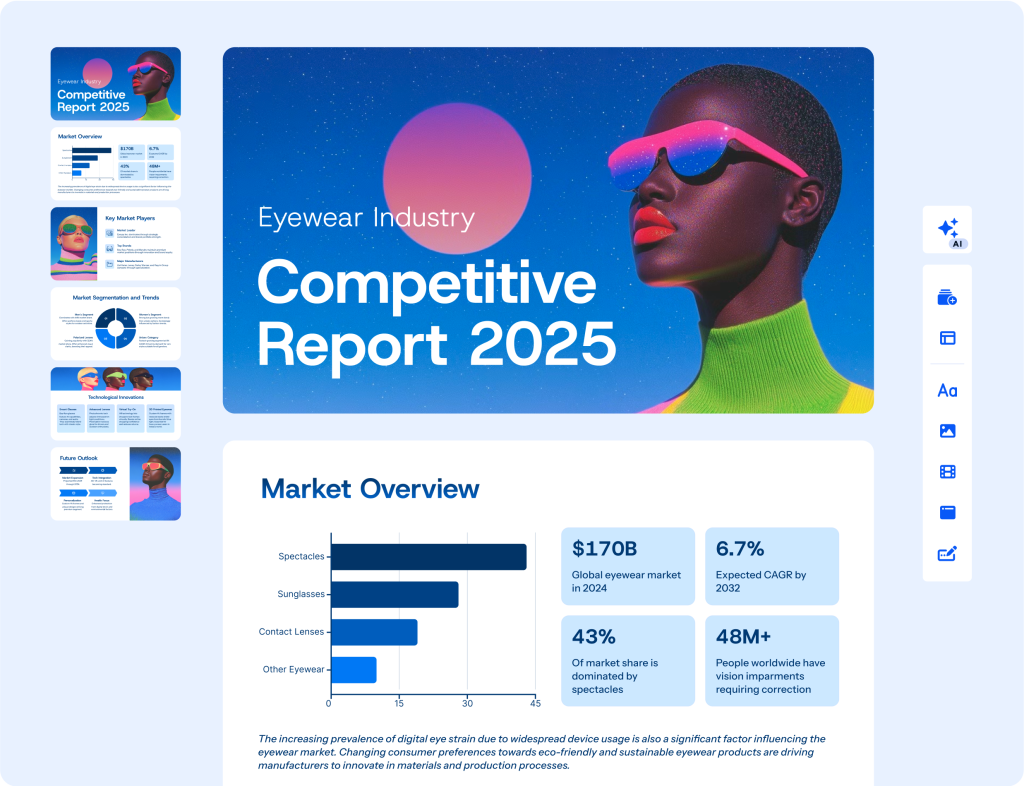
Gamma is especially strong if you want speed. Compared to most of the other tools, it does the most work for you automatically. For a real student workflow, see how I used Gamma for a school assignment and built a presentation in about 15 minutes. For current student-plan and discount status, use my Gamma AI student discount and pricing guide.
Gamma focuses on turning your ideas into slides as quickly as possible, with almost no design work required from you.
Gamma AI Pros
- Fastest AI presentation maker
- Easiest for students
- Great for essays, seminars, and school projects
- Creates a full presentation from one prompt
Gamma AI Cons
- Less control than Canva or Visme
- Sometimes the text needs small edits

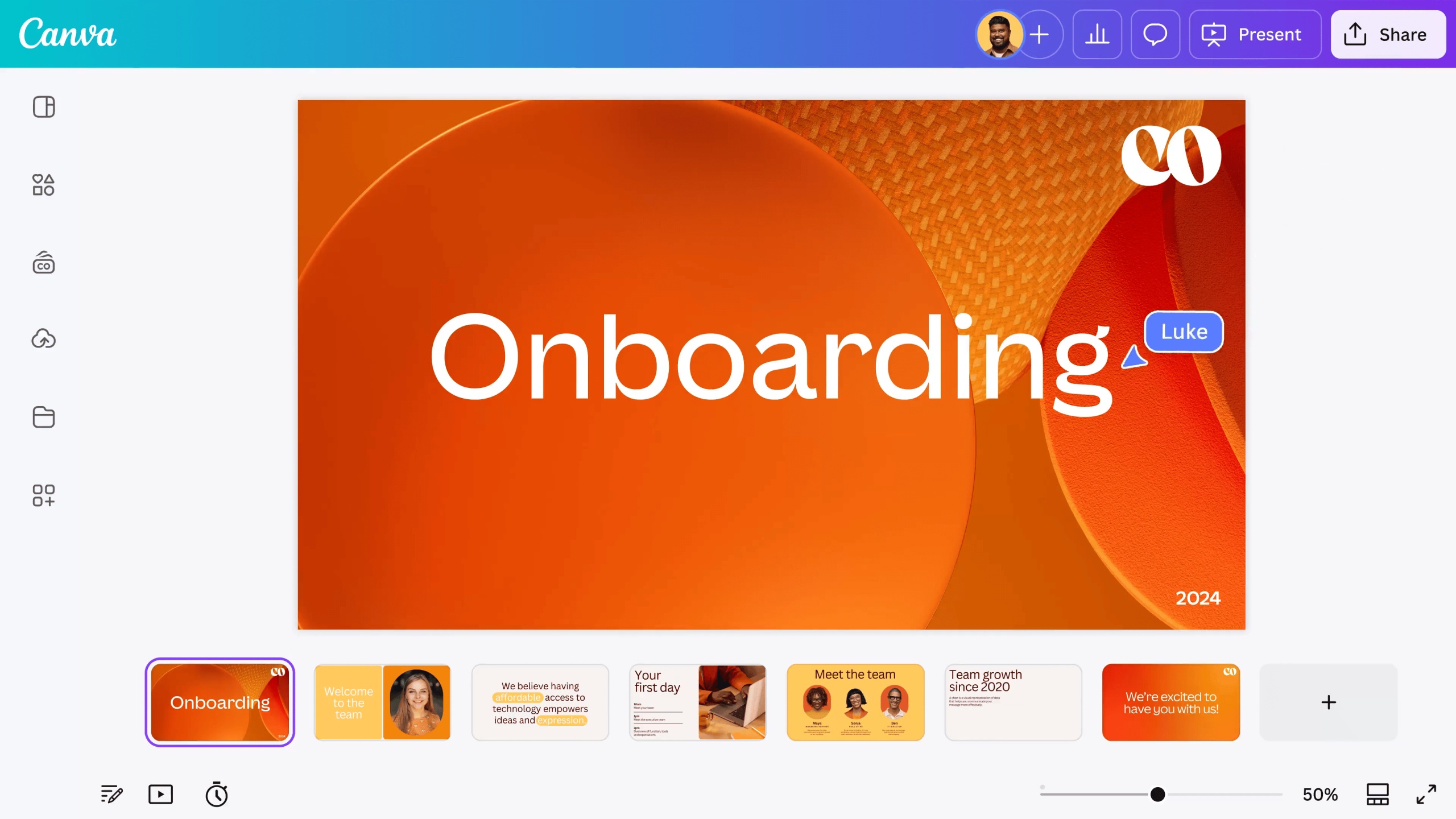
2. Canva: Best for Students Who Care About Design
Canva is one of the most popular presentation tools for students, and it is easy to understand why.
If you want your presentation to look beautiful, Canva is probably the best choice.
Canva gives you:
- Thousands of templates
- Images and icons
- Fonts and animations
- More creative control
The problem is that Canva is not as automatic as Gamma AI. Canva gives you the pieces, but you still have to put them together yourself.
Canva works best if:
- You enjoy design
- You want more control
- You are making a creative presentation
3. Prezi: Best for Presentations That Stand Out
Prezi is completely different from the other tools on this list.
Instead of traditional slides, Prezi creates presentations that zoom in and out between ideas. It feels more dynamic and can make your presentation much more interesting.
Prezi is best if:
- You are presenting in front of the class
- You want to impress people
- You want something more interactive than normal slides
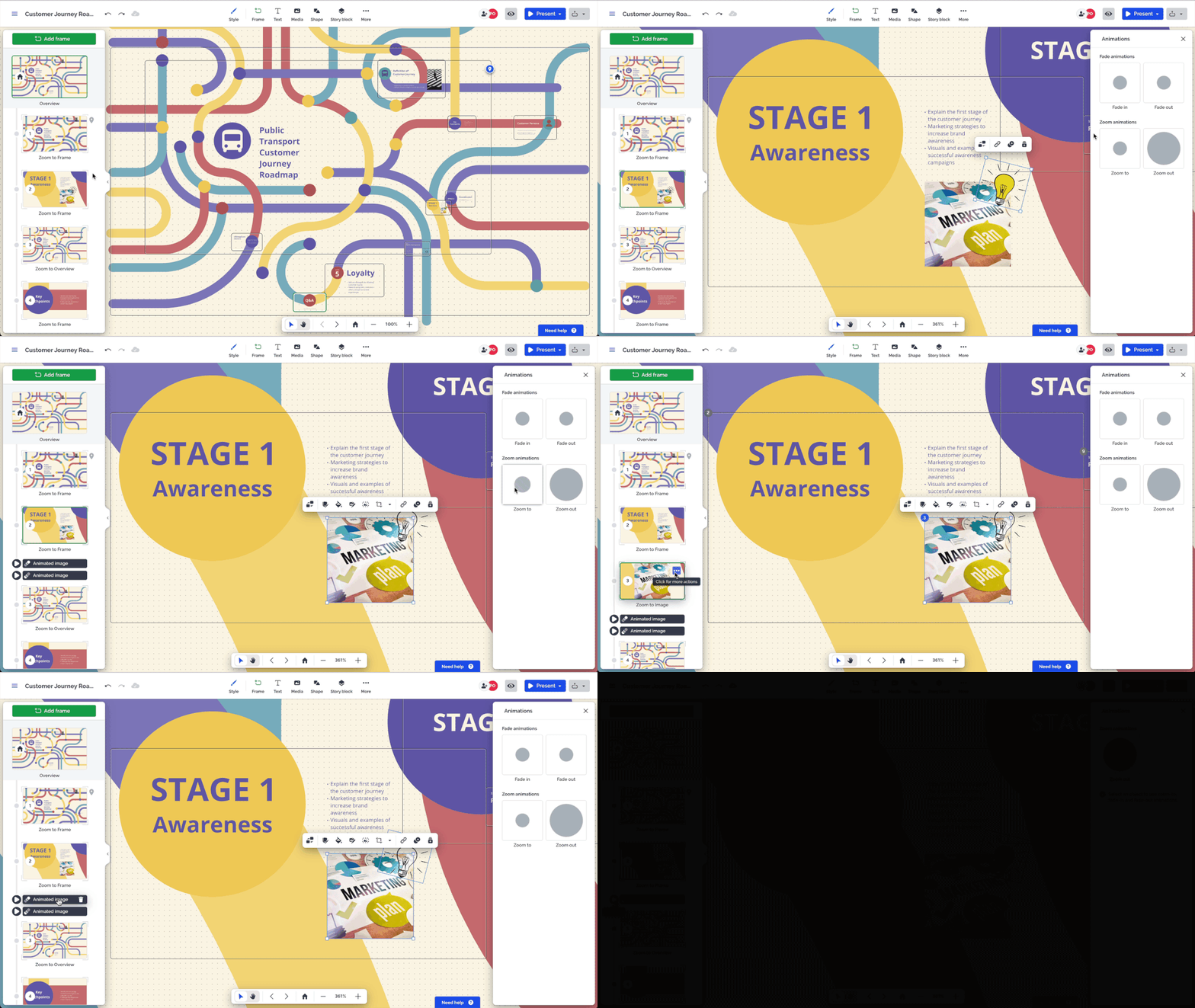
The downside is that Prezi can sometimes feel too complicated for simple assignments. If you only need a fast school presentation, Gamma is easier.
Gamma AI vs Prezi
|
If You Want… |
Better Tool |
|
A presentation in 10 minutes |
|
|
Something interactive and different |
|
|
The easiest tool to use |
|
|
A presentation that stands out in class |
Beautiful.ai describes Prezi as more dynamic and interactive, while Gamma and similar AI tools are faster and easier for creating a full presentation quickly.
4. Beautiful.ai: Best for Clean, Professional Slides
Beautiful.ai is one of the easiest AI presentation tools because it automatically fixes your slide design while you work.
You do not need to worry about:
- Text spacing
- Alignment
- Layout
- Whether the slide looks messy
Beautiful.ai does that for you automatically.
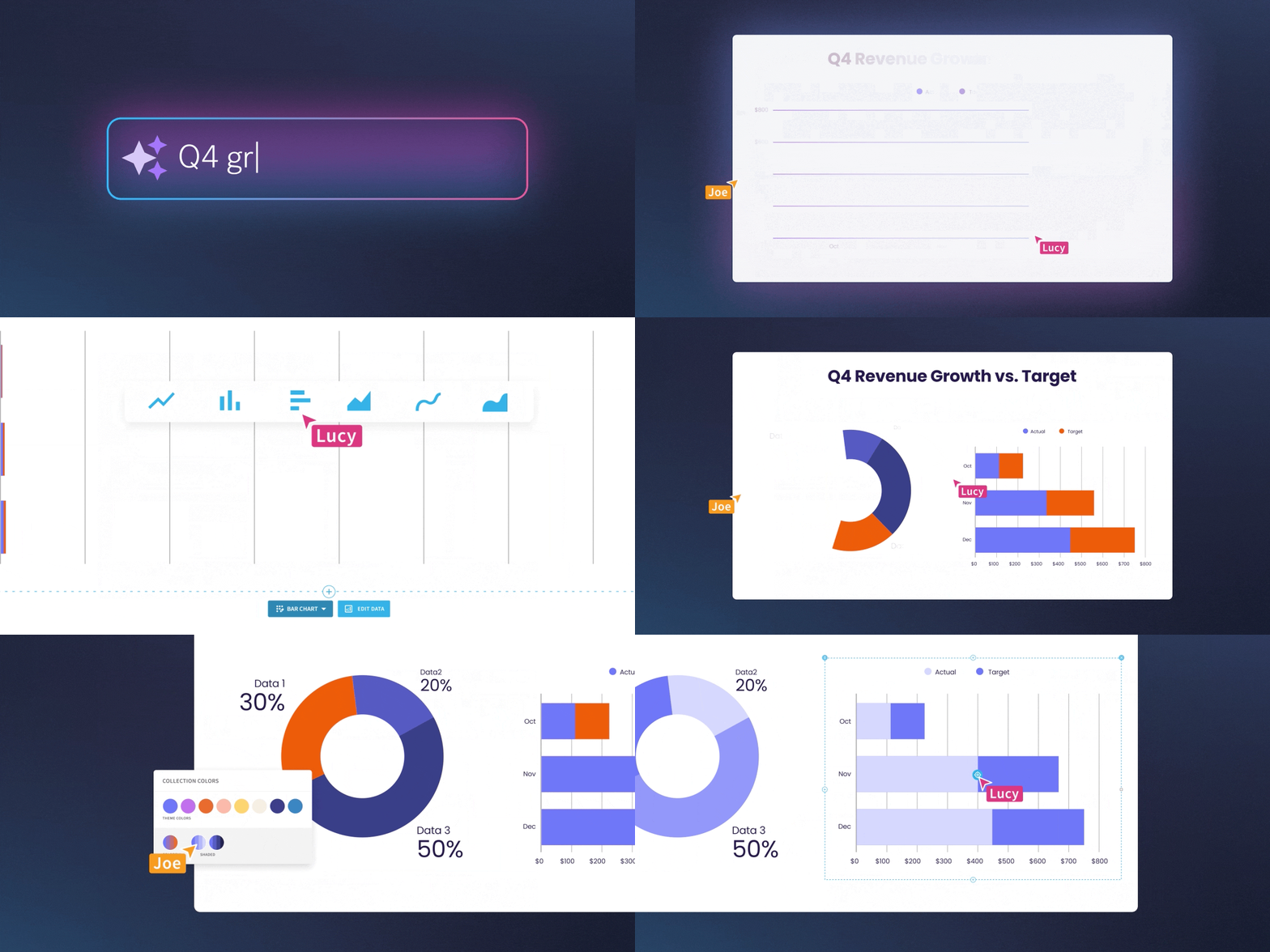
This makes it great for students who want professional-looking slides without spending time designing them.
The downside is that Beautiful.ai feels more business-focused than student-focused. It is great for formal presentations, but less flexible than Canva or Visme.
Beautiful.ai is designed to create polished presentations quickly, while Canva and Visme give you more freedom but require more work.
5. Visme: Best If You Want More Than Just Slides
Visme is one of the most interesting tools on this list because it is not just a presentation maker.
You can also create:
- Infographics
- Reports
- Charts
- Posters
- Study guides
That makes Visme a great option for students who need more than just a slideshow.
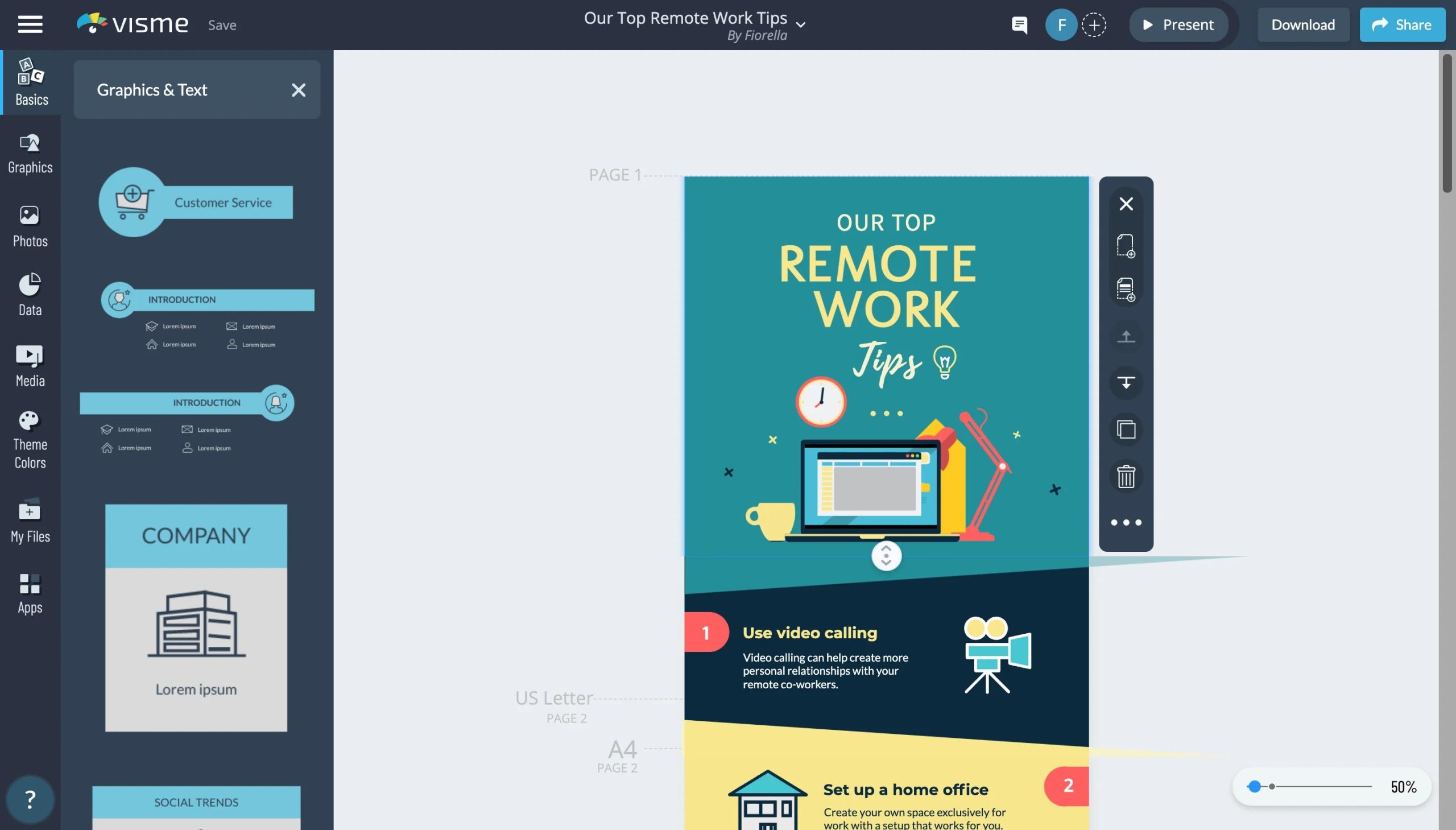
Compared to Beautiful.ai, Visme gives you much more customization and many more types of content. It is especially useful if you like designing things yourself.
The downside is that Visme can feel overwhelming at first because there are so many options.
Beautiful.ai vs Visme
|
If You Want… |
Better Tool |
|
A quick, clean presentation |
|
|
More customization and creative freedom |
|
|
Only presentations |
|
|
Presentations, infographics, and reports |
Visme is more flexible, while Beautiful.ai is easier and more automatic.
6. Pitch: Best for Group Projects
If you work on a lot of group assignments, Pitch is worth looking at.
Pitch is designed for teamwork. Several people can work on the same presentation, leave comments, and edit slides together.
That makes it useful for:
- Group projects
- Team presentations
- Presentations with classmates

The problem is that Pitch is not as automatic as Gamma AI and not as flexible as Canva or Visme.
Pitch is best when teamwork matters more than design.
Beautiful.ai and Pitch are both strong for collaboration, but Pitch is more focused on teams while Beautiful.ai focuses more on slide quality and speed.

Best Tools Like Prezi for Students and Interactive Presentations
Google is already showing this guide for searches around tools like Prezi for education and student-friendly interactive presentations. Prezi is still the most distinctive option here for zooming, nonlinear presentations, but it is not the only choice for students who want something more engaging than a normal slide deck.
- Prezi: Best for zooming, interactive presentations that stand out in class.
- Gamma AI: Best if you want AI to create a full presentation quickly from a prompt.
- Canva: Best for students who want templates, animations, and more visual control.
- Visme: Best for visual presentations, infographics, reports, and more interactive content.
- Pitch: Best for collaborative student presentations and group projects.
If your main goal is an interactive class presentation, I would start with Prezi. If speed matters more, Gamma AI is easier. For group work, Pitch is the stronger student-friendly option.
Which AI Presentation Tool Is Best for Students?
After trying all of these tools, here is my honest answer:
- Best overall AI presentation tool for students: Gamma AI
- Best for design: Canva
- Best for interactive presentations: Prezi
- Best for professional slides: Beautiful.ai
- Best for infographics and reports: Visme
- Best for group projects: Pitch
For most students, Gamma AI is still the best option because it is the fastest and easiest.
If you are trying to finish a presentation quickly or you hate spending hours in PowerPoint, Gamma AI is probably the best place to start.
Final Thoughts
The good news is that you do not need to spend all night making slides anymore.
The best AI presentation tools for students can save hours of work and make your presentations look much more professional.
If you want speed and simplicity, start with Gamma AI.
If you want more creativity, Canva or Visme may be better.
If you want to impress your class, try Prezi.
And if you are working on a group project, Pitch is worth trying.
No matter which tool you choose, the most important thing is to stop wasting time fighting with PowerPoint or Google Slides and start using tools that actually make your life easier.
Related AI Presentation Guides for Students
- See how I used Gamma AI for my university algorithms seminar presentation.
- Compare Gamma AI vs Canva vs Prezi for students.
Choosing between the two leading options? See my complete Pitch vs Gamma comparison for a direct look at speed, editing, teamwork, exports, and student use cases.
Last verified: August 21, 2026.


12 Comments