

Pitch vs Gamma 2026: Which AI Presentation Tool Is Better for Students?
Group-project plan check: Pitch Free supports up to five members. Plus is a one-member workspace plan; a larger group should compare Free’s limit with Team or Business rather than assume that upgrading to Plus adds teammates.
 VS
VS

AI Presentation Tools for Students
Pitch vs Gamma: Which AI Presentation Tool Wins in 2026?
Gamma is the faster AI-first choice for turning notes and prompts into a polished visual story. Pitch is the stronger presentation-first workspace when you want precise slide control, teamwork, and a more traditional deck.
Pitch vs Gamma: The Quick Verdict
Choose Gamma for speed
Best when you want to paste notes, upload a source, or type a prompt and quickly receive a visually structured presentation with minimal manual formatting.
Choose Pitch for control
Best when you want a true slide-deck workflow, detailed editing, reusable templates, polished presenting, and stronger collaboration for group projects.
My overall winner for most students: Gamma. Its AI-first workflow is easier when a deadline is close and you need to turn an outline, assignment brief, PDF, or rough notes into something presentable quickly.
My winner for design-focused students and group presentations: Pitch. Pitch feels closer to a modern, collaborative alternative to PowerPoint, with more deliberate slide-by-slide control after the first draft is created.
That distinction matters: Gamma is a visual storytelling and content-generation tool that can create presentations, documents, and webpages, while Pitch is built primarily as a presentation workspace. Neither approach is universally better.
Pitch vs Gamma Comparison Table
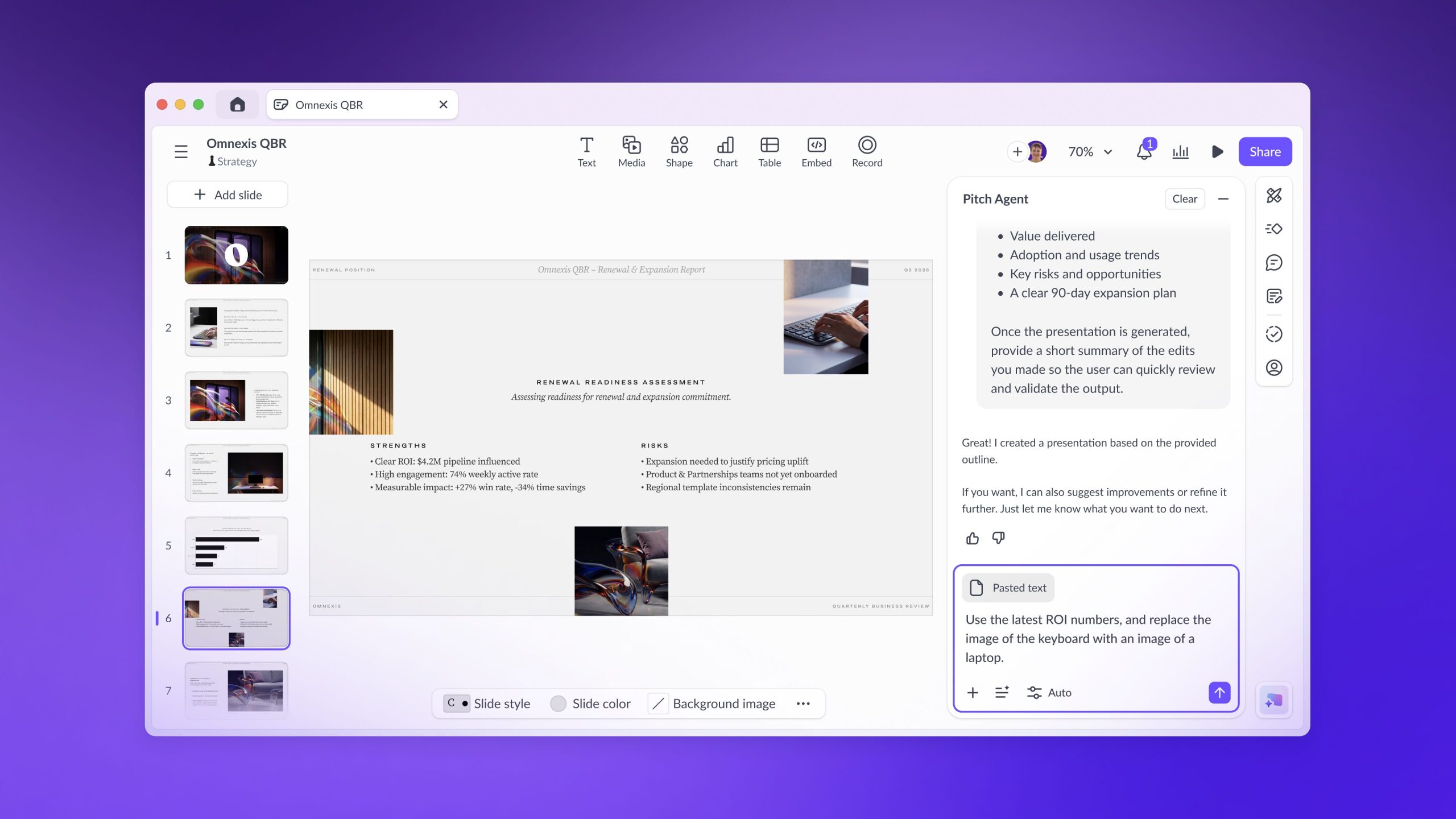
Pitch Agent vs Gamma AI: Which Generates Better Presentations?
Gamma: fastest from rough material to visual draft
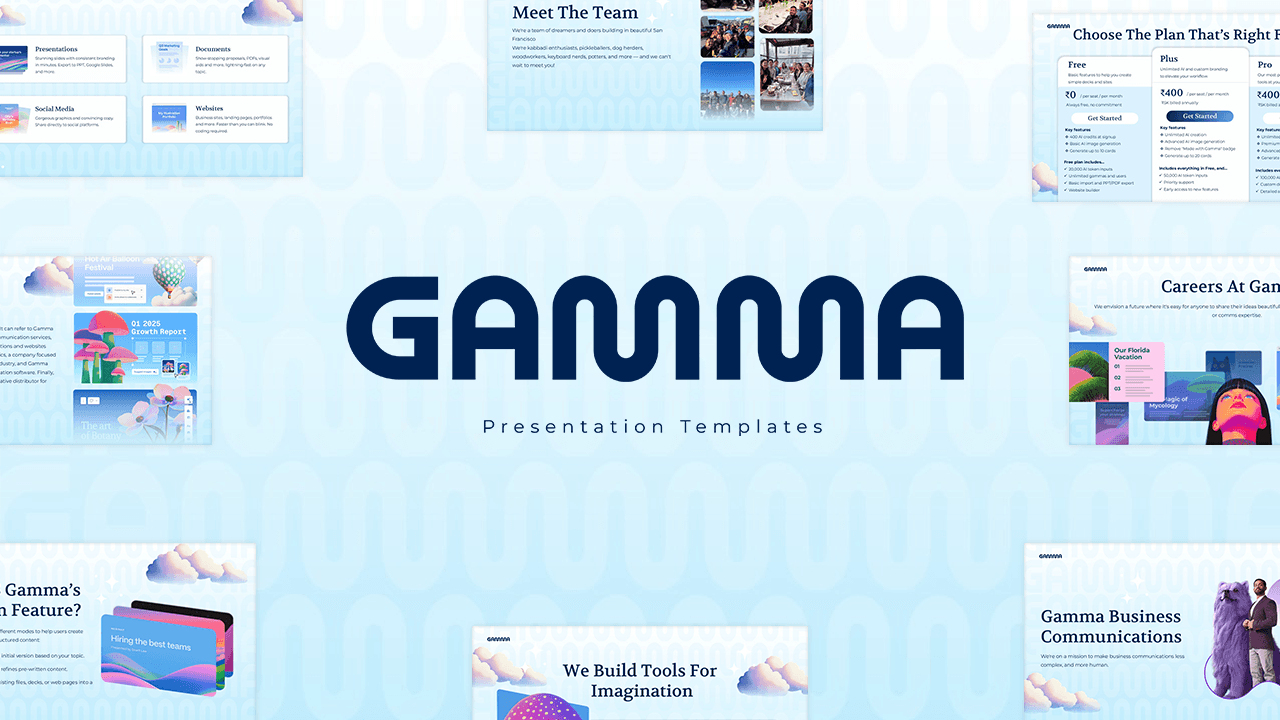
Gamma gives students several useful starting points. You can generate a new presentation from a topic, paste an outline or notes, or import material from a presentation, document, PDF, or webpage. That makes it particularly useful when your content already exists but is not yet organized into slides.
The card-based output usually looks polished without much manual positioning. For a student presentation on a familiar topic, Gamma can take you from blank page to workable draft very quickly. You can then ask its Agent to rewrite content, change the visual style, create new material, or restructure the presentation.
Pitch Agent: stronger when the final deck must still feel designed
Pitch Agent can create a presentation from a prompt, use uploaded files as context, and start from a chosen template. It can also work inside the editor to add slides, rewrite or refine content, replace visuals, and answer questions about the deck.
The main appeal is that the AI output remains inside a conventional, fully editable presentation workspace. You can move elements, adjust layouts, swap images, and keep refining each slide. That is useful when your lecturer expects a standard deck rather than a scrolling web-style presentation.
Mid-comparison verdict
Need a finished draft quickly? Start with Gamma.
Gamma is especially effective when you already have notes, a PDF, or an outline and want AI to handle the first visual structure.
Create a Presentation with Gamma →Design, Layout and Editing Control
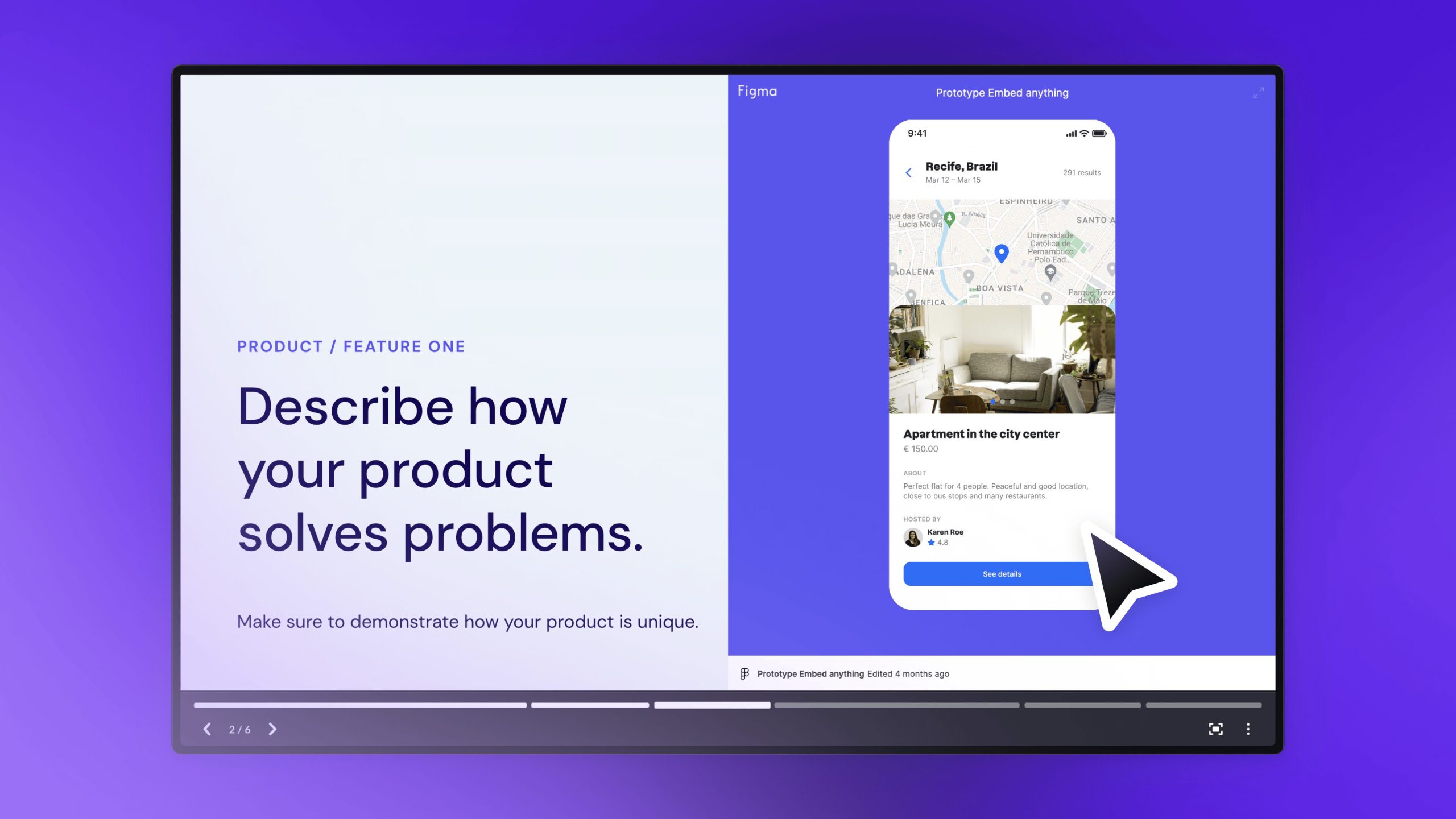
Pitch wins for traditional slide design. Its editor is built around individual slides and movable content blocks, making it easier to control exactly where an element sits. Students familiar with PowerPoint, Keynote, or Google Slides should understand the workflow quickly.
Gamma wins for automatic visual consistency. Its responsive card layouts reduce the time spent aligning boxes and resizing text. This is helpful for students who do not enjoy presentation design, although the trade-off is less granular control over every pixel.
Pitch design strengths
- More familiar slide-by-slide canvas
- Fully editable AI-generated slides
- Reusable templates and custom layouts
- Better fit for formal decks and live presenting
- More deliberate control over positioning
Gamma design strengths
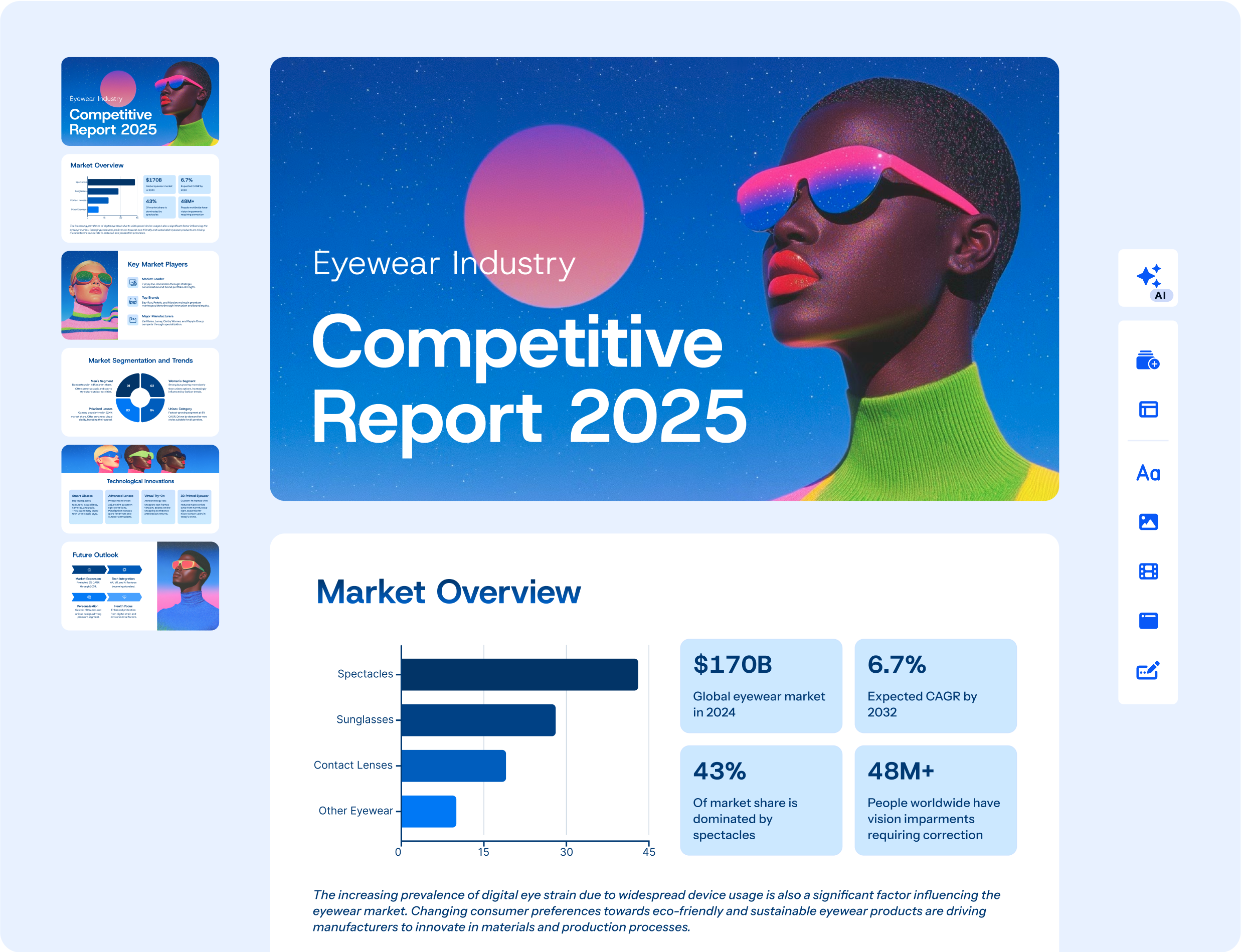
- Fast card-based layouts
- Automatic formatting of pasted content
- Strong visual output with little design work
- Easy theme changes and AI restyling
- Useful for presentations, documents and webpages
Collaboration for Group Projects
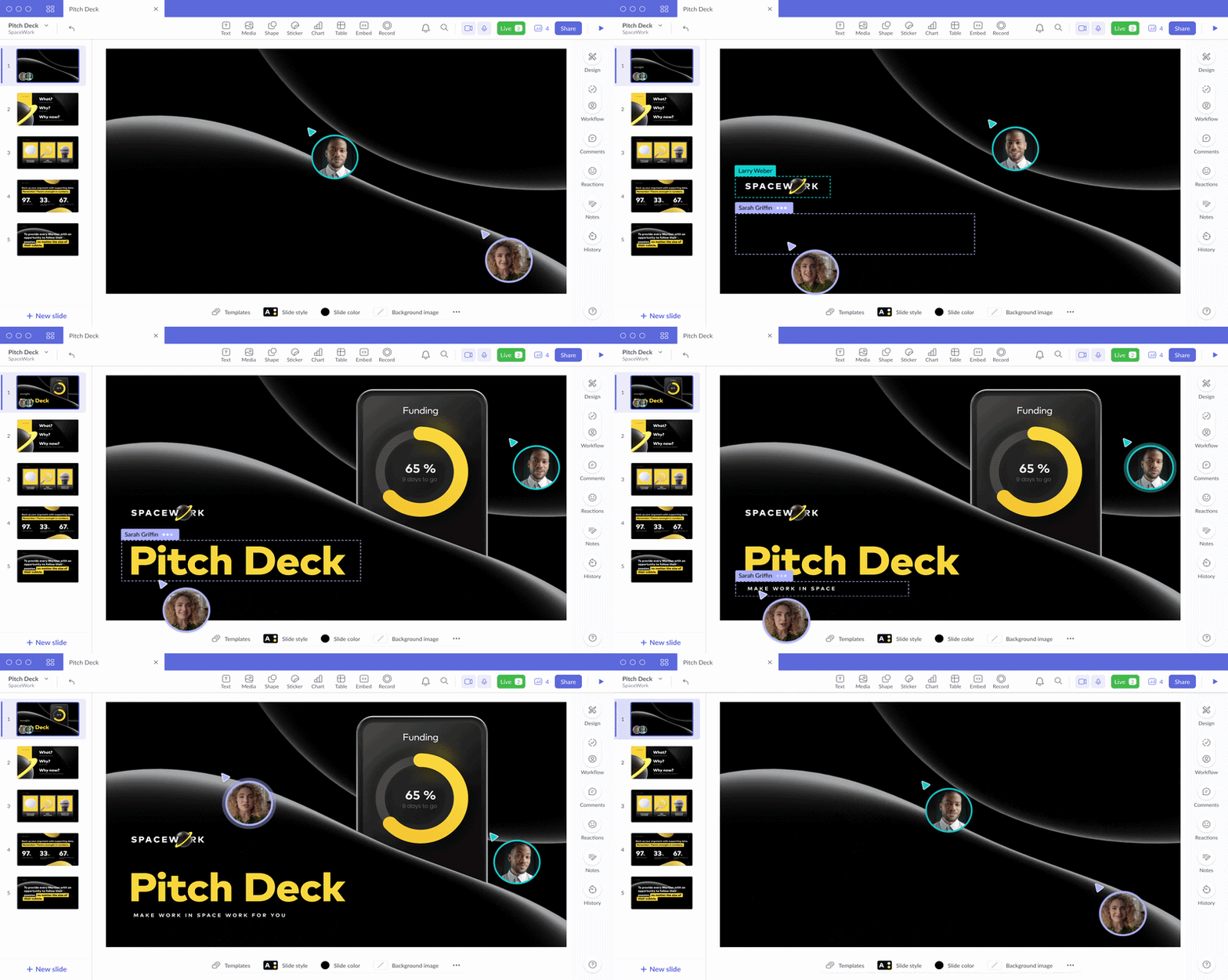
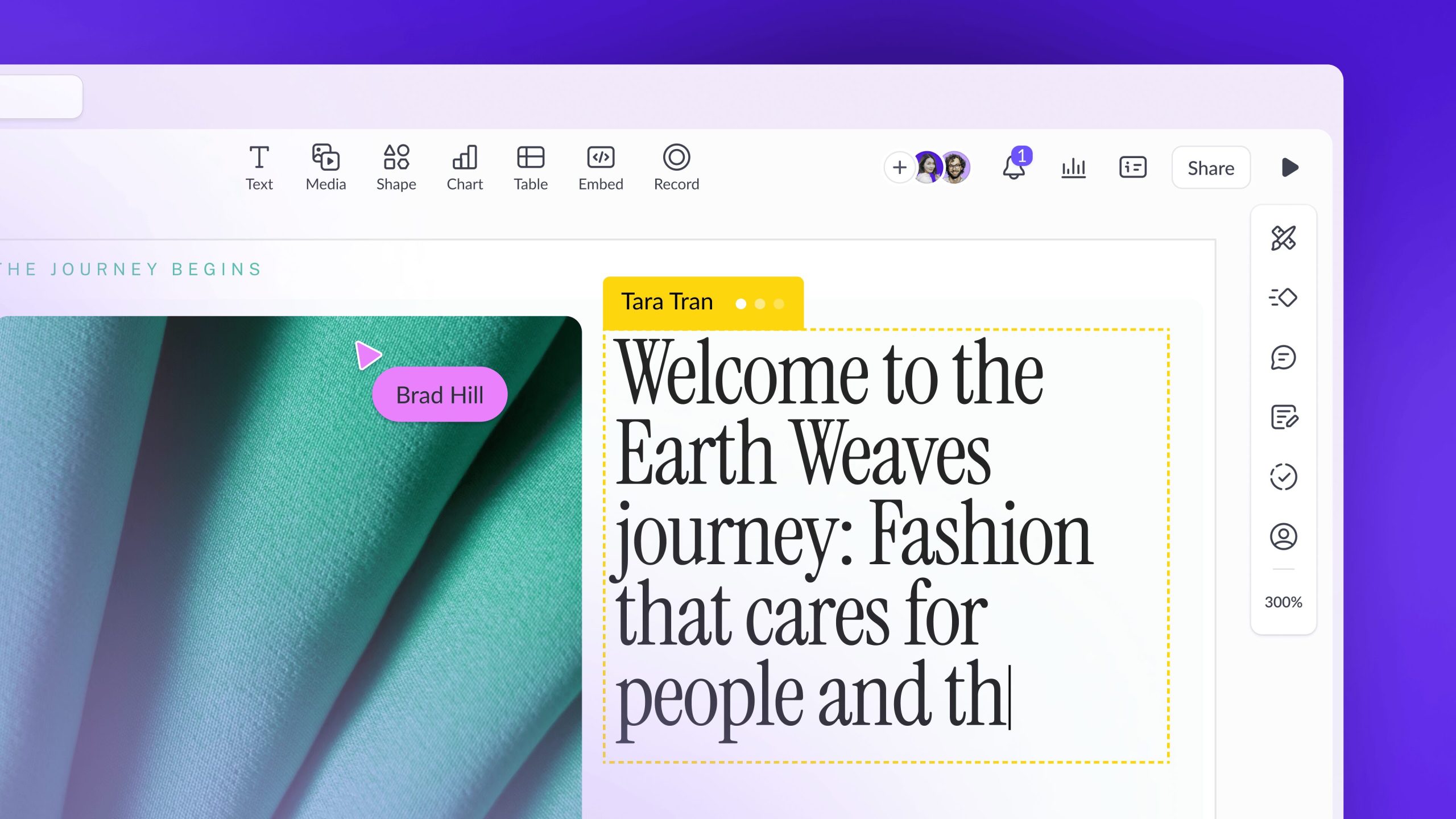
Both tools support shared work, but Pitch has the clearer advantage for presentation-heavy teams. Its workspace structure, guests, comments, roles, version history on eligible plans, shared templates, and co-presenting features make it feel designed for a team that regularly creates decks together.
For a typical university group assignment, this means the team can work from one design system instead of combining five different PowerPoint styles the night before submission. Pitch is also a good choice when different students will present different sections of the same deck.
Gamma still works well for collaborative editing and feedback, and it may be the faster option when one person is responsible for producing the initial draft. But when the whole assignment revolves around building and delivering slides as a group, Pitch has the more presentation-specific workflow.
Presenting, Sharing and Exporting
Gamma can export presentations to PDF, PNG, and PowerPoint formats. A Gamma deck can also be shared as an interactive link, which is useful when a lecturer accepts web-based submissions. Because Gamma layouts can use web-like effects, some advanced visuals may look slightly different after export to PowerPoint or PDF.
Pitch is built around presenting and sharing standard slide decks. It supports presentation links and PDF export on its free plan, while unbranded exports and PowerPoint export depend on the selected paid plan. Its higher-tier collaboration and sharing tools are more relevant to businesses than most students, but the core presenting experience is polished.
Pitch vs Gamma Pricing for Students
Both platforms have free plans, but the limitations are different and can change as the products evolve.
- Pitch Free includes unlimited presentations, custom templates, sharing links, PDF exports with Pitch branding, and a one-time allocation of AI credits. PowerPoint export is part of eligible paid plans.
- Gamma Free supports AI creation with limits, imports, and exports to formats including PDF, PPTX and PNG. Free presentations retain Gamma branding.
- Pitch paid plans are more compelling when you need custom fonts, video uploads, unbranded exports, team controls, or advanced sharing.
- Gamma paid plans increase AI capacity and can add advanced image models, custom branding, analytics, API access, and larger generations depending on the tier.
For current offers, read my Pitch student promo guide and Gamma pricing and student discount guide. Pricing changes, so those dedicated pages are easier to keep updated than repeating every price here.
Pitch offer
Build a polished slide deck
Use Pitch when presentation quality, slide control, and teamwork matter most.
Try Pitch Free →Gamma offer
Generate your first draft fast
Use Gamma when you want AI to turn existing material into a visual presentation quickly.
Try Gamma Free →Which Tool Is Better for Your Student Use Case?
Choose Gamma for lecture notes, research summaries and urgent deadlines
Gamma is the better AI presentation maker when the hardest part is turning information into a clear structure. Paste your notes, upload source material, or provide a detailed prompt, then refine the generated cards. It is especially suitable for:
- Creating a fast first draft from lecture notes
- Turning a report or PDF into a class presentation
- Explaining a topic with visual cards and diagrams
- Building a presentation when you have limited design experience
- Repurposing one topic as a deck, document, webpage, or social post
For better results, use one of my Gamma AI prompts for students rather than entering a vague one-line topic.
Choose Pitch for seminars, formal decks and group presentations
Pitch is the better PowerPoint alternative when the presentation itself is the main deliverable. It is especially suitable for:
- Seminar presentations that need a consistent visual system
- Group projects with several editors or presenters
- Startup, business, marketing, and design assignments
- Presentations that need careful slide-by-slide editing
- Students who want AI assistance without giving up a traditional deck workflow
Read my full Pitch review for students for a deeper look at the editor, templates, and practical student workflow.
Pitch Pros and Cons
Pros
- Presentation-first editing experience
- Strong design and layout control
- Useful collaboration and presenting tools
- AI-generated slides remain fully editable
- Good fit for formal and team-based decks
Cons
- Less immediate than Gamma for turning large amounts of text into a finished visual story
- Some important exports and professional features require a paid plan
- More manual design decisions may be needed
Gamma Pros and Cons
Pros
- Very fast AI presentation generation
- Strong import, paste, and prompt workflows
- Polished layouts with little manual formatting
- Can create presentations, documents, and webpages
- Useful export options on the free plan
Cons
- Card-based layouts are less traditional than standard slides
- Less granular control than a slide-first editor
- Some effects may change during PowerPoint or PDF export
- AI output still needs fact-checking and editing
Final Verdict: Is Pitch or Gamma Better?
Gamma is the better choice for most students who want the fastest route from information to presentation. It reduces formatting work, handles several types of source material, and makes it easy to create an attractive first draft even without design skills.
Pitch is the better choice when you care more about the final slide deck than the speed of the initial draft. Its conventional presentation canvas, template system, collaboration options, and detailed editing make it a stronger fit for seminars, team assignments, and design-conscious presentations.
Choose your workflow
Speed with Gamma. Control with Pitch.
Both have free options, so the easiest test is to create the same short presentation in each and see which editing style feels natural.
For more alternatives, see my full guide to the best AI presentation tools for students and the broader AI presentation tools hub.
Frequently Asked Questions
Is Pitch better than Gamma?
Pitch is better for traditional slide editing, polished presenting, reusable templates, and group collaboration. Gamma is better for rapidly generating a visual first draft from prompts, notes, documents, PDFs, presentations, or webpages.
Is Gamma better than Pitch for students?
Gamma is likely better for most students because it requires less design work and can quickly organize existing study material. Pitch may be better for students producing formal seminars, business decks, design assignments, or collaborative presentations.
Can Pitch and Gamma export to PowerPoint?
Both support PowerPoint workflows. Gamma offers PPTX export, while Pitch makes PowerPoint export available on eligible paid plans. Always check the exported file before submitting because some visual effects may not transfer perfectly.
Which AI presentation tool is easier to use?
Gamma is usually easier for generating the first draft because it automates more of the structure and design. Pitch may feel more familiar to anyone who already uses PowerPoint or Google Slides.
Which is better for group presentations?
Pitch has the edge for presentation-focused group work because of its collaborative workspace, guests, comments, templates, and team presenting features. Gamma remains useful when one team member needs to generate the initial content quickly.
Can I use Pitch or Gamma for free?
Yes. Both tools offer free plans, although their AI usage, branding, exports, and advanced features differ. Start with the free versions before deciding whether a paid plan is useful for your coursework.
Last verified: October 19, 2026 (plan limitations and linked guidance). Official source checked. Features, pricing and terms may change.




9 Comments