
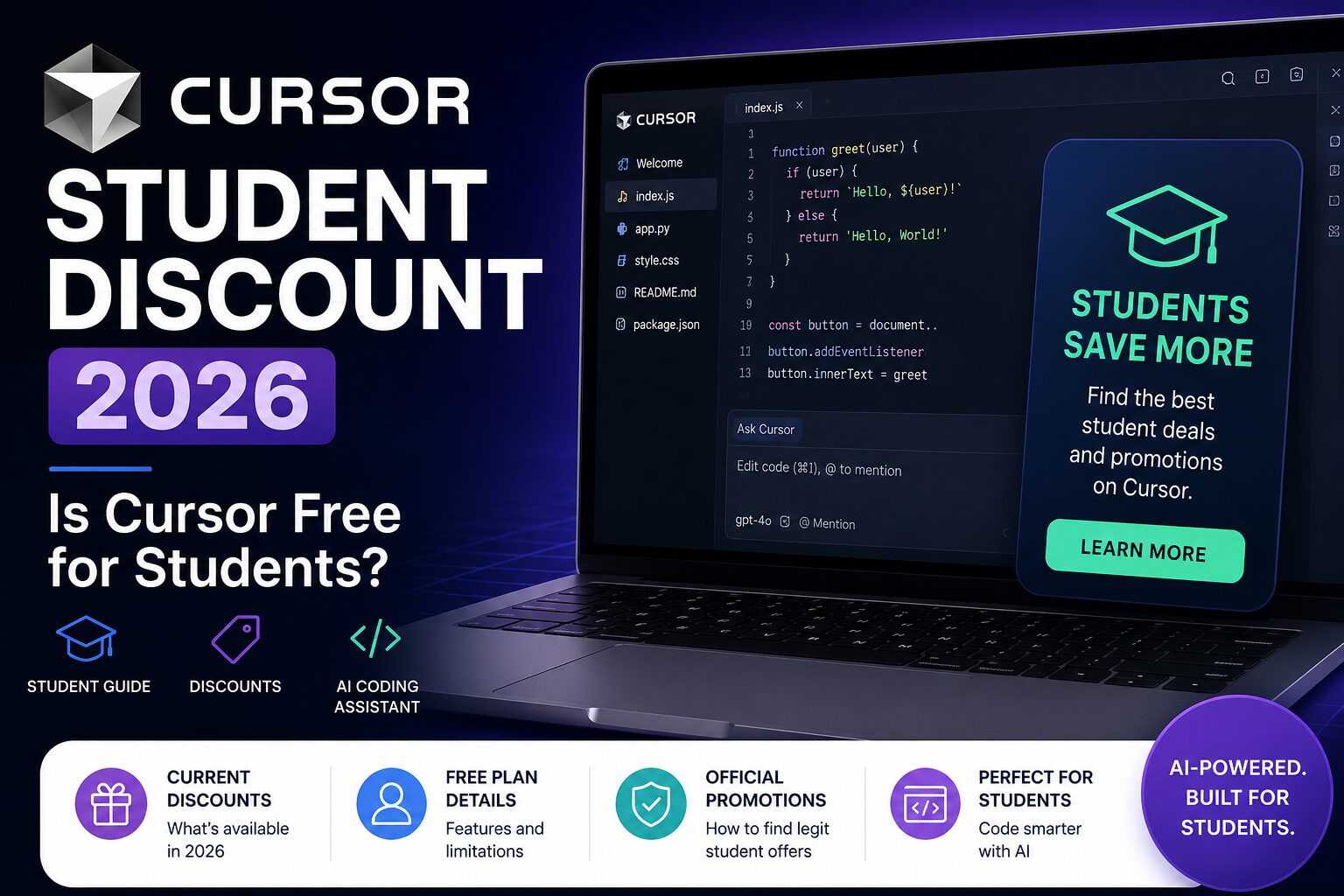
Cursor Student Discount 2026: Is Cursor Free for Students?
Quick answer: Cursor does not currently advertise a permanent, general student discount. Students can start with Cursor’s free Hobby plan, while upgraded access may be offered through campus and online promotions. Cursor’s public student page says to watch for those promotions rather than promising a standard year-round student plan.
That makes the situation a little confusing: Cursor is clearly marketing to students, but the current official offer is not the old-style “verify your student status and get Pro free” deal many people expect. This guide explains what is actually available in 2026, what Cursor costs, and which alternatives may be better for students on a tight budget.
Does Cursor offer a student discount in 2026?
According to Cursor’s official student page, anyone can get started for free. For upgraded access, Cursor tells students to look out for promotions at campus and online events and to join its campus newsletter for early access to discounts and guides.
So the accurate answer is:
- There is a free Cursor plan available to everyone.
- Cursor does not currently list a permanent public student price on its student page.
- Student discounts may appear through campus programs, events, or limited promotions.
- You should only buy Cursor directly from Cursor’s official website.
Do not pay a third party for a “student Cursor account.” Cursor states that subscriptions sold through unauthorized resellers may be fraudulent or suspended.
Based on Cursor’s official pricing FAQ
How much does Cursor cost?
Cursor’s current public pricing page lists the following main individual options:
Hobby
Free
- No credit card required
- Limited Agent requests
- Limited Tab completions
Individual
From $16 per month
- Extended Agent limits
- Access to frontier models
- MCPs, skills, and hooks
- Cloud agents
Pricing and limits can change, so check the official Cursor pricing page before subscribing.
Is Cursor free for students?
Cursor is free for students in the same way it is free for everyone: through the Hobby plan. The free plan is enough to test the editor, use limited AI requests, and decide whether Cursor fits your workflow.
For occasional coding assignments, small personal projects, or learning how AI-assisted development works, the free plan may be enough. Students who use Agent features every day, work across larger repositories, or rely heavily on premium models are more likely to hit the free limits.
How to get a Cursor student promotion
- Visit Cursor’s official student page and join the campus newsletter.
- Watch for Cursor workshops, university events, hackathons, and online student promotions.
- Use the free Hobby plan while waiting for a promotion.
- Avoid account resellers, shared subscriptions, and unofficial coupon sellers.
Cursor specifically invites educators and student community leaders to contact the company about bringing Cursor to their campus. Students involved in a coding club, hackathon society, developer community, or university technology program may have a better chance of accessing campus offers through an organized event.
Was Cursor previously free for students?
You may still find older posts and social media claims saying Cursor Pro is free for students for one year. Cursor’s official support guide confirms that new sign-ups for the legacy offer ended on June 25, 2026. Existing recipients retain their rate until expiry; afterward the subscription renews at the regular plan price unless canceled. Undergraduates can look for event offers, while master’s students, PhD candidates, researchers, and educators can request credits through the form linked in that guide.
For that reason, always verify any deal on Cursor’s own website before relying on it.
Is Cursor worth paying for as a student?
Cursor can be worth paying for when it saves meaningful time on real development work, but it is not automatically the best purchase for every student.
Cursor may be worth it when you:
- Build projects across multiple files and need repository-wide context.
- Use AI coding assistance almost every day.
- Work on internships, startup projects, research code, or a capstone project.
- Want an AI-first editor rather than a small autocomplete extension.
Stay on the free plan when you:
- Only code occasionally for coursework.
- Are still learning fundamentals and do not want AI to solve every task.
- Already receive GitHub Copilot through GitHub Education.
- Need to keep monthly software expenses as low as possible.
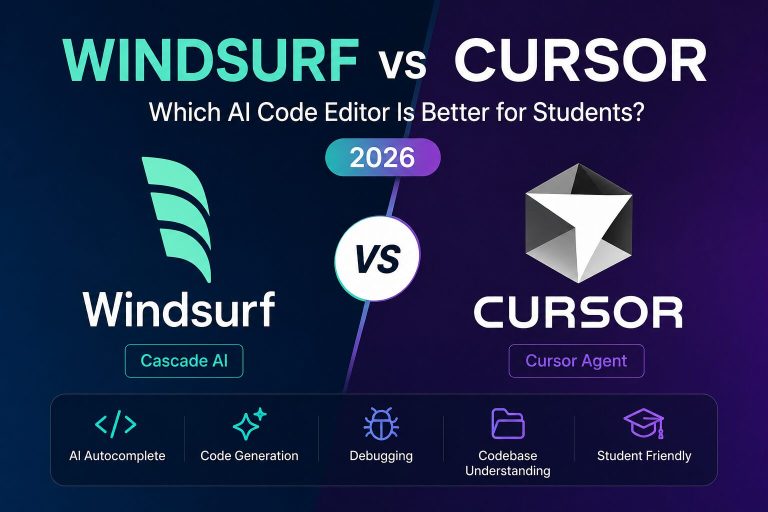
Our Cursor vs Windsurf comparison for students examines the two editors directly. Our broader comparison of the best AI coding tools for students also compares Cursor with GitHub Copilot, Claude Code, Codex, and Gemini CLI.
Best Cursor alternatives for students
For a remote coding-agent workflow, compare the Amp student discount and pricing. Check the education rate and total usage costs alongside the editor-based alternatives below.
1. GitHub Copilot Student
Verified students can access GitHub Copilot Student through GitHub Education. For many students, this is the strongest free alternative because it combines coding assistance with the broader benefits available through the GitHub Student Developer Pack.
2. Windsurf
Windsurf has offered student-specific pricing under qualifying programs. The exact terms can change, so students should verify the current offer directly before subscribing.
3. Gemini CLI
Gemini CLI is useful for students who prefer a terminal-based workflow and want a free entry point into agentic coding assistance.
4. Claude Code and Codex
Claude Code and Codex are stronger fits for students who want terminal agents or broader software-engineering workflows. Their cost depends on the plan and usage model, so they are not always the cheapest option for casual coursework.
Cursor vs GitHub Copilot for students
Cursor is an AI-first editor with deeper project interaction, while GitHub Copilot integrates into familiar editors such as Visual Studio Code and JetBrains products. Cursor may feel more powerful for multi-file editing and agent workflows, but Copilot Student has a major advantage: verified students can receive it without paying the standard individual subscription price.
For most budget-conscious students, the practical order is:
- Claim GitHub Education and test Copilot Student.
- Try Cursor’s free Hobby plan.
- Pay for Cursor only when its workflow clearly saves enough time to justify the monthly cost.
Using Cursor responsibly for coursework
AI coding tools should help you understand, debug, and improve code—not replace the learning process. University rules vary, so check your course policy before using generated code in graded work.
- Ask Cursor to explain errors and suggest debugging steps.
- Review every generated change before accepting it.
- Be able to explain the code you submit.
- Do not upload private coursework, credentials, or sensitive project data.
- Cite or disclose AI assistance when your institution requires it.
Frequently asked questions
Does Cursor have a student plan?
Cursor currently has a student-focused page and campus programs, but it does not publicly list a permanent general student plan with a fixed discounted price.
Can I get Cursor Pro free with a university email?
A university email alone does not guarantee free Pro access under the current public offer. Students should check official campus and online promotions.
Can high-school students use Cursor?
Students can use Cursor’s free plan, subject to Cursor’s account terms and any school rules. Younger students should also follow their school’s academic-integrity and privacy policies.
Is the Cursor free plan enough for learning?
It can be enough for testing the editor, learning its basic workflow, and completing occasional small projects. Frequent Agent usage will likely require a paid plan or an alternative with a student benefit.
Where should I check for a real Cursor discount?
Use Cursor’s official student and pricing pages. Avoid coupon sites or resellers that claim to sell discounted Cursor accounts.
Final verdict
Cursor is available free to students through its standard Hobby plan, but there is no permanent public student discount advertised right now. The best approach is to start free, join Cursor’s campus newsletter, and watch for official promotions. Verified university students should also claim GitHub Copilot Student before paying for another coding assistant.
You can also browse our AI student discounts and promo codes guide for other verified student offers.
Considering a More Autonomous Coding Agent?
Cursor is strongest as an AI-first editor, while Devin is designed for more autonomous, multi-step software tasks. Compare availability, pricing, and student access in our Devin AI student discount guide.
Last verified: October 19, 2026 (offer information). The legacy free-year offer is closed to new applicants; existing awards last until expiry. Current access routes include campus events and academic credit requests. Source: Cursor student-offer terms. Prices and eligibility can change.
7 Comments