
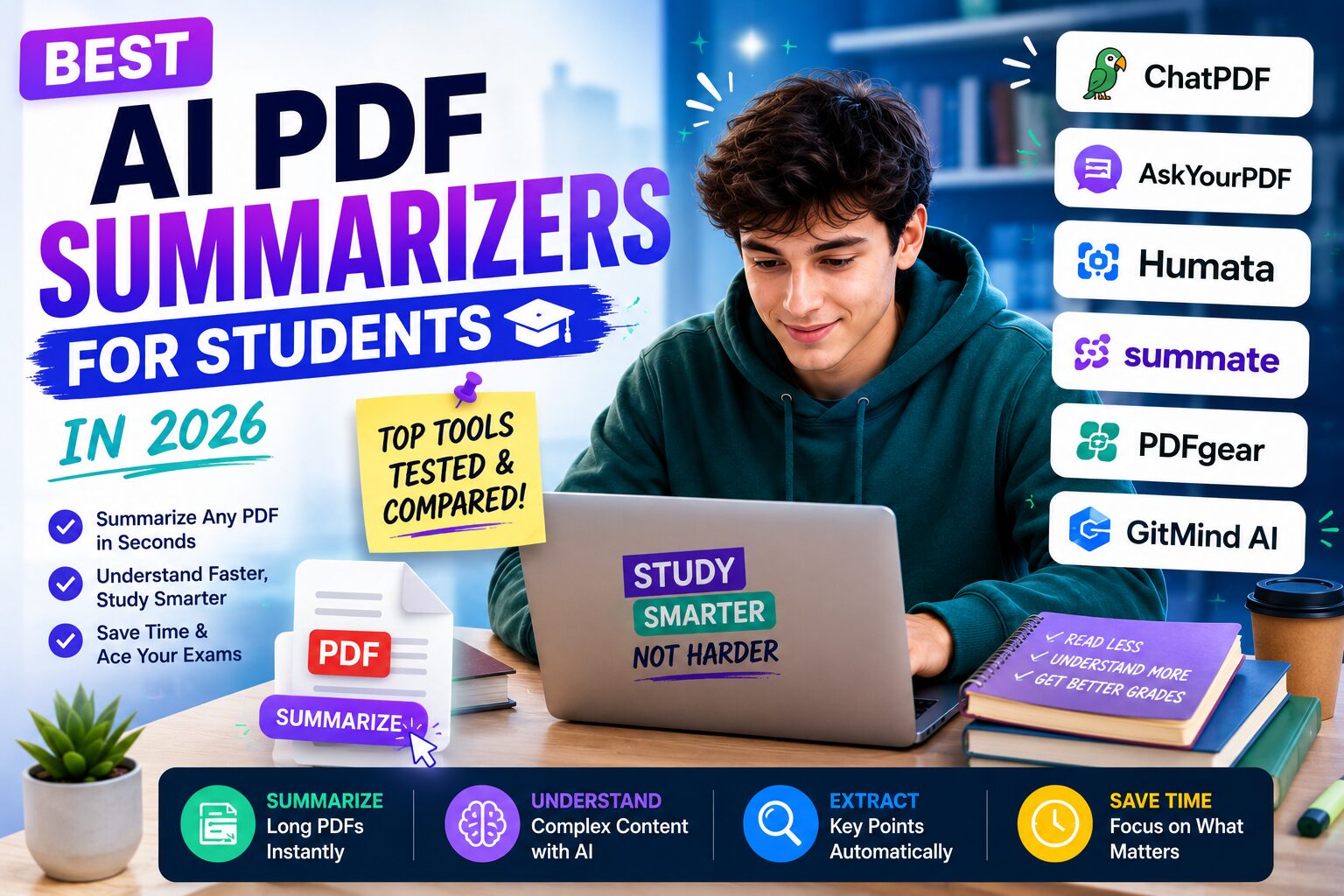
Best AI PDF Summarizers for Students in 2026: I Tested the Tools I’d Actually Use
There is a specific kind of panic that only students understand.
You open your laptop, download the files for an assignment, and suddenly your screen is full of PDFs.
Lecture slides. Research papers. Reading material. Assignment instructions. Maybe a scanned chapter from a textbook. Maybe three academic articles your professor mentioned once and expected everyone to understand immediately.
At first, you tell yourself it is fine.
Then you open the first PDF.
Forty-three pages.
Tiny text. Long paragraphs. References everywhere. One diagram that looks important but does not make sense yet.
That happened to me constantly during my Computer Science degree. I did not always need someone to write the assignment for me. Most of the time, I just needed help understanding what I was reading.
I needed the PDF to become less intimidating.
That is where AI PDF summarizers for students can be genuinely useful.
Not as a replacement for reading. Not as a shortcut to avoid learning. But as a way to turn a confusing document into something you can actually work with.
After using different AI tools for lecture notes, research papers, academic writing, and exam prep, these are the best AI PDF summarizers for students in 2026 that I would actually consider using.
If you want the best overall AI PDF summarizer for lecture notes and research papers, start with NotebookLM. If you want to ask broader questions or simplify difficult concepts, use ChatGPT. If your PDF summary eventually needs to become a polished academic paper, use Paperpal.
Table of Contents
- What Makes a Good AI PDF Summarizer for Students?
- My AI PDF Study Workflow
- NotebookLM
- ChatGPT
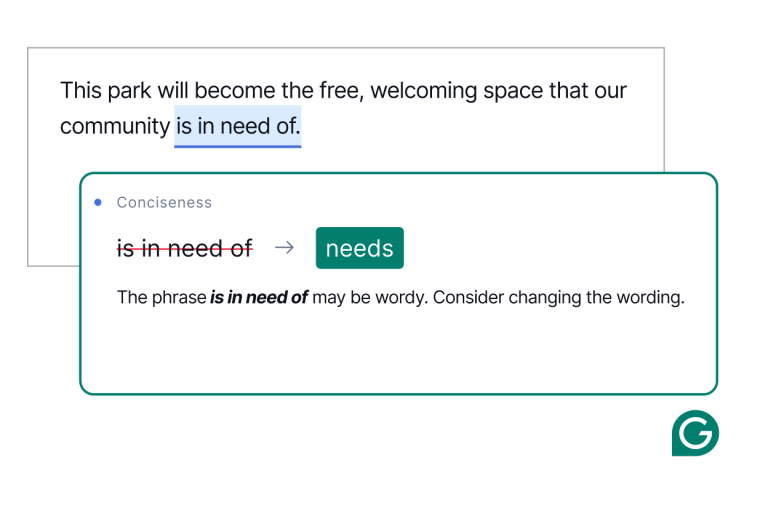
- Paperpal
- Google Docs and Drive
- Evernote
- Other AI PDF Summarizers Worth Knowing
- Best AI PDF Summarizers Compared
- How to Use AI PDF Tools Responsibly
- Frequently Asked Questions
What Makes a Good AI PDF Summarizer for Students?
Most AI PDF summarizer tools sound similar on the surface.
Upload a PDF. Ask a question. Get a summary.
But for students, that is not enough.
A good AI PDF summarizer for students needs to do more than shorten a document. It needs to help you understand the material, remember the important parts, and use the information correctly in your assignment or study session.
When I evaluate AI PDF tools, I care about five things.
First, can it explain difficult sections in simple language? A summary is not helpful if it is just a shorter version of the same confusing academic text.
Second, can it answer questions based on the PDF instead of guessing? This matters because students often use these tools for research papers, lecture notes, and exam preparation.
Third, does it help with structure? I do not only want a paragraph summary. I want key ideas, definitions, arguments, methods, limitations, and possible quotes or concepts to revisit.
Fourth, does it fit naturally into a student workflow? If the tool creates more friction than it removes, I will stop using it after one week.
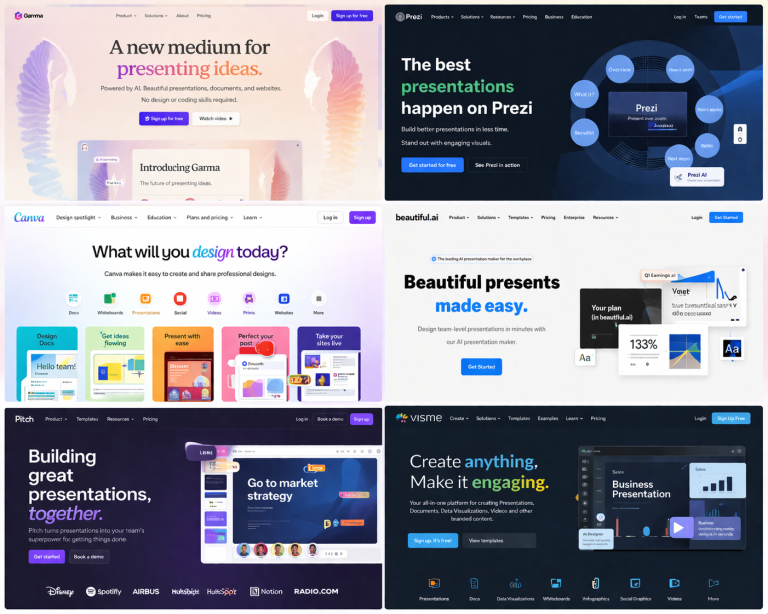
Fifth, can it help me move from reading to writing? Because most students are not summarizing PDFs for fun. They are summarizing PDFs because they need to write an essay, prepare a presentation, study for an exam, or finish a research paper. If your assignment also requires slides, compare the best AI presentation tools for students after you finish the research stage.
That is why my favorite AI PDF tools are not always the most complicated ones. They are the ones that actually make studying easier.
My AI PDF Study Workflow
Over time, I stopped using AI PDF tools randomly.
Instead, I built a simple system.
When I get a PDF for class, I do not immediately ask AI to summarize everything. That usually creates a shallow summary that looks useful but does not actually help much.
Instead, I go step by step.
First, I ask for a simple overview. What is this PDF about? What are the main ideas? What should I pay attention to?
Then I ask targeted questions. What does this section mean? What is the method? What are the assumptions? What is the author trying to prove? What would a student likely misunderstand?
After that, I turn the useful parts into notes. If I need to write, I move into an outline. If I need to study, I turn the notes into review questions.
My usual student workflow looks like this:
Step 1: Upload the PDF to NotebookLM for source-based summaries.
Step 2: Use ChatGPT to explain confusing concepts in simpler language.
Step 3: Save useful notes and ideas in Evernote or Google Docs.
Step 4: Use Paperpal when those notes become an academic draft.
This is basically the PDF version of the workflow I shared in my guide to the best AI research tools for students.
Now let’s go through the tools.
1. NotebookLM — Best Overall AI PDF Summarizer for Students
Try NotebookLM here →
If I had to choose one AI PDF summarizer for students, I would start with NotebookLM.
The reason is simple: it feels designed for studying.
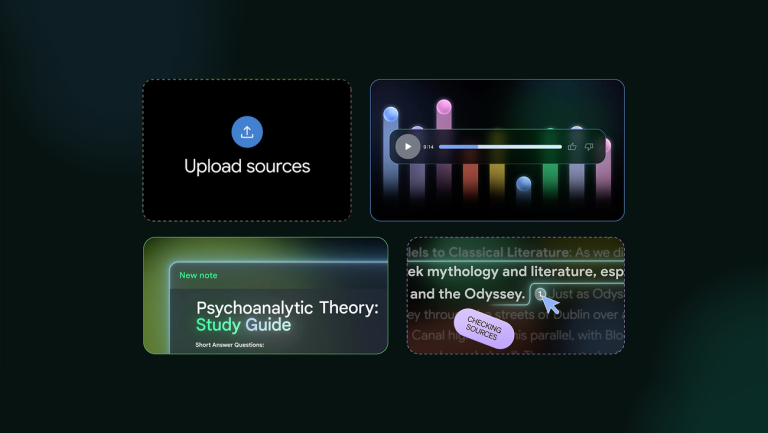
With many AI tools, you ask a question and hope the answer is accurate. With NotebookLM, the whole point is that you upload your own sources and ask questions about them. That makes it especially useful for lecture PDFs, research papers, assignment instructions, and class notes.
When I first used it seriously, the biggest difference was not the summary itself. It was the feeling that my messy study materials had become searchable.
Instead of opening a lecture PDF and scrolling through 70 slides, I could ask:
Explain the main ideas in this lecture like I am reviewing before an exam. Then list the five concepts I should understand best.
That is much more useful than a generic summary.
NotebookLM is also useful when you upload multiple PDFs. For example, if you are writing a literature review, you can ask it to compare themes across sources, identify where papers agree, or show which PDF explains a concept most clearly.
That makes NotebookLM for students one of the strongest choices for anyone dealing with long academic PDFs.
I also wrote a full guide about NotebookLM for students, where I explained how I used it to turn messy lecture notes into a study guide before an exam. If PDFs are your biggest problem, that guide is worth reading next.
How I would use NotebookLM for PDFs
I would start by uploading the assignment instructions, the lecture slides, and the PDFs I need to read. Then I would ask for a beginner-friendly summary of each source.
After that, I would ask more specific questions:
- What is the main argument of this PDF?
- Which section is most important for my assignment?
- What terms should I define in my paper?
- What does the author assume the reader already knows?
- What are the limitations of this source?
- Can you turn this PDF into exam revision notes?
Those questions are much more powerful than simply asking, “Summarize this PDF.”
Where NotebookLM is weaker
NotebookLM is excellent for working with uploaded sources, but I would still verify anything important before citing it. I also would not rely on it to replace proper reading if the PDF is central to your assignment.
Think of it as a study partner that helps you navigate the material, not as a replacement for understanding it.
2. ChatGPT — Best for Explaining Confusing PDF Content
Try ChatGPT here →
ChatGPT is not only useful for writing prompts or brainstorming essay ideas.
It can also be very useful after you read a PDF and still do not understand what you just read.
That happened to me all the time with academic papers. I would understand the words individually, but the full paragraph still felt unclear. Sometimes the problem was the terminology. Sometimes it was the structure. Sometimes the authors assumed background knowledge I did not have yet.
That is where ChatGPT works well as a tutor.
You can paste a difficult section or upload a document and ask it to explain the idea in simpler language. You can ask for examples, analogies, definitions, or a step-by-step breakdown.
For example, instead of asking for a generic PDF summary, I would ask:
I am a university student reading this PDF for an assignment. Explain the main argument, define the key terms, and tell me which parts I should reread carefully.
That prompt is much better because it tells ChatGPT the context. You are not just summarizing. You are studying.
ChatGPT is also useful when you want to turn PDF content into active study material. You can ask it to create quiz questions, flashcards, essay outlines, presentation talking points, or a simple explanation before an exam.
If you want more prompt ideas, I recommend reading my guide to 50+ AI prompt templates every student should use. The quality of the prompt matters a lot when you are summarizing PDFs with AI.
Where ChatGPT is strongest
ChatGPT is strongest when you need explanation, not just extraction.
If NotebookLM is great for asking questions about your uploaded sources, ChatGPT is great for asking follow-up questions in a more conversational way. It can simplify a confusing concept, compare it to something you already know, or help you build an outline from your notes.
Where ChatGPT is weaker
ChatGPT should not be treated as a citation source. If you use it to understand a PDF, still cite the original PDF or academic source in your paper. Also, always check that the summary matches the actual document, especially if the assignment is important.
3. Paperpal — Best AI PDF Tool for Academic Writing After You Summarize
Try Paperpal for academic writing →
At some point, summarizing PDFs is not enough.
You have to write something.
This is where Paperpal becomes useful.
Paperpal is not just a simple PDF summarizer. I see it more as an academic writing assistant that fits naturally after the PDF research stage.
Paperpal now offers Free, Prime, and Pro plans. Prime is the better fit for most students, while Paperpal Pro is aimed at heavier research workflows such as theses, manuscripts, advanced PDF work, reference checks, and larger research libraries.
Imagine you used NotebookLM to understand three papers. You used ChatGPT to simplify confusing concepts. You saved your notes. Now you need to write the literature review section, introduction, or discussion.
That is when Paperpal makes sense.
One of the hardest parts of student writing is turning notes into academic language without sounding fake or overly complicated. You might know what you want to say, but the sentence still sounds too casual. Or the paragraph jumps between ideas. Or the tone feels more like a blog post than a university assignment.
Paperpal helps most when you already have a draft and want to make it clearer, more academic, and easier to read.
I wrote a full Paperpal review for students and researchers, but for this article the important point is simple: if your PDF summaries eventually need to become a research paper, Paperpal is one of the tools I would keep in the workflow.
You can also check my Paperpal promo code page if you are specifically looking for a discount.
How I would use Paperpal after summarizing PDFs
I would first summarize and understand the PDFs with NotebookLM or ChatGPT. Then I would write a rough draft myself. Only after that would I use Paperpal to improve the academic tone, clarity, structure, and flow.
That order matters.
If you use AI before you understand the material, you may end up with writing that looks polished but says very little. If you understand the PDFs first, Paperpal can help you communicate your own ideas more clearly.
4. Google Docs and Google Drive — Best Simple Free PDF Workflow
Open Google Docs here →
Not every student needs a new AI tool for everything.
Sometimes the best workflow is the one you will actually use.
That is why I still think Google Docs and Google Drive deserve a place in a student PDF workflow.
You can keep PDFs in Drive, create notes in Docs, paste useful summaries, build outlines, and slowly turn your research into an assignment. It is not as powerful as NotebookLM for asking questions about documents, but it is simple, familiar, and easy to organize.
For many students, the biggest problem is not lack of tools. It is having too many tools and no system.
A simple setup might look like this:
- One Google Drive folder for the assignment.
- One folder for original PDFs.
- One Google Doc for notes.
- One Google Doc for the final draft.
- One AI tool for summarizing and asking questions.
That alone can make your semester feel much less chaotic.
5. Evernote — Best for Saving PDF Notes and Research Highlights
Try Evernote here →
PDF summarizers help you understand the document.
But you still need somewhere to keep the useful parts.
That is why Evernote can be useful for students who work with a lot of PDFs.
I would not use Evernote as my main AI PDF summarizer. That is not the role I would give it. I would use it as the place where important ideas go after I find them.
For example, after summarizing a paper, I might save:
- The main argument of the PDF.
- Important definitions.
- Quotes I may want to revisit.
- My own explanation of the paper.
- Questions I still need to answer.
- Connections to other sources.
This is especially useful for longer assignments where you are not writing everything in one sitting.
During university, I often thought I would remember why a source mattered. A few days later, I had no idea. Saving a short note immediately after reading would have saved me a lot of time.
Other AI PDF Summarizers Worth Knowing
The tools above are the ones that fit best into my student workflow and the tools I would most naturally connect to the rest of this site.
But if you are researching the best AI PDF summarizer, there are a few other tools worth knowing about.
SciSpace
SciSpace is useful for students who read academic papers and want help understanding research language, methods, and explanations. It is especially relevant if you are working with scientific papers, literature reviews, or technical PDFs.
ChatPDF
ChatPDF is one of the simpler tools for uploading a PDF and asking questions about it. It can be useful for quick summaries, especially if you do not need a full research workflow.
Humata
Humata is another AI PDF tool focused on asking questions across documents. It may be useful for students who need to analyze longer files or work through multiple documents.
AskYourPDF
AskYourPDF is built around chatting with PDF documents. It is a straightforward option for students who want to upload a file and ask direct questions about it.
Scholarcy
Scholarcy is more focused on summarizing academic papers and extracting key information. It can be helpful if your main problem is getting through research papers faster.
I would not necessarily start with all of these at once. That usually makes things more confusing. But if NotebookLM, ChatGPT, and Paperpal do not cover your specific use case, these tools are worth comparing.
Best AI PDF Summarizers for Students Compared
| Tool | Best For | Student Use Case | My Take |
|---|---|---|---|
| NotebookLM | PDFs, notes, source-based Q&A | Lecture notes, research papers, study guides | Best overall starting point |
| ChatGPT | Explaining confusing content | Simplifying PDF sections and creating outlines | Best tutor-style assistant |
| Paperpal | Academic writing after research | Turning PDF notes into polished writing | Best for research papers |
| Google Docs | Simple organization and drafting | Saving notes and writing assignments | Best simple free workflow |
| Evernote | Saving notes and highlights | Keeping PDF insights organized | Best for note storage |
| SciSpace | Academic paper explanations | Research papers and literature reviews | Useful for technical papers |
| ChatPDF | Quick PDF chat | Fast summaries and simple Q&A | Good lightweight option |
| Humata | Document Q&A | Long PDFs and multi-document questions | Worth testing for longer files |
| AskYourPDF | PDF conversations | Direct questions about uploaded PDFs | Simple and focused |
| Scholarcy | Academic summaries | Research paper summaries | Useful for paper-heavy courses |
Best AI PDF Summarizer for Different Student Needs
If you only want one answer, this is how I would choose.
If you are working with lecture notes, slides, and research PDFs, choose NotebookLM.
If you are confused by a specific section and need a simpler explanation, choose ChatGPT.
If you are turning PDF notes into an essay, seminar paper, or thesis draft, choose Paperpal.
If you want the simplest free organization system, use Google Docs and Drive.
If your main problem is keeping research notes organized across the semester, use Evernote.
My recommended student stack
If I were starting a research-heavy assignment today, I would use NotebookLM to understand the PDFs, ChatGPT to explain confusing concepts, and Paperpal to improve the final academic writing.
AI PDF Summarizer Prompts for Students
The tool matters, but the prompt matters too.
If you only ask, “Summarize this PDF,” you will usually get a basic overview. That can help, but it is not enough for serious studying.
Here are prompts I would actually use as a student:
Summarize this PDF for a university student. Focus on the main argument, key concepts, important definitions, and anything that may be useful for an essay.
Explain this PDF like I am preparing for an exam. Create a study guide with key ideas, likely exam questions, and simple explanations.
Identify the methodology, findings, limitations, and possible criticisms of this research paper.
Which parts of this PDF are most relevant to the research question: [insert your research question]?
Turn this PDF into an outline for a 1,500-word university essay. Do not write the essay. Just organize the ideas.
That last line is important. In most cases, you should use AI to help you organize your thinking, not to replace it.
How to Use AI PDF Summarizers Without Getting in Trouble
AI PDF tools can save you a lot of time, but you still need to use them carefully.
Every university and professor may have different rules about AI. Some allow it for brainstorming, studying, and proofreading. Some require disclosure. Some restrict it for graded assignments.
Before using AI on academic work, check your course policy.
My rule is simple: AI can help me understand a PDF, but I am still responsible for what I submit.
Do not cite an AI summary. Cite the original PDF, article, book, or source. Do not assume the AI understood everything correctly. Do not include a claim in your assignment unless you can verify it in the original material.
The safest way to use an AI PDF summarizer is as a study assistant. Let it help you understand, organize, and review. Then use your own judgment before writing and submitting.
My Final Verdict: What Is the Best AI PDF Summarizer for Students?
For most students, the best AI PDF summarizer is NotebookLM.
It is especially strong because it works with your own sources, which is exactly what students need when dealing with lecture notes, academic PDFs, class slides, and research papers.
But I would not use only one tool for everything.
I would use NotebookLM to understand the PDF, ChatGPT to simplify confusing ideas, Evernote or Google Docs to organize notes, and Paperpal when it is time to turn those notes into academic writing.
That is the workflow I wish I had earlier in university.
PDFs would not have felt so overwhelming. Research papers would have been easier to understand. Lecture notes would have been easier to review. And writing assignments would have felt less like starting from zero every time.
Best place to start
If you want one AI PDF summarizer for studying, lecture notes, and research papers, I would start with NotebookLM.
Frequently Asked Questions
What is the best AI PDF summarizer for students?
The best AI PDF summarizer for most students is NotebookLM because it lets you work with your own PDFs, lecture notes, and sources. ChatGPT is also useful for explaining confusing sections, while Paperpal is better for academic writing after the research stage.
Can AI summarize research papers?
Yes, AI tools can summarize research papers, explain key ideas, identify methods, and help students understand difficult sections. However, students should always verify important details in the original paper before citing or submitting work.
Is NotebookLM good for students?
NotebookLM is very useful for students because it can work with uploaded sources such as PDFs, notes, slides, and documents. It is especially helpful for study guides, lecture review, exam preparation, and research paper understanding.
Is ChatGPT good for summarizing PDFs?
ChatGPT can be useful for summarizing PDFs and explaining difficult sections, especially when you ask specific questions. It works best when used as a tutor that helps you understand the document rather than as a source to cite directly.
What is the best free AI PDF summarizer?
The best free option depends on your needs. NotebookLM and ChatGPT are strong starting points for many students, while Google Docs and Google Drive can help you organize notes and drafts for free.
Should I cite an AI summary in my assignment?
No. You should cite the original source, not the AI summary. AI can help you understand a PDF, but your citations should point to the actual article, book, lecture material, or document you used.
Related Guides
If you want to build a stronger AI study workflow, read these next:
- Best AI Research Tools for Students in 2026
- NotebookLM for Students
- Best AI Writing Tools for Students in 2026
- Paperpal Review for Students and Researchers
- 50+ AI Prompt Templates Every Student Should Use
- Best Notion Alternatives for Students
Last verified: August 21, 2026.


Interesante. Para música IA rápida: TextSong . TextSong