
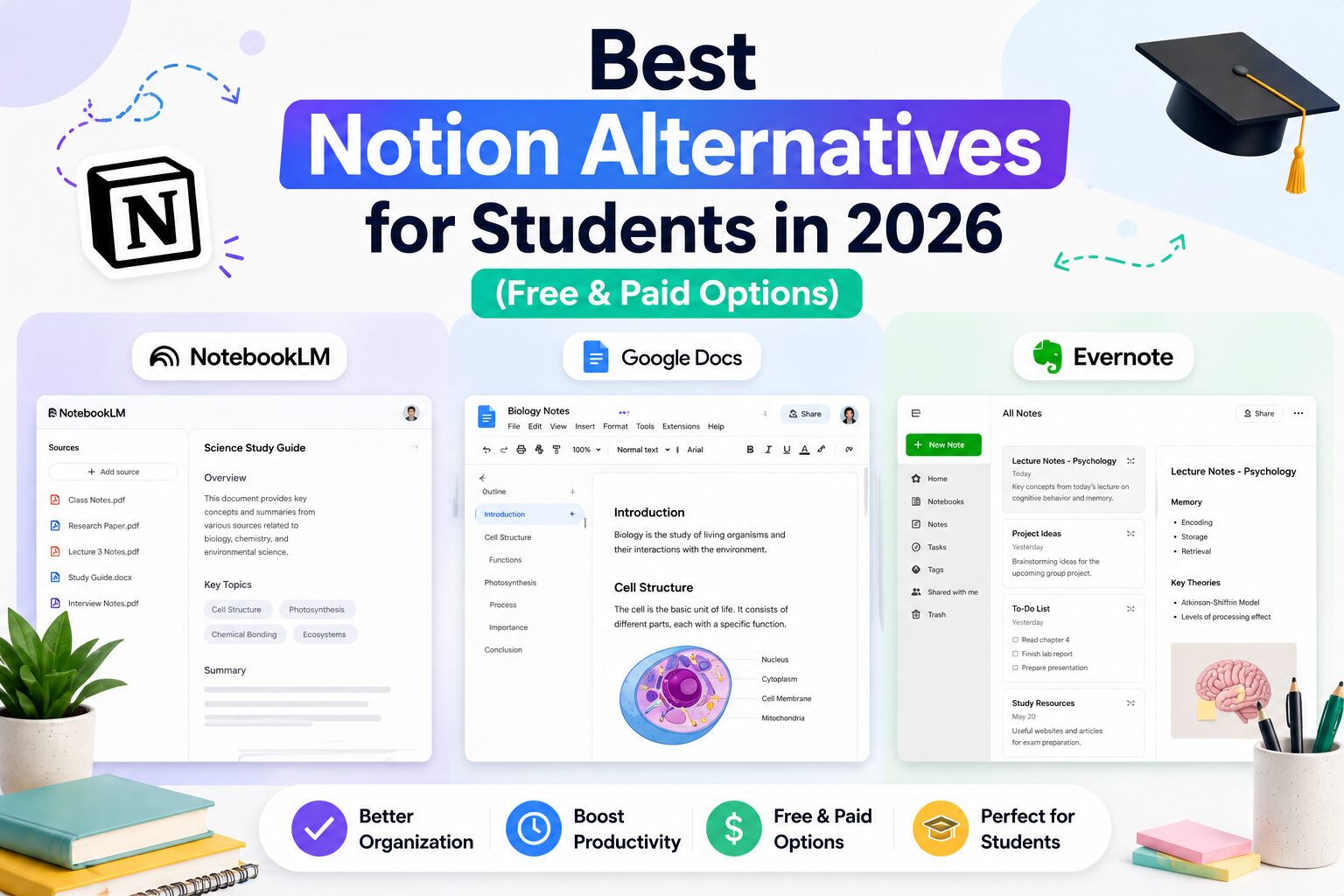
7 Best Notion Alternatives for Students in 2026 (Free & Paid)
If you’ve ever tried using Notion for school, you may have had the same experience I did.
At first, it looks perfect.
Clean interface. Endless customization. Templates for everything.
I thought I had finally found the one tool that would organize my entire student life.
Then reality hit.
I spent more time building my system than actually studying.
That is when I started looking for the best Notion alternatives for students. One important exception: before leaving Notion because of price, check my Notion student discount and free Education Plus Plan guide, because eligible college and university students can get Plus free for a one-member workspace.
And after trying a few different approaches, I realized the real problem was not that Notion is bad. It is that I was trying to use one tool for everything.
Some students need a better study tool. Some need faster notes. Some need a simple place for group work. Others want linked notes without building complicated databases.
My top Notion alternative for studying is NotebookLM. For a personal knowledge base, I would choose Obsidian. For simple collaborative work, Google Docs is still hard to beat. If you want traditional organized notes, try Evernote.
My overall pick for most students: NotebookLM if your main goal is understanding course material rather than building a productivity system.
Best Notion Alternatives for Students: Quick Comparison
| Tool | Best for | Why I would choose it over Notion |
|---|---|---|
| NotebookLM | Studying from PDFs and notes | Focuses on understanding your sources instead of organizing databases |
| Obsidian | Linked notes and a personal knowledge base | Your notes are Markdown files and linking ideas feels more natural |
| Evernote | Traditional organized notes | Less setup and a more familiar notebook structure |
| Google Docs | Simple notes and group projects | Fast, familiar, and excellent for real-time collaboration |
| Google Keep | Quick capture and reminders | Much faster for short notes and ideas |
| Craft | Beautiful documents and class notes | Polished writing experience with less system-building |
| Fireflies.ai | Lecture or meeting notes | Can create transcripts and summaries instead of manual note-taking |
Important: Fireflies is a different type of Notion alternative. It does not replace a workspace or database. I include it because automatic note capture solves one of the main reasons students use Notion in the first place. Always follow your school, university, and local recording rules before recording a lecture or meeting.
Why Students Look for Notion Alternatives
Notion is powerful. That is also the problem.
When I first started using it, I kept thinking my setup was one template away from being perfect.
- I created a course dashboard.
- Then a separate assignment database.
- Then a reading tracker.
- Then I changed the icons.
- Then I rebuilt the dashboard because I found a better template.
None of that helped me understand the material.
The main reasons I think students search for apps like Notion are:
- Too much setup: You want to start taking notes immediately.
- Too many features: Databases, properties, views, and templates can become a distraction.
- Better study features: You want quizzes, summaries, source-based questions, or audio study tools.
- Offline or local notes: You want more direct control over your files.
- Simpler collaboration: Your classmates already know how to use Google Docs.
Sometimes, you do not need a second brain.
You just need a tool that solves the problem in front of you.
1. NotebookLM – Best Notion Alternative for Studying
NotebookLM is my favorite alternative when the goal is actually learning from course material.
Notion helps you organize information.
NotebookLM helps you interact with your sources.
I can add lecture notes, PDFs, and other course material, then ask questions based on those sources. NotebookLM has also expanded its study-focused tools with formats such as Audio Overviews, flashcards, quizzes, and other source-based outputs. For a broader comparison beyond NotebookLM, see my guide to the best AI PDF summarizers for students.
- Ask questions about uploaded material
- Create summaries and study guides
- Generate flashcards and quizzes
- Use audio-style overviews for review
- Keep answers grounded in the sources inside the notebook
That is a much better fit for how I study before an exam.
I wrote a separate guide about how I used NotebookLM to turn lecture notes into a study guide.
Stay with Notion if: You need databases, project tracking, and a customizable student dashboard.
2. Obsidian – Best for Linked Notes and a Personal Knowledge Base
Obsidian is the Notion alternative I would look at if your favorite part of Notion is connecting ideas but you do not want to build everything around cloud databases.
Obsidian works with Markdown files and is built around linked notes.
For students, I think that makes the most sense in subjects where ideas connect across courses or across an entire degree.
Imagine taking an algorithms note about heuristic search and linking it to A*, graph search, admissibility, and optimization. You are not just putting the note inside a folder. You are building connections between concepts.
- Local Markdown-based notes
- Easy internal links between ideas
- Graph-style knowledge connections
- Strong plugin ecosystem
- Works well for long-term personal notes
The downside is that Obsidian can become another productivity hobby if you install dozens of plugins and spend hours customizing it. Students who want official cross-device syncing or a public notes site should also check the Obsidian student discount for 40% off Sync and Publish.
Yes, I see the irony.
Stay with Notion if: You prefer visual databases, shared workspaces, and polished templates out of the box.
3. Evernote – Best for Traditional Organized Notes
Evernote Free limitation: the current Free plan allows up to 50 notes and one notebook. It is also limited to one connected device at a time. For research across a laptop and phone, compare the paid plan or another notebook before migrating your semester’s material.
Evernote is much closer to what many students expect a note-taking app to be.
You create notes. You organize them. You save useful material.
That sounds obvious, but after spending too much time building Notion dashboards, I started appreciating obvious.
- Notebook-style organization
- Notes and files in one place
- Web clipping and saved material
- Search across your notes
- Less time building a custom system
Evernote is not as flexible as Notion. That can actually be a benefit if flexibility is what keeps distracting you.
Stay with Notion if: You want to connect notes with tasks, projects, databases, and custom dashboards.
4. Google Docs – Best Simple Notion Alternative for Group Projects
Sometimes the best productivity decision is choosing the boring tool everyone already knows.
Google Docs is not a complete Notion replacement.
But for class notes, assignment drafts, and group projects, I often prefer it.
- Start writing immediately
- Use headings to organize long notes
- Collaborate with classmates in real time
- Use comments and suggestions
- Review version history when a group document changes
The biggest advantage is friction.
There is almost none.
I do not need to explain a database structure to my project partner. I send the link and we start working.
Stay with Notion if: You need one workspace containing notes, tasks, calendars, databases, and project views.
5. Google Keep – Best for Quick Notes and Ideas
Not every note deserves a database.
Sometimes I just need to remember:
- A question to ask during class
- An article idea
- A deadline
- A quick checklist
- Something I need to move into my project notes later
That is where a lightweight app like Google Keep makes more sense to me.
It is not trying to become your operating system for life. It is a quick capture tool.
And sometimes that is exactly what a student needs.
Stay with Notion if: Your notes need deeper structure and long-term organization.
6. Craft – Best for Beautiful Notes Without Building a Notion System
Craft is the alternative I would consider if you like the clean, modern feeling of Notion but mainly care about writing and documents.
For class notes, project documentation, and polished study material, a document-first tool can feel much more direct than building a Notion database.
I think the appeal is simple: your notes can look organized and polished without turning every subject into a custom productivity system.
- Clean document-focused writing
- Good-looking notes with less design work
- Useful for structured class material
- Better fit for students who think in documents rather than databases
Stay with Notion if: Databases and flexible workspace building are central to your workflow.
7. Fireflies.ai – Best for Automatic Lecture or Meeting Notes
Fireflies.ai is not a direct Notion competitor.
I am including it because it changed the way I think about notes.
When recording is permitted, an AI meeting assistant can create a transcript and summary instead of forcing you to type everything manually.
That means I can focus more on listening and later work from the captured material.
- Transcription
- AI-generated summaries
- Searchable meeting or session content
- Useful for group-project meetings
I wrote about my experience in I Stopped Taking Notes in Class and Let Fireflies AI Do It Instead. I also compared Fireflies AI vs Otter.ai for students.
Stay with Notion if: You need a workspace for storing, editing, and organizing your broader student life.
NotebookLM vs Notion for Students
| NotebookLM | Notion |
|---|---|
| Best for studying from your own sources | Best for building databases and dashboards |
| Source-based questions and summaries | Flexible workspace organization |
| Flashcards, quizzes, and Audio Overviews | Tasks, projects, and custom views |
| Less setup for exam preparation | More control over your full student system |
My pick: NotebookLM for studying. Notion for managing a full academic workflow.
Obsidian vs Notion for Students
| Obsidian | Notion |
|---|---|
| Local Markdown notes | Cloud-based workspace |
| Excellent for linked concepts | Excellent for databases and visual organization |
| Strong for long-term knowledge building | Strong for projects, tasks, and team spaces |
| Can become technical with plugins | Can become distracting with too much customization |
My pick: Obsidian for connected notes across several courses. Notion for a visual all-in-one student workspace. If you are leaning toward Obsidian, see the Obsidian student discount, Sync pricing, and education eligibility guide.
Evernote vs Notion for Students
| Evernote | Notion |
|---|---|
| Traditional notebook structure | Customizable blocks and databases |
| Faster to start taking notes | More flexible once your system is built |
| Good for saved material and organized notes | Good for combining notes, projects, and tasks |
| Less setup | More customization |
My pick: Evernote if you want simple organized notes. Notion if you want notes connected to a broader productivity system.
Notion vs the Alternatives: Which One Should You Choose?
Here is my simplest recommendation:
- Choose NotebookLM if your main goal is studying from your own sources.
- Choose Obsidian if you want linked notes and a long-term knowledge base.
- Choose Evernote if you want traditional organized notebooks.
- Choose Google Docs if you want simple notes and easy group collaboration.
- Choose Google Keep if you mainly need quick notes and reminders.
- Choose Craft if you want polished document-style notes.
- Choose Fireflies if permitted session capture is your main problem.
- Choose Notion if you genuinely need databases, dashboards, projects, notes, and tasks inside one customizable workspace.
My Student Workflow: I Stopped Looking for One Perfect App
This was the biggest lesson for me.
I do not think there is one productivity app that is automatically best for every part of university.
Personally, I would rather use:
- NotebookLM when I need to study from PDFs and lecture material
- Google Docs when a group needs to work together immediately
- A fast note app when I just need to capture an idea
- A more structured notes tool when I need long-term organization
That works much better for me than forcing every task into the same Notion dashboard.
For more options, browse my AI note-taking tools for students and AI productivity tools for students hubs.
Are Free Notion Alternatives Good Enough for Students?
Yes, for many student workflows.
The mistake I would avoid is choosing a paid app before you know what problem you are trying to solve.
If your problem is group writing, start with Google Docs.
If your problem is studying from course material, try NotebookLM.
If your problem is connecting notes, test Obsidian.
Use the tool on a real course for a week or two before paying for a bigger plan or rebuilding your entire study system.
Final Verdict: The Best Notion Alternative for Students
If I had to recommend one Notion alternative to most students in 2026, I would start with NotebookLM.
Not because it replaces every Notion feature.
It does not.
I recommend it because the main reason I use student software is to understand material, complete projects, and prepare for exams. NotebookLM is much closer to that goal than a customizable dashboard.
For long-term linked notes, I would choose Obsidian. For group work, Google Docs. For traditional notes, Evernote.
And if Notion already works for you—or price is the main reason you are considering switching—check whether you qualify for the Notion student discount and free Education Plus Plan before moving your notes to another app.
Before switching, check whether you qualify for the Notion student discount and free Education Plus Plan. Eligible college and university students can get Notion Plus free for a one-member workspace, which makes staying with Notion much more attractive.
Keep using it.
The point is not to switch tools because a new app looks exciting.
The point is to spend less time organizing your study system and more time actually using it.
Notion Alternatives for Students: Frequently Asked Questions
What is the best free Notion alternative for students?
It depends on the task. I recommend NotebookLM for studying from your sources, Google Docs for simple collaborative notes, and Obsidian for linked personal notes. Students should choose based on the problem they need to solve rather than looking for a perfect one-to-one Notion clone.
Is NotebookLM better than Notion for students?
NotebookLM is better for studying from PDFs, notes, and other sources. Notion is better for building dashboards, databases, task systems, and customizable workspaces. I use them for different jobs.
Is Obsidian better than Notion for note-taking?
Obsidian can be a better fit if you want local Markdown notes and strong links between concepts. Notion is often easier for visual databases and shared workspaces. For students building a personal knowledge base across several courses, Obsidian is worth testing.
What is the simplest alternative to Notion?
Google Docs is my simplest recommendation for longer notes and group work. Google Keep is better for quick notes, ideas, and short lists.
Should students stop using Notion?
No. Notion is still a strong option for students who genuinely use its databases, dashboards, and project organization. I would only switch if you spend more time maintaining your system than studying or if another tool solves your main problem more directly.
Which Notion alternative is best for college students?
For most college and university students, my first recommendation is NotebookLM for source-based study. Obsidian is excellent for connected notes, while Google Docs is the easiest choice for group projects.
Last verified: October 19, 2026 (plan limitations and linked guidance). Official source checked. Features, pricing and terms may change.





5 Comments