
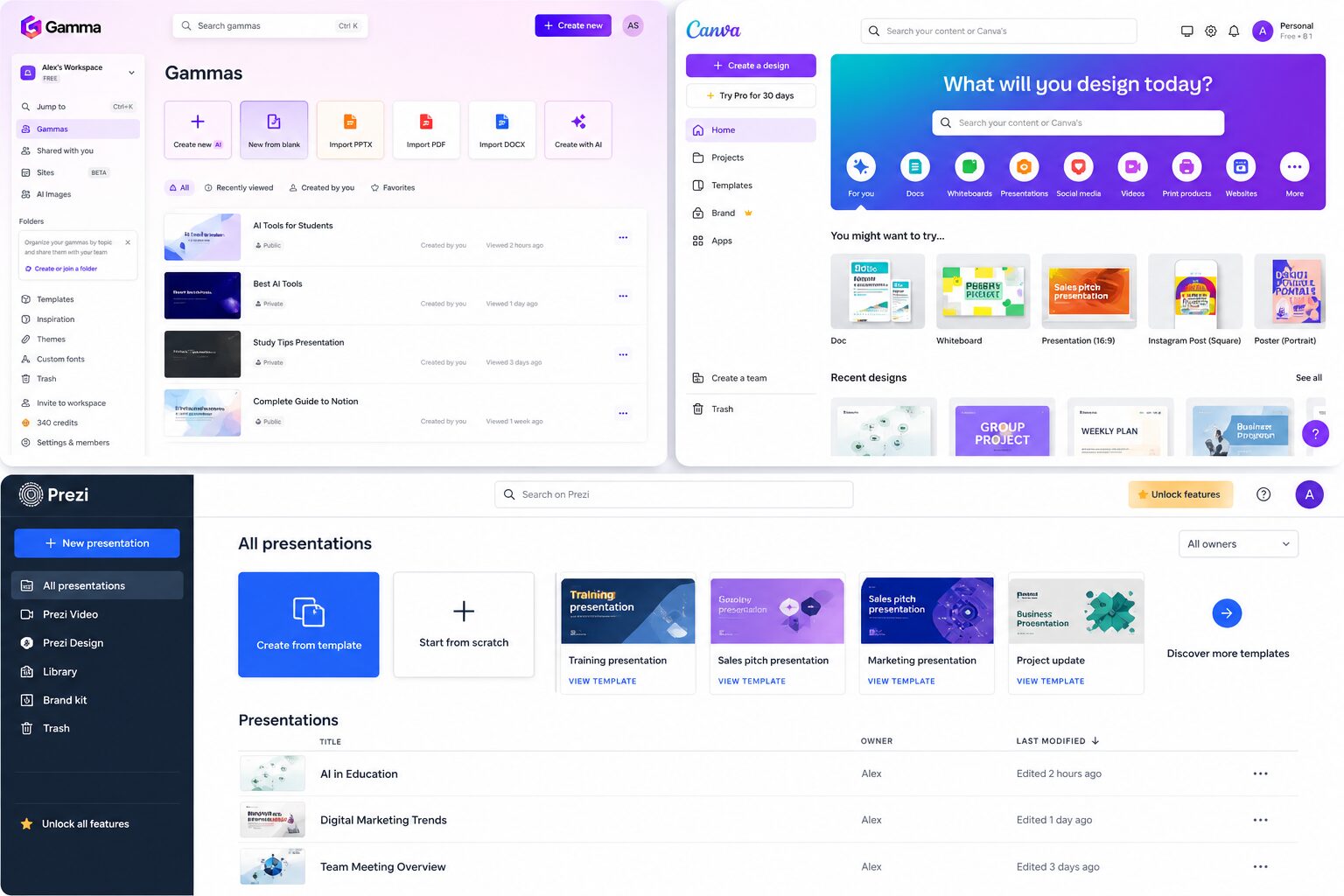
Gamma AI vs Canva vs Prezi for Students: Which Presentation Tool Is Best in 2026?
If you are trying to choose between Gamma AI vs Canva vs Prezi for students, you are probably in the same situation I was in during university.
You have a presentation coming up.
You don’t want to spend hours designing slides.
And you definitely don’t want something that looks boring.
During my Computer Science degree, I tried all three tools at different times. At first, I used Canva because everyone recommended it. Then I experimented with Prezi to make my presentations more “interesting.” And eventually, I discovered Gamma AI.
The difference was not small.
It completely changed how I create presentations.
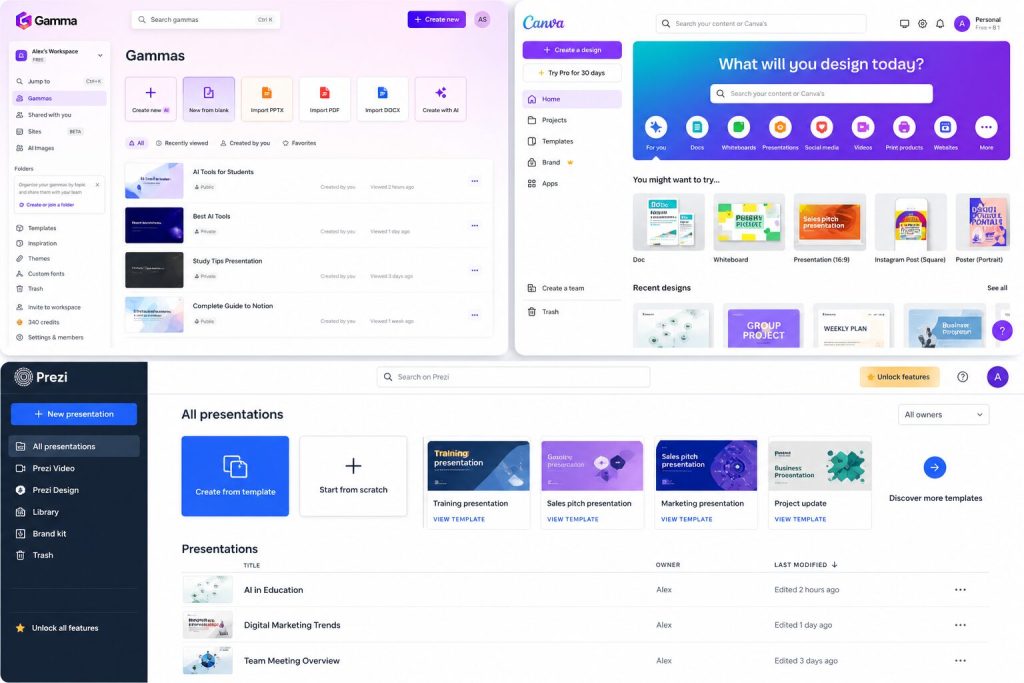
Quick Comparison: Gamma AI vs Canva vs Prezi
| Tool | Gamma AI | Canva | Prezi |
| Best For | Fast AI presentations | Design & templates | Interactive presentations |
| Ease of Use | Very Easy | Easy | Medium |
| AI Features | Excellent | Good | Good |
| Templates | Good | Excellent | Good |
| Speed | Very Fast | Medium | Medium |
| Impresive | 9/10 | Depends on your design skills | 10/10 |
| Best for Students | ⭐⭐⭐⭐⭐ | ⭐⭐⭐ | ⭐⭐⭐⭐ |
| My Rating | 9.5/10 | 8/10 | 9/10 |
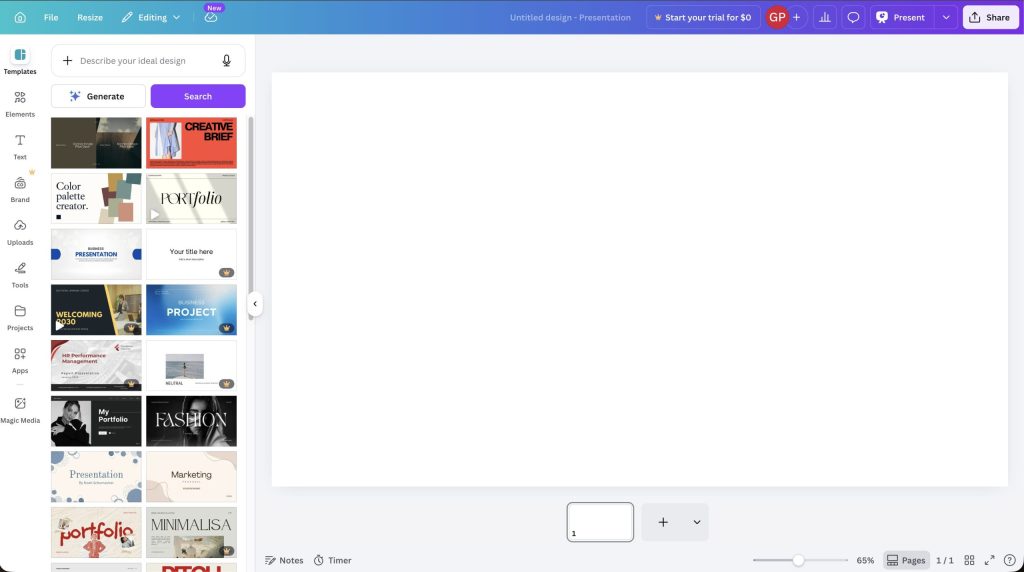
The First Time I Used Canva
When I started making presentations, Canva was my go-to tool. It has:
- Beautiful templates
- Tons of icons and images
- Easy drag-and-drop design
At first, it felt like a huge upgrade from PowerPoint.
But there was one problem.
It still took time.
Even with templates, I had to:
- Choose a design
- Adjust every slide
- Fix spacing and layout
- Add content manually
For simple presentations, Canva is great.
But when I had a presentation due the next day, it still felt like too much work.
The First Time I Tried Prezi
Then I tried Prezi.
Prezi is completely different.
Instead of normal slides, it creates zooming presentations where you move between topics dynamically.
It definitely looks impressive.
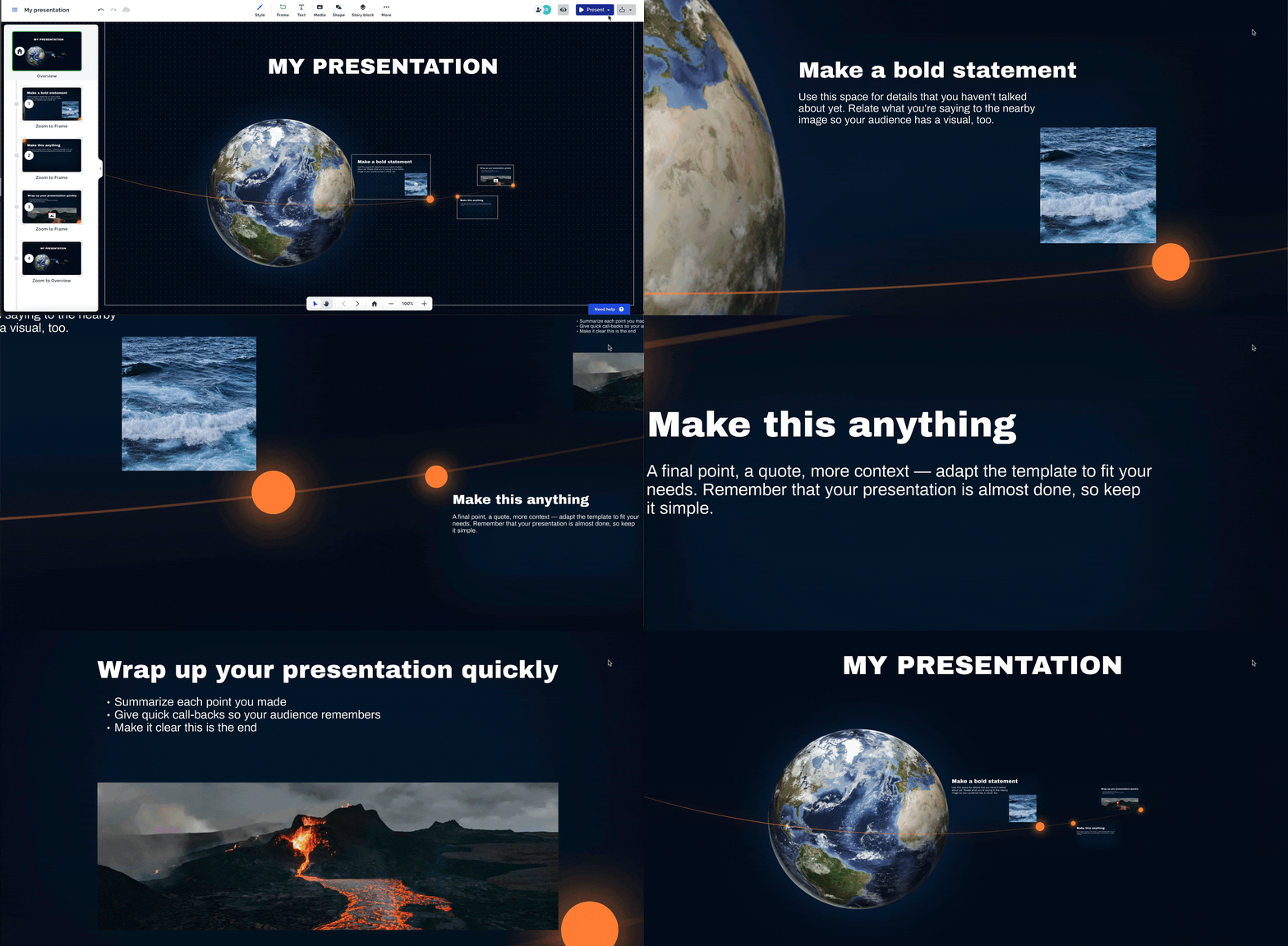
When I used it for the first time, it felt like I was creating something much more interactive than a regular slideshow.
But after a while, I realized something:
It is harder to use.
And sometimes, it is too much.
For simple class presentations, Prezi can feel overwhelming. You spend more time thinking about movement and animation than your actual content.
The Moment Gamma AI Changed Everything
I found Gamma AI right before an important seminar.
I was tired, short on time, and did not want to spend hours building slides again.
So I tried something different.
I wrote a short prompt describing my topic.
Gamma generated:
- A full presentation structure
- Slide content
- A clean design
- Images
In minutes.
That was the first time I realized something:
I don’t actually need to design slides anymore.
Gamma AI vs Canva: Which Is Better?
This is the comparison most students care about.
Use Gamma AI if:
- You want speed
- You hate designing slides
- You need a presentation quickly
- You want AI to do most of the work
Use Canva if:
- You enjoy designing
- You want full control
- You are creating a visual-heavy presentation
- You have time
The biggest difference is simple:
Canva gives you tools.
Gamma gives you a finished result.
Gamma AI vs Prezi: Which Is Better?
Use Gamma AI if:
- You want something fast and simple
- You prefer clean, modern slides
- You care more about content than animation
Use Prezi if:
- You want to impress your audience
- You like interactive presentations
- You are presenting live and want movement
Prezi looks unique, but Gamma is much easier.
Which Tool Is Best for Students?
After using all three, here is my honest answer:
For most students, Gamma AI is the best option. If you are comparing plans or looking for a Gamma student discount, student plan, or free-plan details, I keep those current on the dedicated pricing guide. For a real assignment workflow, see how I used Gamma for a student presentation in about 15 minutes.
Why?
Because most of the time, you don’t want to spend hours designing slides.
You just want:
- A clear structure
- Good content
- A clean design
- And something that looks professional
Gamma gives you all of that in minutes.
Final Verdict: Gamma AI vs Canva vs Prezi
If you are still wondering which one to choose:
- Choose Canva if you love design
- Choose Prezi if you want something interactive
- Choose Gamma if you want the fastest and easiest solution
Personally, after trying all three, I use Gamma for almost every presentation now.
It saves time, reduces stress, and lets me focus on what actually matters:
The content.
Related Articles:
Pitch is another strong option, especially for collaborative and traditional slide-based work. Read my focused Pitch vs Gamma comparison for the full head-to-head.
Last verified: August 21, 2026.






7 Comments